How Should TikTok Commercial Content Be Disclosed? Separate Paid Partnership, Brand Partner Tags, and Spark Ads Rights
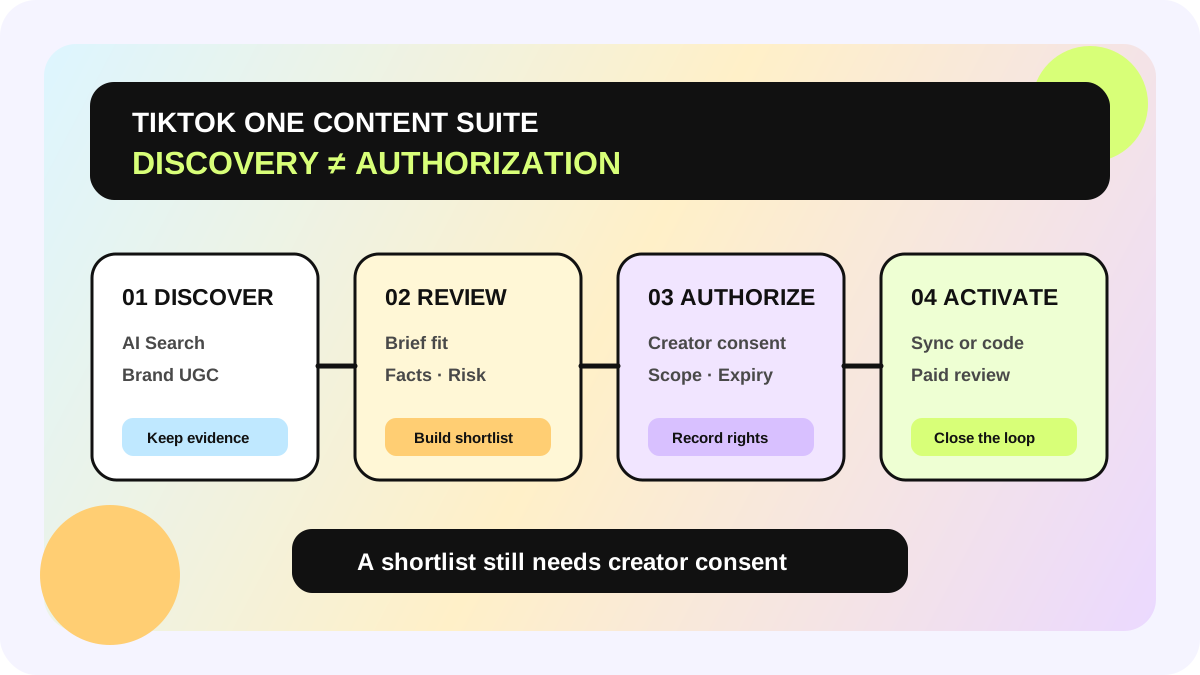
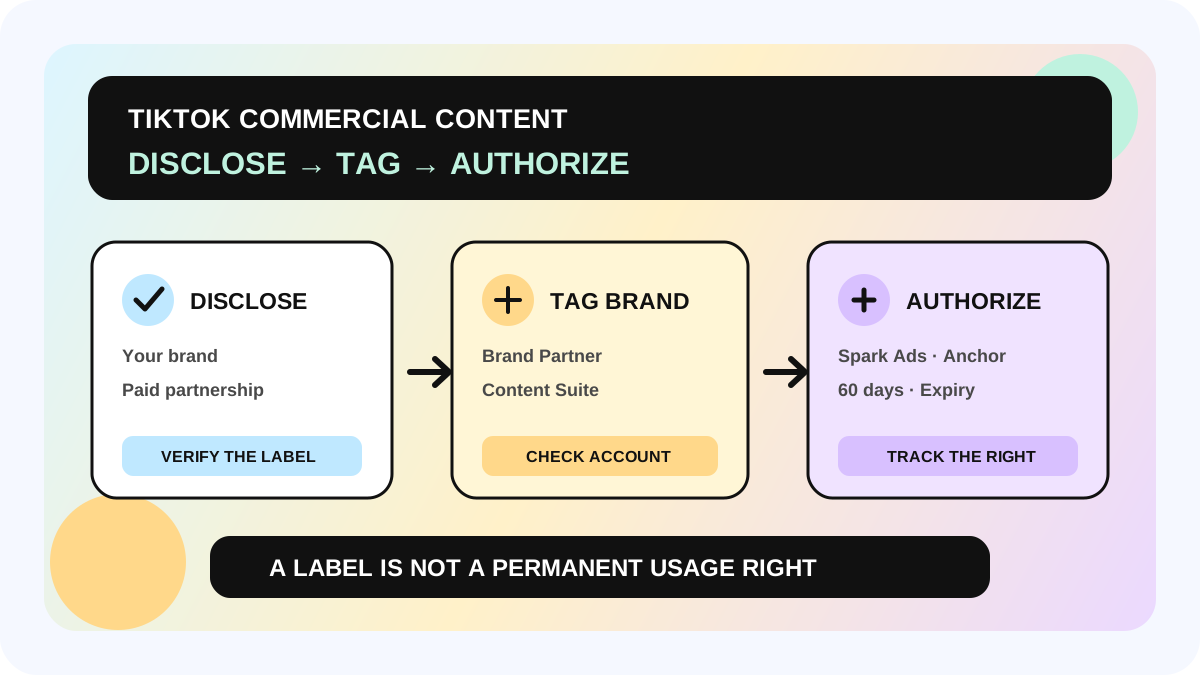
The safest TikTok commercial-content workflow does not stop at adding “#ad” to a caption. It separates commercial-content disclosure, disclosure type, Brand Partner tagging, and ads authorization into distinct checks. TikTok requires its disclosure setting when a post promotes a brand, product, or service. Promoting your own business produces a Promotional content label; posting for a third party produces a Paid partnership label. Tagging a Brand Partner can also connect the post to Content Suite and provide Spark Ads and anchor pre-authorization for 60 days by default.
This guide uses TikTok help pages updated in January and April 2026. Controls, label wording, authorization scope, and legal duties can vary by market, account, and product rollout. Verify the live creator account, agreement, and local advertising rules before publishing.
Direct answer: what must be checked before publishing?
| Check | Question to answer | What it does not prove | Evidence to keep |
|---|---|---|---|
| Commercial relationship | Does the content promote the creator's own or a third party's brand, product, or service? | That every local legal duty has been resolved | Brief, incentive, and relationship record |
| Disclosure type | Is this Your brand or Branded content? | That the brand has paid-media rights | Pre-publish setting and final visible label |
| Brand Partner | Should the correct brand account be tagged? | That the brand must run the post as an ad | Tagged account and Content Suite visibility |
| Ads authorization | Do Spark Ads, anchor, account, and term match the agreement? | Perpetual or all-channel usage rights | Authorization status, account, and expiry |
TikTok describes signals of commercial intent as including incentives, brand mentions, and product recommendations. Cash is not the only trigger; a product, service, promo code, or another benefit may establish a relationship that needs disclosure. Teams should not reduce the decision to “Was there a flat fee?”
Who needs this workflow—and where is the boundary?
This workflow fits brands, agencies, MCNs, and creator teams that publish organic creator posts, run TikTok One projects, or amplify content with Spark Ads. It is especially useful when creator, content, legal, and media owners hand the same asset between them.
It does not replace the Branded Content Policy, Community Guidelines, local advertising law, claim substantiation, music rights, or the parties' contract. A platform label does not prove that a claim is accurate, a restricted category is eligible, music can be used commercially, or the brand owns perpetual cross-platform rights. Pause and route unclear legal, regulated-category, or usage-right questions to a qualified human reviewer.
A five-step disclosure-to-authorization workflow
1. Classify the relationship before opening the settings
Record what is being promoted, who provided what incentive, which account will post, whether the creator acts for a third party, and whether paid activation is planned. Own-business promotion and third-party branded content are different disclosure choices. Connect this decision to the creator content strategy framework so creative, claims, disclosure, and CTA are aligned before production.
2. Select the correct disclosure type before posting
TikTok says own-brand or own-business promotion is labeled Promotional content, while branded content for another business is labeled Paid partnership. The setting is available from the post screen, an existing post, and LIVE settings. TikTok also warns that once a post or LIVE has been published with one of these labels, the label type cannot simply be changed; a mistaken selection may require removing and recreating the content.
Give this check one owner. Before Post is pressed, that person verifies the commercial relationship, final caption, product or anchor, and selected label. A creator message saying “I'll add disclosure” is not completion evidence.
3. Decide separately whether to tag the Brand Partner
For third-party branded content, the creator can tag a Brand Partner. TikTok's April 2026 guidance says tagged sponsored posts are added to Content Suite so the brand can find and manage them. The brand may also see post analytics covering video engagement, content performance, and audience demographics for content it chooses to activate.
Disclosure answers “Is this commercial content?” The Brand Partner tag answers “Which brand is connected, and should this asset enter the brand-side workspace?” Verify the account before tagging so the post is not connected to the wrong entity. Brands can use the Content Suite UGC authorization workflow for the later discovery and activation steps.
4. Record default platform authorization separately from contract rights
TikTok says a Brand Partner tag can proactively provide Spark Ads and anchor authorization for 60 days by default. Treat that as a current platform permission, not a perpetual buyout, unlimited geography, or permission for every channel. Record the creator, live URL, authorized brand or ad account, start date, expiry, anchor scope, and any different usage rights in the agreement.
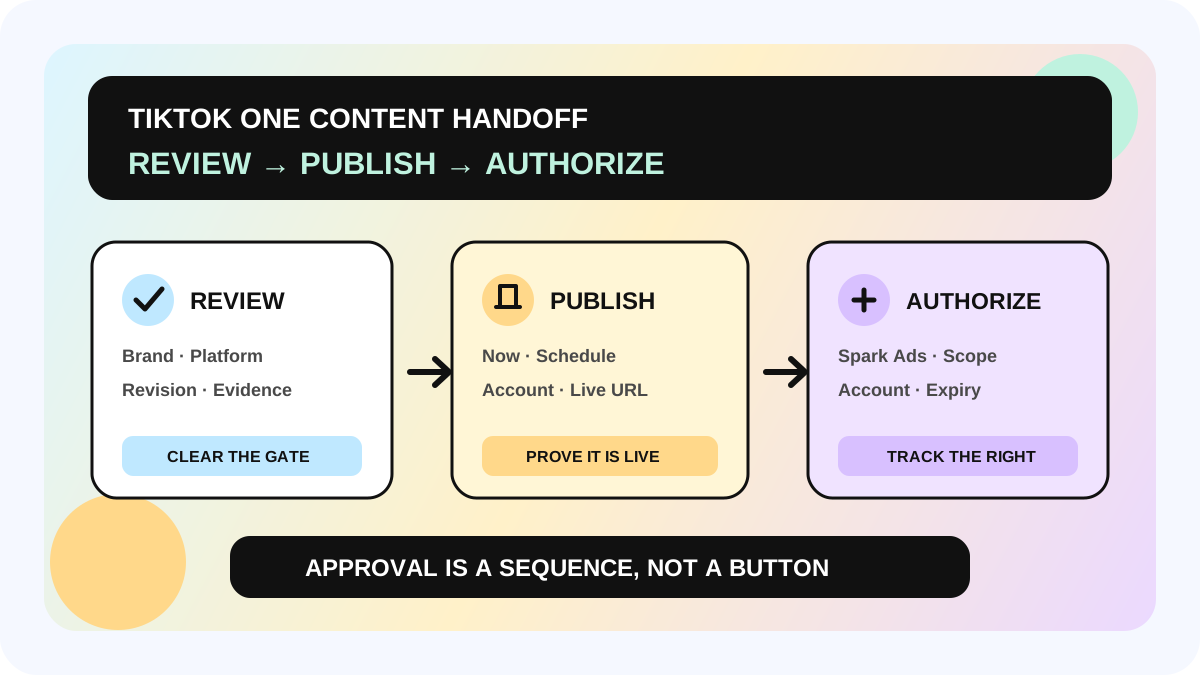
Disclosure can be correct while authorization is wrong. Authorization can exist while a product claim or landing page is still noncompliant. Connect the record to the five-gate review and publishing workflow and keep Published, Disclosed, Partner tagged, and Ads authorized in separate fields.
5. Verify the live result and monitor exceptions
Open the live post and verify the visible label, Brand Partner, caption, link, and posting account. Then check whether the expected asset appears in Content Suite and whether the media owner sees the correct authorization and expiry. TikTok says improperly disclosed commercial content may be removed or restricted. Its 2026 creator guidance also describes a notification flow in which suspected undisclosed content can be corrected or appealed within 24 hours before losing For You feed eligibility; only the original poster can appeal from the in-app notification.
That 24-hour flow is an exception path, not permission to delay disclosure. The correct operating rule is to finish the setting before publication.
Four controls that teams often confuse
| Control | What it solves | Common mistake | Better record |
|---|---|---|---|
| Caption disclosure | Adds context for viewers | Assuming #ad replaces the platform setting | Verify both text and platform label |
| Paid partnership | Shows a third-party commercial relationship | Treating the label as a content buyout | Keep the contract and usage rights separately |
| Brand Partner tag | Connects a brand and Content Suite | Assuming tagging obligates the brand to spend | Record the account and asset visibility |
| Spark Ads authorization | Permits defined paid use | Treating it as permanent and universal | Record account, scope, and expiry |
Publishing and handoff checklist
- [ ] Incentive, promoted party, and posting account are recorded
- [ ] Your brand or Branded content is correctly selected
- [ ] The final visible label and caption are verified
- [ ] The Brand Partner account matches the contracting entity
- [ ] Spark Ads and anchor scope, account, and default 60-day term are checked
- [ ] Claims, regulated category, music, and local rules have the right reviewer
- [ ] Live URL, label evidence, and Content Suite state are saved
- [ ] One owner will renew, stop, or reauthorize before expiry
The allymatic view: one post needs at least four states
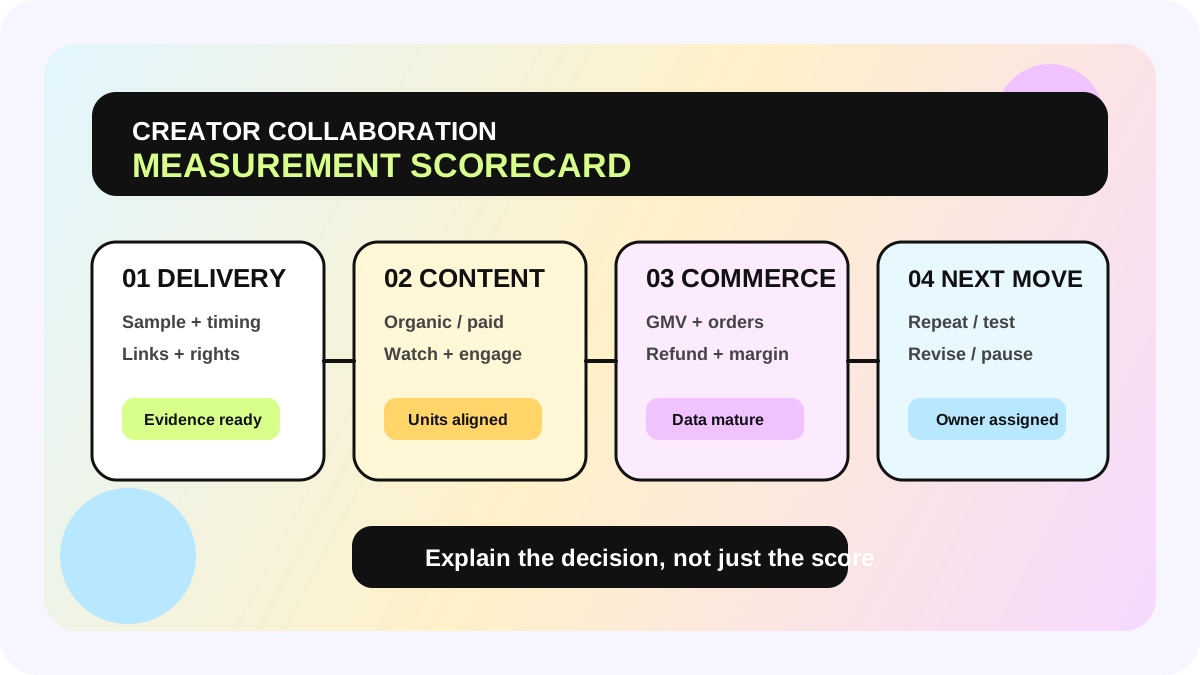
A creator collaboration system should not end with one “Published” checkbox. Track at least disclosure checked, label verified, brand partner tagged, and ads authorization active/expired. That prevents BD from treating a partnership label as a rights buyout, content reviewers from treating approval as disclosure, and media teams from discovering an expired permission only after a campaign is ready.
Audit the last 20 commercial posts. Check label type, tagged account, current authorization, and retrievable evidence. Route exceptions into the creator marketing management system before adding reminders or automation.
FAQ
Is adding #ad to the caption enough?
Do not treat it as a substitute for TikTok's disclosure setting. TikTok requires the setting for promotional content, and local law may impose additional requirements that must be checked separately.
Does the Paid partnership label reduce organic reach?
TikTok says enabling disclosure does not change how a post is recommended. It also says improperly disclosed commercial content can lose For You feed eligibility or be restricted. Do not attribute one post's performance change to the label without evidence.
Does tagging a Brand Partner give the brand permanent rights?
No. TikTok's page describes a default 60-day Spark Ads and anchor pre-authorization. Contract scope, other channels, territories, and renewal still need separate management.
Do TikTok One projects require manual disclosure?
TikTok's January 2026 help page says TikTok One collaboration projects manage and automatically activate commercial-content disclosure. Teams should still inspect the final post for the visible label and correct brand instead of inferring the live result from project status.
Official Sources
Official Sources
Primary references used for this article.