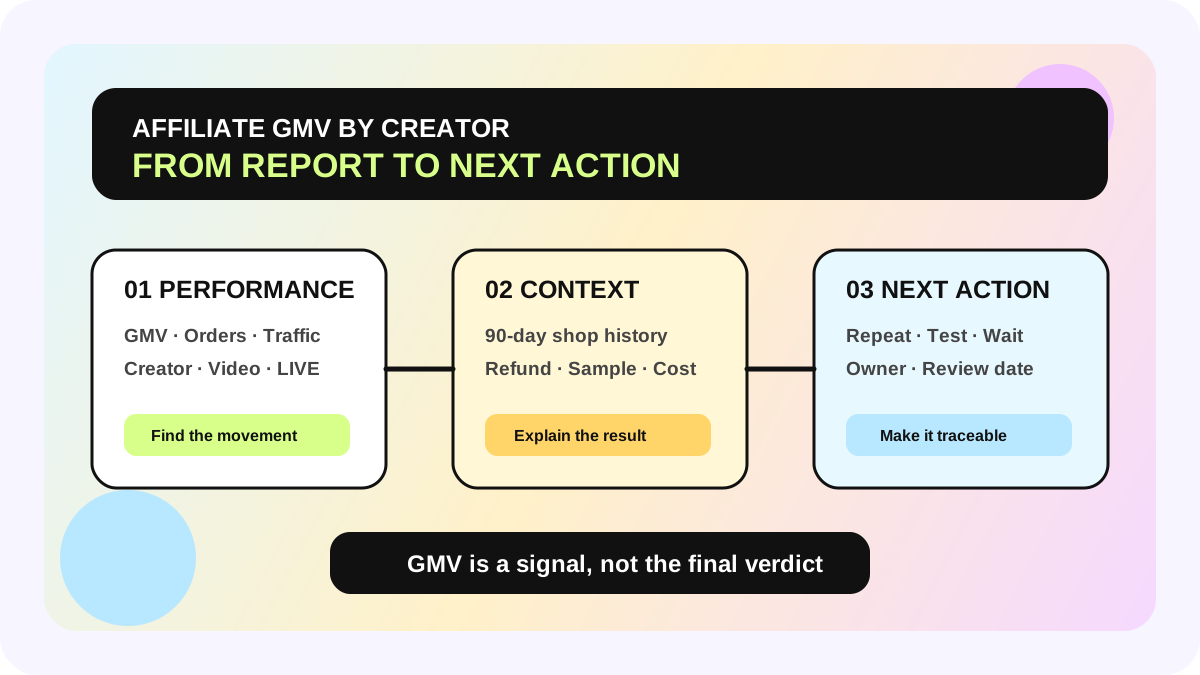
Which TikTok Shop Tool Shows Affiliate GMV by Creator? Use Three Views Before Reinvesting
If you need to see TikTok Shop affiliate GMV by creator, start in Affiliate Center → Performance and drill down to the Creator view. Use Manage Creators when you need one creator's recent history with your shop, and open Sample Analytics when the decision depends on sample cost and output. These views are complementary. A creator-GMV ranking alone does not show profit, refund exposure, content repeatability, or whether a result is mature enough to reinvest.
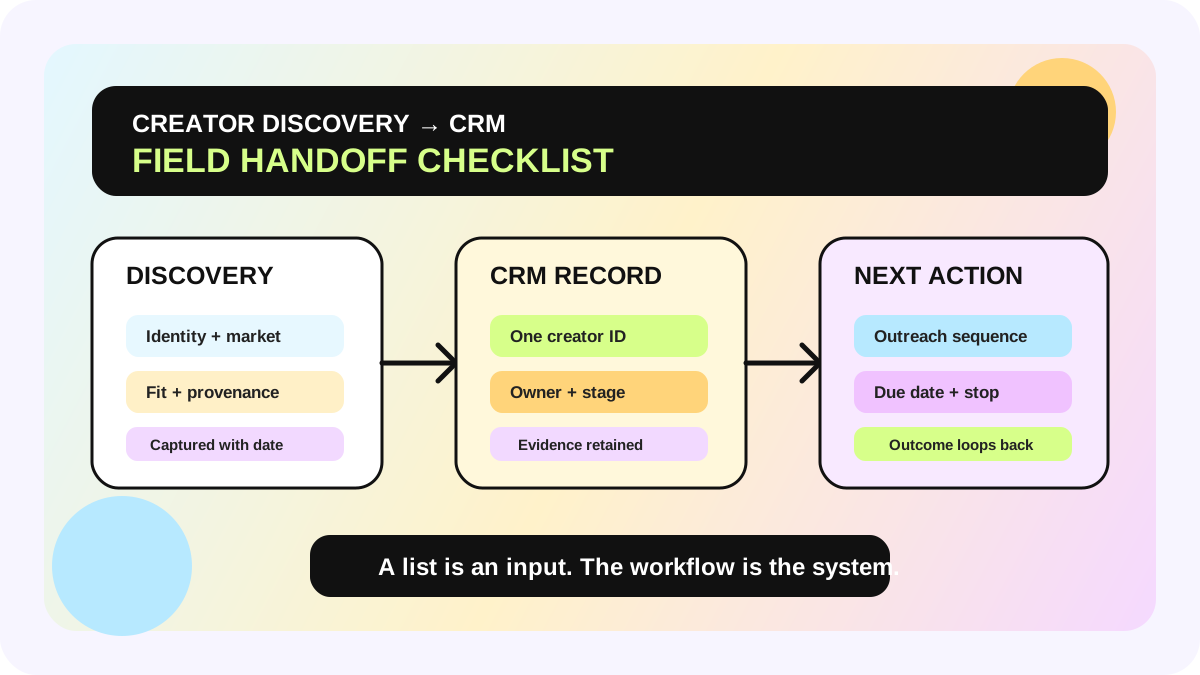
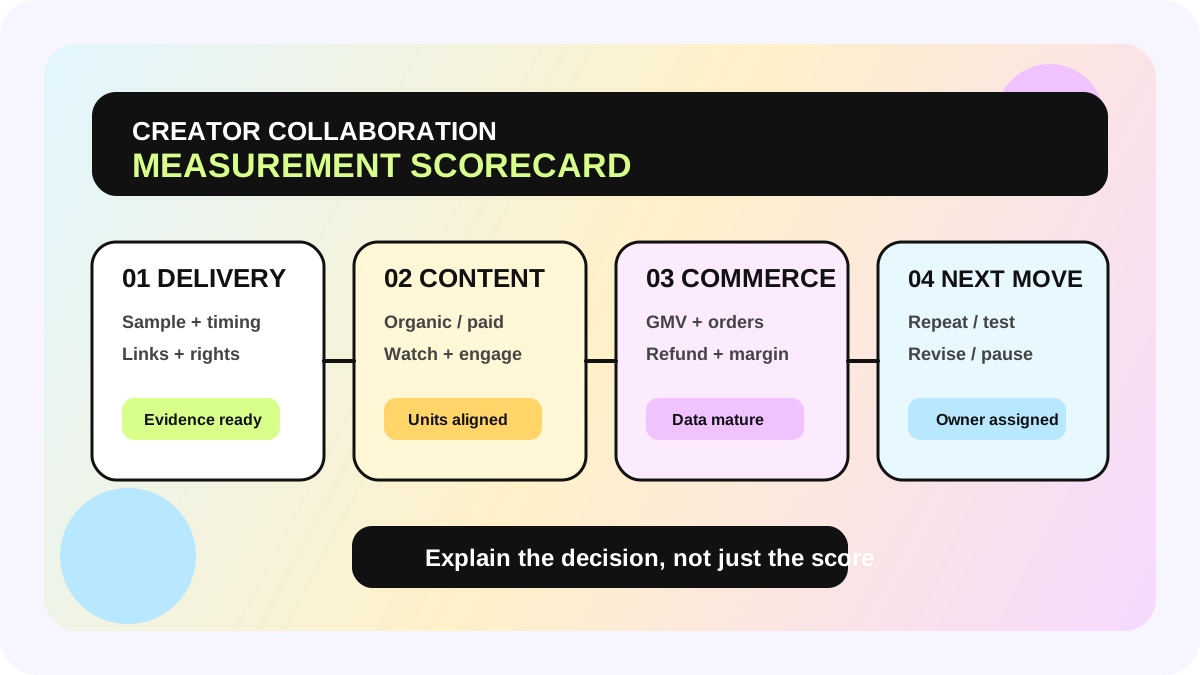
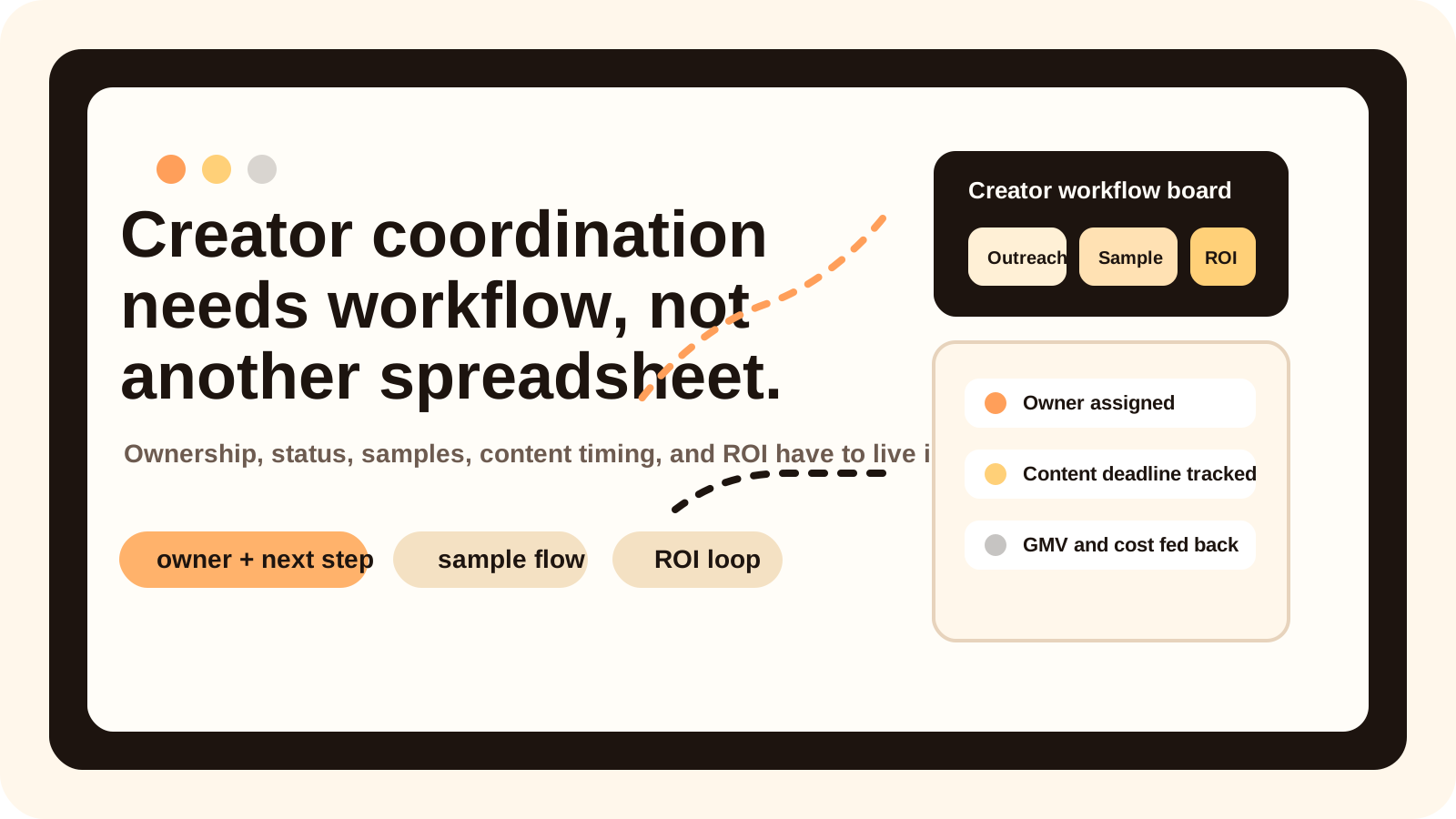
The useful operating step is to connect those platform views to your creator affiliate workflow, then record the decision in a creator collaboration scorecard, a creator ROI calculator, and a shared creator marketing management system.
Three reporting views answer three different questions
| Data view | Best question it answers | Important boundary |
|---|---|---|
| Affiliate Center → Performance | Which creators, products, videos, or LIVEs drove GMV, orders, and traffic during a selected period? | Affiliate performance is not final profit |
| Manage Creators | What happened in this creator's last 90 days with this shop? | It is shop-specific collaboration history, not market-wide performance |
| Sample Analytics | Did free or refundable samples produce enough GMV for their sample cost? | It covers sample economics, not the entire contribution margin |
TikTok Shop describes the Performance page as the most reliable place to collect affiliate-related GMV data. It consolidates GMV, orders, items sold, and traffic across collaborations, products, creators, videos, and LIVEs. Teams can use seven-day, 28-day, last-week, or custom filters going back up to six months, break results down by collaboration type, content type, and product category, and export data for offline analysis.
Manage Creators has a narrower operating scope. It shows a creator's last 90 days with your shop, including products added to Showcase, samples, videos, LIVEs, GMV, refunded revenue, items sold and refunded, and estimated commission. That makes it useful for reviewing a relationship, but not for declaring who is the best creator across an entire market.
Why one Creator GMV column is not enough
GMV measures transaction value, not profit. A reinvestment review needs at least four additional contexts:
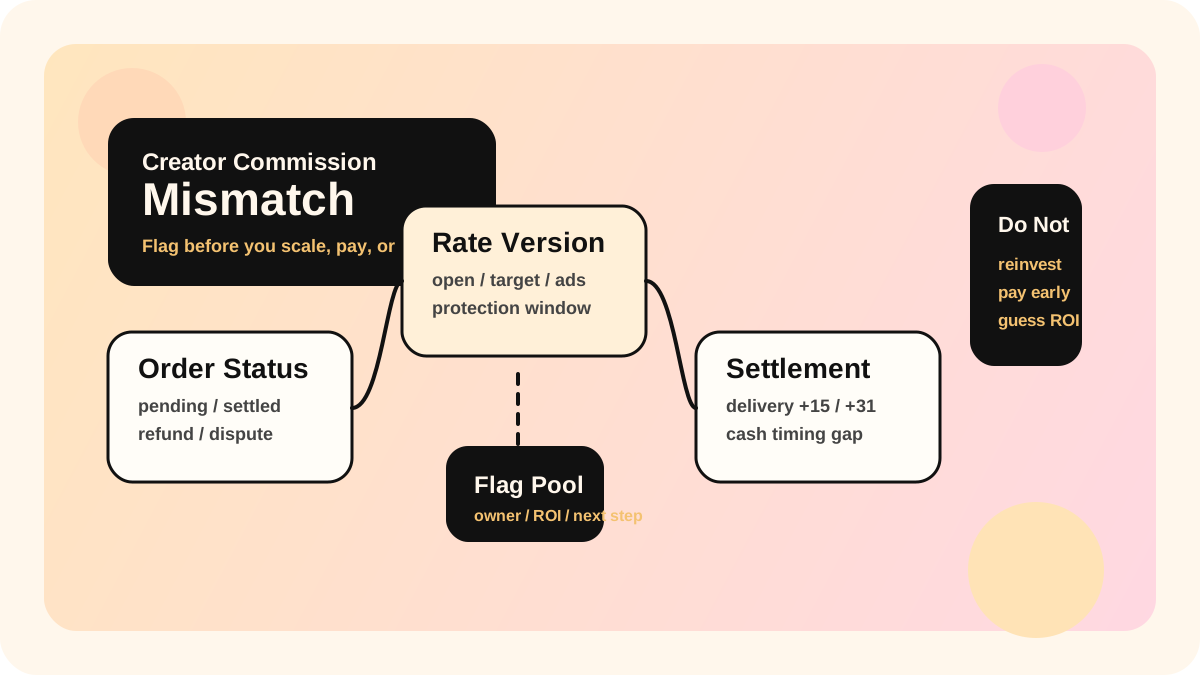
1. Refund and order state. Orders may still be canceled, refunded, or held. Estimated commission can also change as returns and settlement mature.
2. Content source. GMV from one breakout video, repeated LIVEs, or several products has a different repeatability profile.
3. Investment boundary. Free samples, refundable samples, commission, discounts, content fees, and paid amplification do not automatically appear in one GMV number.
4. Time window. Performance supports a custom range up to six months; Manage Creators is a rolling 90-day shop history. Comparisons require the same market, dates, and refresh time.
“Top creator by GMV” therefore means only that the creator generated the highest transaction value under the current filters. It does not prove the highest ROI, lowest refund rate, strongest delivery, or most reusable content.
From official reporting to a reinvestment queue: six steps
1. Lock the review scope
Choose the market, products, collaboration types, date window, and capture time. A seven-day view can show movement; 28 days is more useful for a monthly operating review; a longer window can reveal durability. Do not compare a seven-day spike with a 90-day relationship history as if they were the same measure.
2. Use Performance to find changes, not to invent explanations
Review GMV, orders, items sold, and traffic together, then drill down by creator. Flag meaningful increases or drops and identify the associated product, video, or LIVE. The dashboard helps locate the change. It does not tell the team why the change happened.
3. Add shop-specific context in Manage Creators
Review the creator's samples, videos, LIVEs, GMV, refunds, items, and estimated commission over the last 90 days. High GMV with high refunds, or many samples with little published content, belongs in manual review instead of an automatic budget increase.
4. Isolate sample economics in Sample Analytics
For sample-led collaborations, inspect the sample funnel, GMV, cost inputs, and ROI by creator, product, collaboration type, and date. TikTok Shop allows exports for deeper analysis. Sample ROI answers whether sampling worked; it does not include every labor, discount, advertising, fulfillment, or usage-right cost.
5. Give every creator an explainable next action
The action might be to repeat the same product, test a different angle, wait for refunds to mature, add a LIVE, evaluate paid amplification, or pause sampling. Record the evidence, owner, and review date. “High-quality creator” is not an actionable status.
6. Write the decision back to the operating workflow
Platform metrics change, and team judgments should remain auditable. Keep the source, reporting window, exception reason, action, and decision history so BD, content, and media teams work from one conclusion instead of separate GMV lists.
When this method applies—and when it does not
This workflow is useful for sellers that already have collaboration data in TikTok Shop Affiliate Center and need to prioritize reinvestment or samples by creator. If order volume is still thin, refund windows are still open, or data access differs by market, use an “observing” state instead of forcing a ranking.
It is not a financial profit statement. Contribution decisions still need product cost, fulfillment, platform fees, discounts, commission, samples, ads, and team cost. Seller Center navigation and available fields can vary by market, so the live metric definition and tooltip in your account remain the final product reference.
Reinvestment checklist
- [ ] Market, date window, and data refresh time are aligned
- [ ] Performance has been drilled down by creator and checked against product, video, or LIVE source
- [ ] Refunded revenue, refunded items, and estimated commission were reviewed—not GMV alone
- [ ] Sample-led work was checked in Sample Analytics
- [ ] Immature orders or a same-day peak were not labeled final ROI
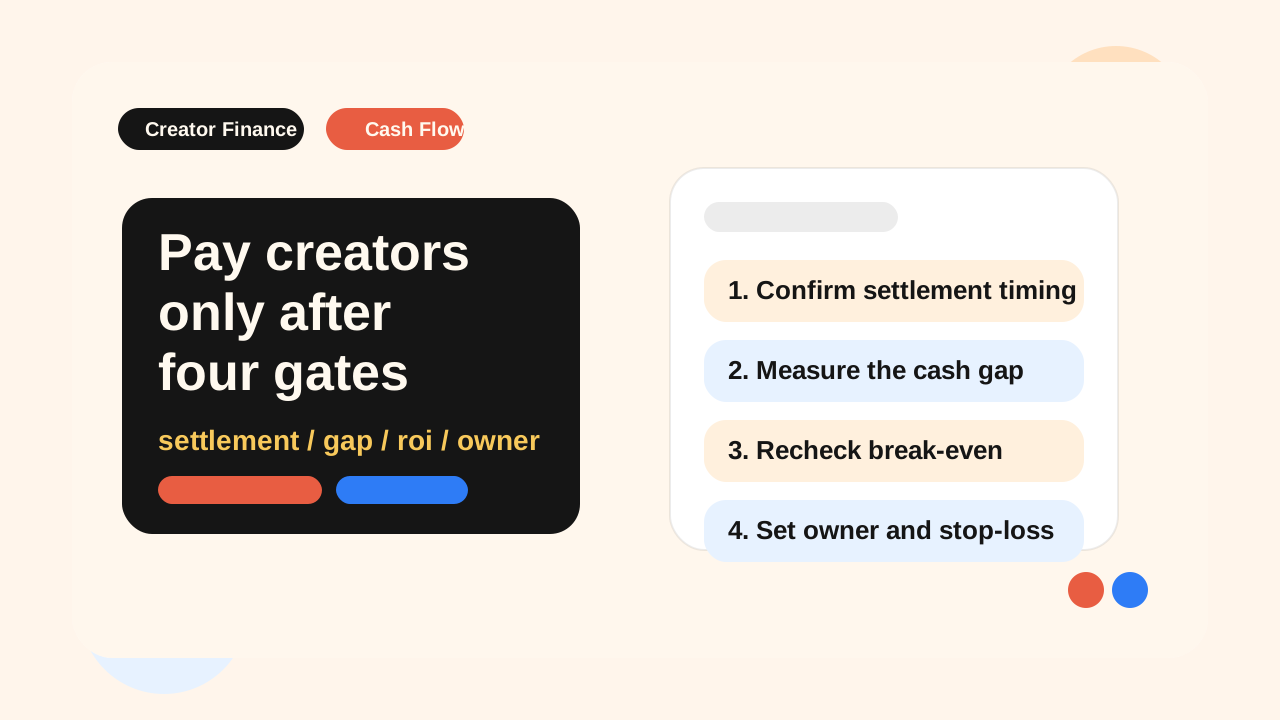
- [ ] Every creator has a decision reason, owner, next action, and review date
- [ ] Exports retain source and capture time instead of overwriting newer snapshots
The allymatic view: the platform shows what happened; the workflow decides what happens next
Affiliate Center can tell a team who generated GMV. The operating gap usually appears after that: who checks refunds, who decides whether the content pattern is repeatable, and who approves the next sample or budget. Useful creator reporting is not a longer leaderboard. It is a traceable path from a data change to a reviewed action.
Start with 20 creators that have collaboration history in the last 90 days and run one manual review. Once the fields and decision rules are stable, connect exports, exception flags, and task ownership to an allymatic workflow. Do not automate reinvestment while the definitions are still moving.
FAQ
Where can a TikTok Shop seller see affiliate GMV by creator?
Open Affiliate Center → Performance and switch or drill down to the Creator view. For one creator's 90-day shop history—including samples, content, GMV, refunds, items, and estimated commission—use Manage Creators.
Can Creator GMV decide reinvestment on its own?
No. Review refunds, items sold, content source, estimated commission, sample investment, and the reporting window. GMV shows transaction scale; it does not show profit or stability by itself.
Why can Performance and Manage Creators show different numbers?
The usual causes are date range, filters, market scope, or refresh timing. Performance can use a custom period up to six months, while Manage Creators shows a rolling 90-day shop history. Align those definitions before treating a difference as an error.
Official Sources
Official Sources
Primary references used for this article.