How Should You Manage TikTok Shop Creator Messages? A Six-Step Inbox-to-Owner Handoff
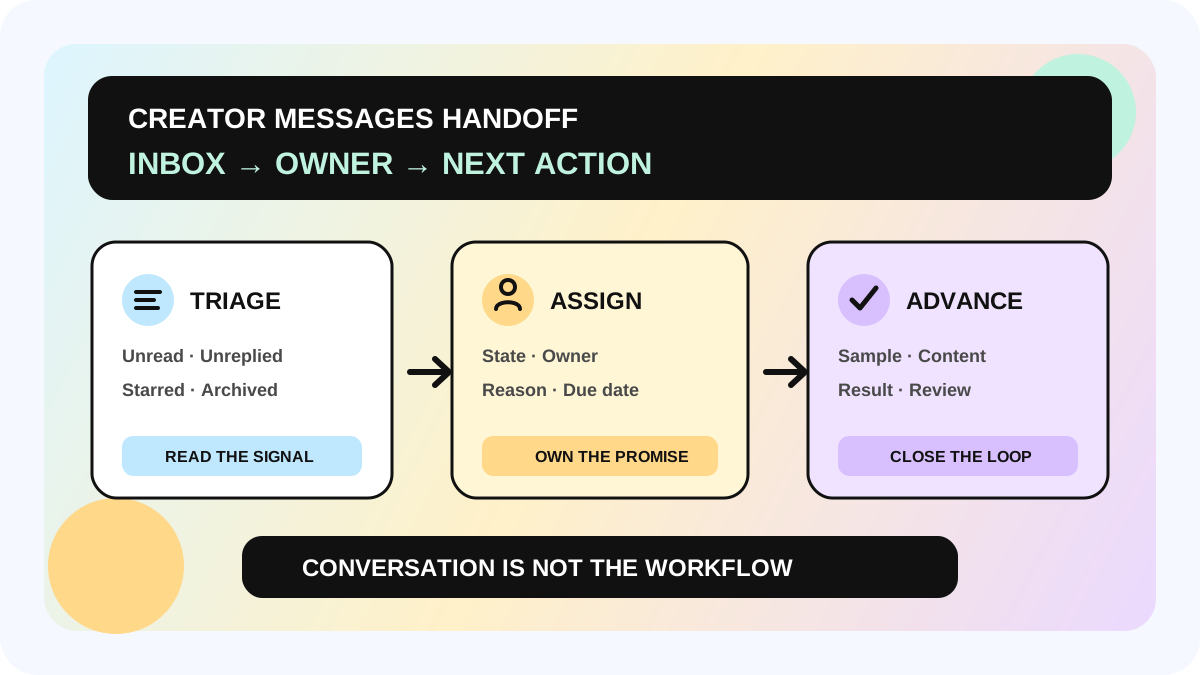
Once a creator replies on TikTok Shop, the most common operating mistake is not simply a slow response. It is treating Unread, Unreplied, Starred, and Archived as a complete CRM. A stronger approach is to use Creator Messages to triage the conversation, then record relationship state, owner, next action, and due date in the team's workflow. The inbox carries the conversation; the operating system makes sure the commitment is not lost.
The fact baseline for this guide comes from TikTok Shop Seller Academy pages that apply to the United States. They describe Seller-Creator IM and the creator-side TikTok Shop Inbox, but they do not confirm identical entry points, permissions, or rollout in Thailand, the Philippines, Indonesia, Vietnam, Brazil, or Mexico. The local Seller Center, Creator Center, and live account remain the operating source of truth.
Direct answer: what should happen after a creator replies?
Do not answer with another long introduction before deciding what the conversation needs. Run one triage step that turns the reply into executable work:
| Inbox signal | Operating interpretation | Next action |
|---|---|---|
| Unread | Nobody has completed the first review | Assign an owner; confirm language and urgency |
| Unreplied | The team still owes the creator a response | Draft the answer, required information, and next review time |
| Starred | The conversation needs attention later | Add a reason and due date; the star alone is not a task |
| Archived | It does not need to stay in the primary view | Record the outcome first; Archive does not end a collaboration |
TikTok Shop's US seller guide says a conversation can begin from Creator messages in Affiliate Center, Find creators, an offer flow, or a Sample Request, and those entry points resolve to one unified conversation. The inbox includes Unread, Unreplied, Starred, and Archived folders and can filter creators by follower count, main category, or sales performance. Inside chat, a seller can open the creator profile, send products, invite the creator to a Target Collaboration, and act on a Sample Request card.
The US creator-side guide says seller collaboration invitations and direct messages are merged into the TikTok Shop channel in Inbox. New invitations appear under New Connections, while creators can search, Star, or Archive conversations. “Sent” on the seller side therefore does not prove that the creator has read, understood, or accepted an offer. Update the operating state only when the reply and next action provide evidence.
Who needs this workflow—and who does not?
This method fits teams that run creator outreach every week, share a shop account across several operators, or manage invitations, samples, content, and reinvestment at the same time. It is especially useful when the team already receives replies but still relies on individual memory to keep promises.
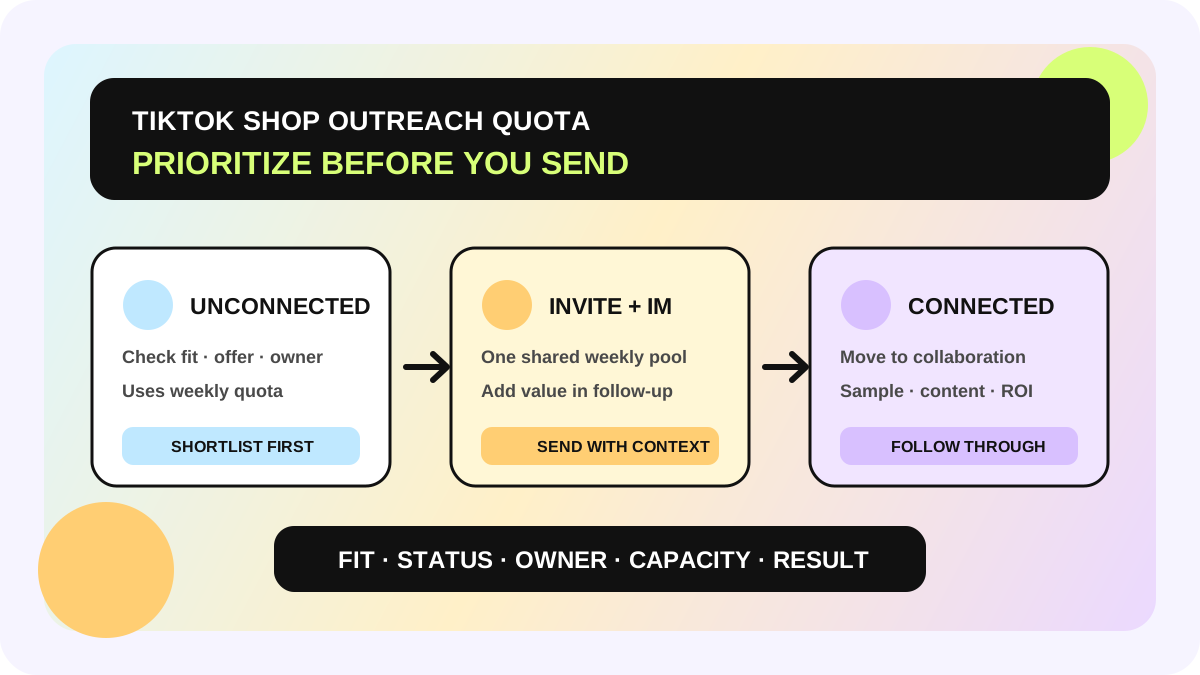
It does not fix an account without Seller-Creator IM, an offer with no clear product, commission, sample rule, or brief, or an automation plan designed only to send more messages. Use the outreach quota prioritization workflow before first contact. This guide begins after the reply and focuses on follow-through and ownership.
A six-step handoff from inbox to owner
1. Classify the actual collaboration stage
Put the conversation in one operating state: new reply, offer to confirm, sample decision, content in progress, review due, or paused. These are allymatic recommendations, not official TikTok folders. The state should describe the work, not copy the interface label. Two Starred conversations may be waiting on completely different things—one on an address and another on an internal rate decision.
2. Assign one current owner
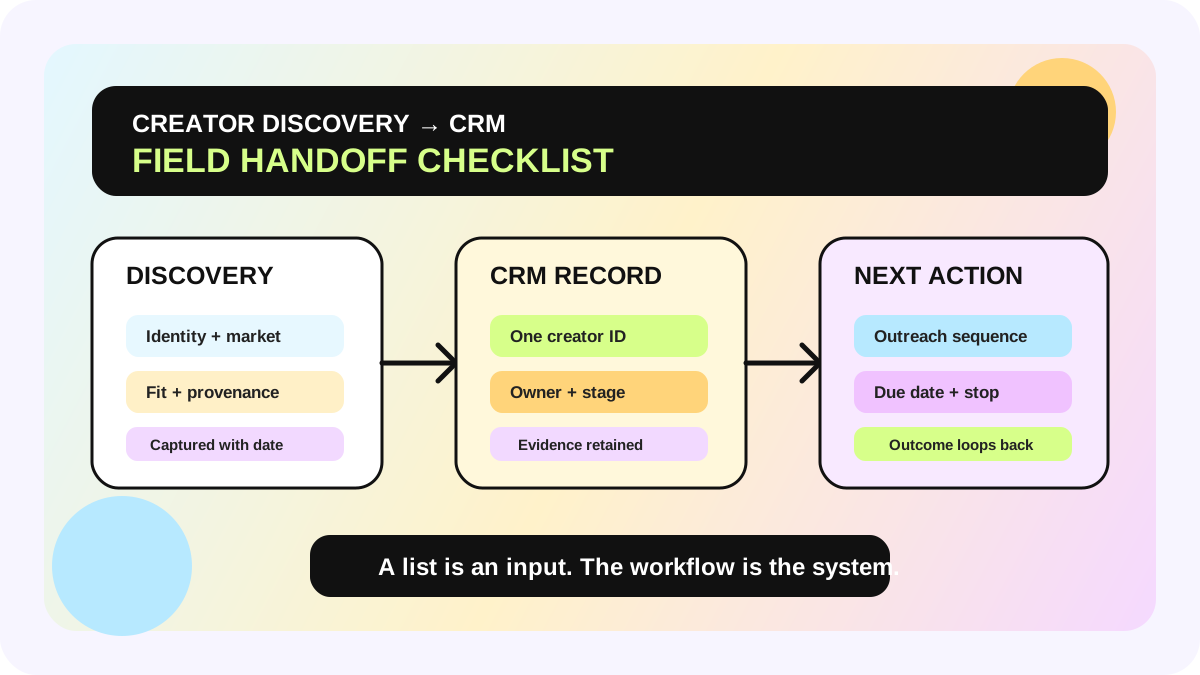
The owner is the person responsible for the next action, not necessarily the person who sent the first message. BD may confirm interest, operations may own the sample, a content lead may clarify the brief, and an analyst may schedule the performance review. At handoff, record the shop, creator handle, product, current state, last material commitment, next action, and due date. Use the creator CRM field checklist when the record needs more depth.
3. Complete platform-native actions in the right place
The official seller page describes sending products, inviting a creator to Target Collaboration, and approving or rejecting a Sample Request from cards inside the conversation. When the platform provides a structured action, use it and confirm the resulting state. A chat message saying “approved” is not a substitute for an unchanged sample status. Before approving, the team must still check inventory, eligibility, and its own sample policy; this article does not replace local platform rules.
4. Make every reply carry an answer, a boundary, and a next step
A useful reply tells the creator what the team understood, what it can confirm, what remains unconfirmed, and who will provide the next update by when. Do not answer one of three questions and silently ignore the rest. Do not end with “we'll get back to you” when a concrete checkpoint is possible. The team can set an internal response SLA, but should never describe that SLA as an official TikTok requirement.
5. Use Star and Archive to manage the view—not the collaboration state
Star is useful for returning attention to a conversation, but it needs a reason and deadline outside the icon. Archive is useful for clearing the main view; it does not by itself cancel a Target Collaboration, reject a sample, or terminate any agreement. Confirm those states in the relevant product area. Blocking is a stronger stop action: the official guide says the creator can see that they were blocked. Use it only when appropriate and keep the team's decision reason.
6. Clear response debt daily and review outcomes weekly
Review Unread and Unreplied every day for conversations with no owner, no next action, or a missed commitment. Each week, review the path from reply to invitation, sample decision, content progress, and escalation. Feed completed outcomes back into the creator affiliate workflow and creator marketing management system. “Messages answered” is an activity count, not a collaboration result.
Four common methods compared
| Method | Why it feels easy | Hidden risk | Better control |
|---|---|---|---|
| Everyone watches one inbox | No assignment step | Duplicate replies or no reply | One current owner per conversation |
| Star means follow-up | One-click organization | No reason or timing | Star + next action + due date |
| Archive means collaboration closed | Cleaner inbox | The platform collaboration may still be active | Verify the real state in its module |
| Copy full private chats into a sheet | Maximum visible context | Excess access, privacy risk, and noise | Store only decision fields and a necessary summary |
Launch checklist
- [ ] Confirmed that the local account has Creator Messages and the required actions
- [ ] Assigned a daily owner for Unread and Unreplied queues
- [ ] Every active conversation has a state, owner, next action, and due date
- [ ] Sample and Target Collaboration actions are verified in the relevant platform card or module
- [ ] Every Star has a reason; every Archive has a recorded outcome
- [ ] Blocking is reserved for a clear stop decision and the reason is documented
- [ ] External systems store only necessary business information with appropriate access and retention
- [ ] Weekly review follows replies into samples, content, and outcomes—not message volume alone
The allymatic view: the inbox is an entry point, not the team's shared memory
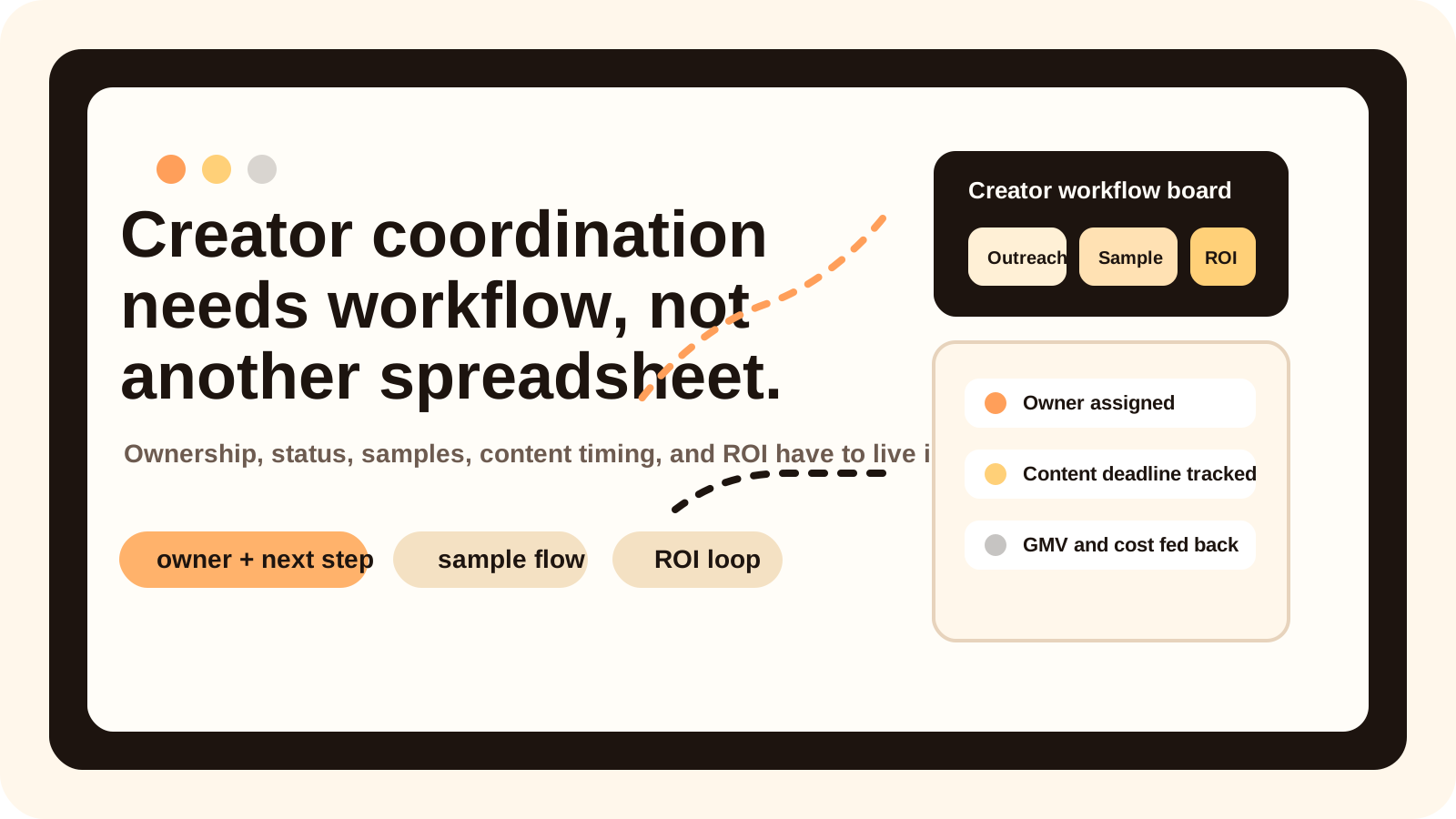
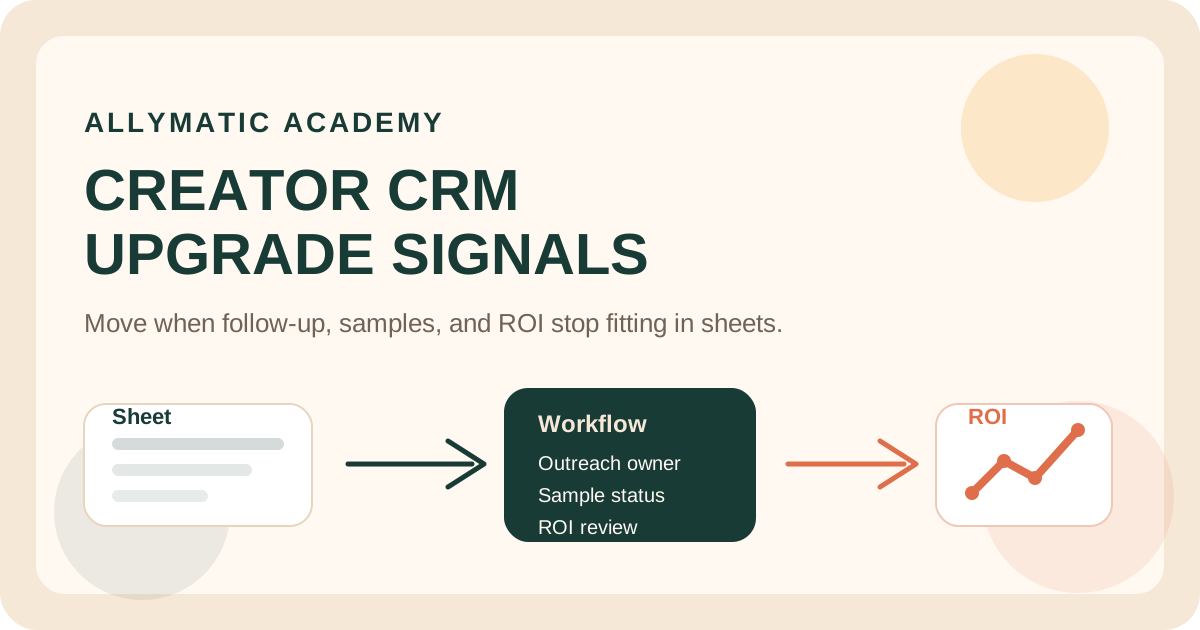
Messaging tools are good at showing who said what. They do not automatically answer who owns the commitment, when it is due, or where the collaboration is blocked. Once creators reply, outreach becomes a coordination problem. Scalable teams let the inbox signal create a clear state, hand the promise to an owner, and reconnect samples, content, and results to one reviewable chain.
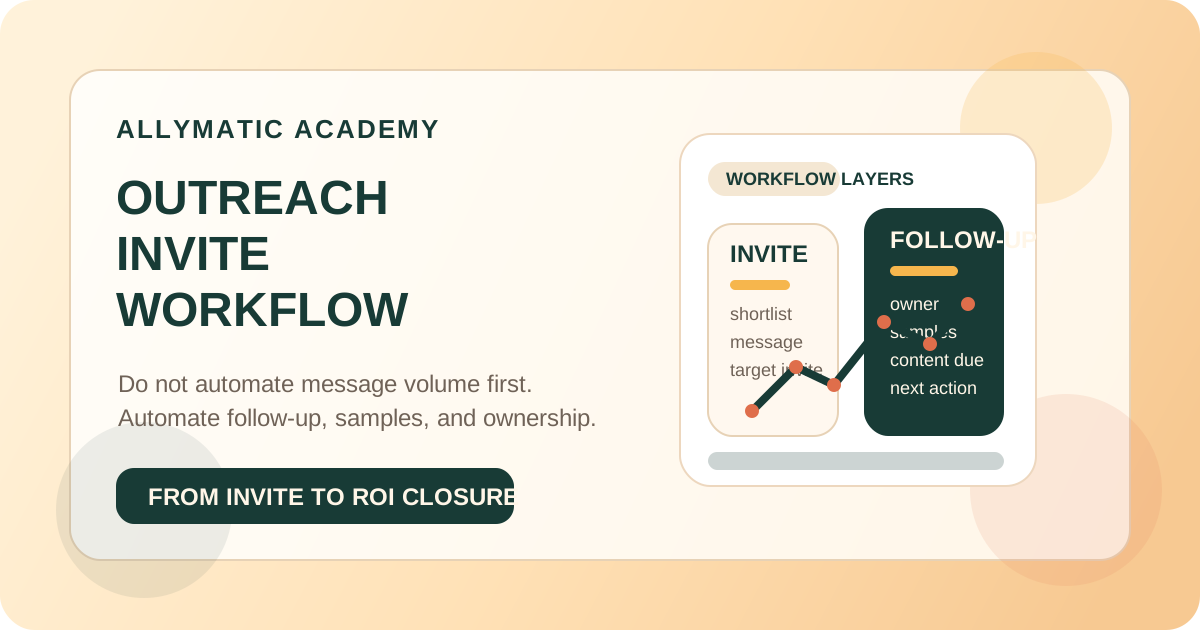
Start with 20 creators who replied this week. Clear Unread and Unreplied, add an owner and next action, and audit whether each Star and Archive has a real reason. Only after those fields work manually should the team add reminders or automation. Do not automate an inbox that nobody owns.
FAQ
Does Starred mean a high-priority task?
No. A star is an interface marker. It does not contain a reason, owner, or due date; the team must add those fields to its workflow.
Does Archive end a Target Collaboration?
Do not assume it does. Archive organizes the message view. Verify invitation, collaboration, and sample state in the relevant module.
Can a seller act on a sample request inside chat?
The US Seller Academy page says a Sample Request card can appear in the conversation and lets the seller choose Approve or Reject. Confirm availability and rules in the live local account.
Do all six target markets have the same Creator Messages features?
This fact baseline confirms only US documentation. Check the local Seller Center, Creator Center, permissions, and current terms separately for each market.
Official Sources
Official Sources
Primary references used for this article.