Why Can't You Create a TikTok One Project? Check Business Verification, Region, and Member Access First
If your team can sign in to TikTok One but cannot see creators, create a project, or find the right account while connecting Business Center, do not open another account yet. The practical answer is to run one preflight in this order: verified business identity, registered region, account connection, member permissions, and project region. TikTok One business verification, advertiser verification in TikTok Ads Manager, Business Center account status, and project permissions are related, but they are not one shared status.
This guide uses TikTok Business Help Center documentation available through June 2026 for TikTok One verification, Business Center connection, member permissions, and Creator Marketing projects. Entry points, supported markets, and review requirements may vary by account and region. The live account and current terms remain the operating source of truth. This is an operations checklist, not legal advice or a guarantee of approval.
Direct answer: which layers must be ready before project creation?
| Layer | Fact to confirm | Common wrong assumption |
|---|---|---|
| TikTok One verification | TikTok One itself shows business verification complete | Business Center says Approved, so TikTok One must be verified |
| Entity and region | Legal name, registered country or region, and documents match | A brand abbreviation or another-market entity is close enough |
| Account connection | TikTok One and Business Center use the same name and region | The team can test a connection now and unlink it later |
| Member access | The current member has the role required for the action | Anyone who can view creators can also invite, pay, or edit verification |
| Project region | The current region covers the project country and creator data | One global project can cover every market |
A missing layer can look like a hidden button, empty search, or unavailable account. Identify the state before registering something new.
Fact baseline: TikTok One verification is not the same as advertiser verification
TikTok defines TikTok One business verification as the identity check required to activate a TikTok One account, work with creators or partners, and access creator data and information. It can reuse a verified advertiser relationship, but its purpose and status should not be collapsed into Ads Manager or Business Center verification.
TikTok currently documents three paths:
1. If the user has admin access to a verified Ads Manager ad account, link that advertiser's verification to TikTok One.
2. If the user lacks admin access, request authorization from the verified ad account owner.
3. If no verified account can be linked, submit business information and evidence for a new review inside TikTok One.
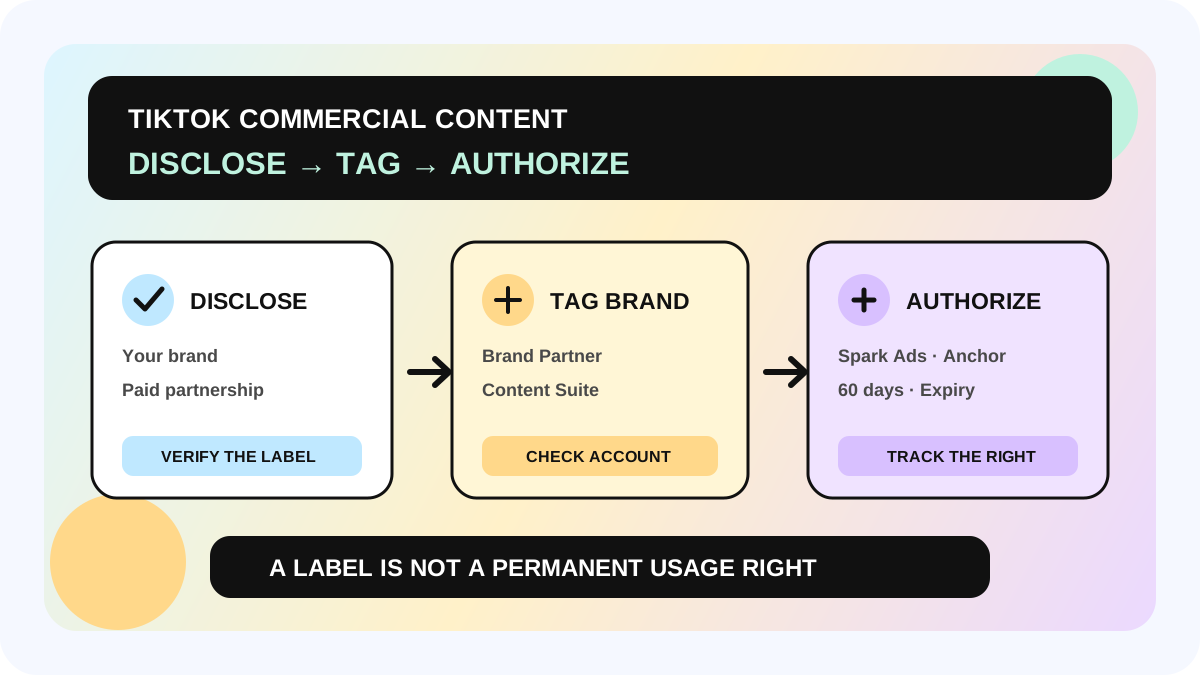
TikTok's troubleshooting guidance adds two important boundaries. An Approved status in Business Center is not necessarily completed business verification. The registered account name must match legal documents without abbreviations, and the registered country or region must match the documents and linked accounts. Keep the brand, agency, advertiser, and document owner explicit instead of blending them into one account story.
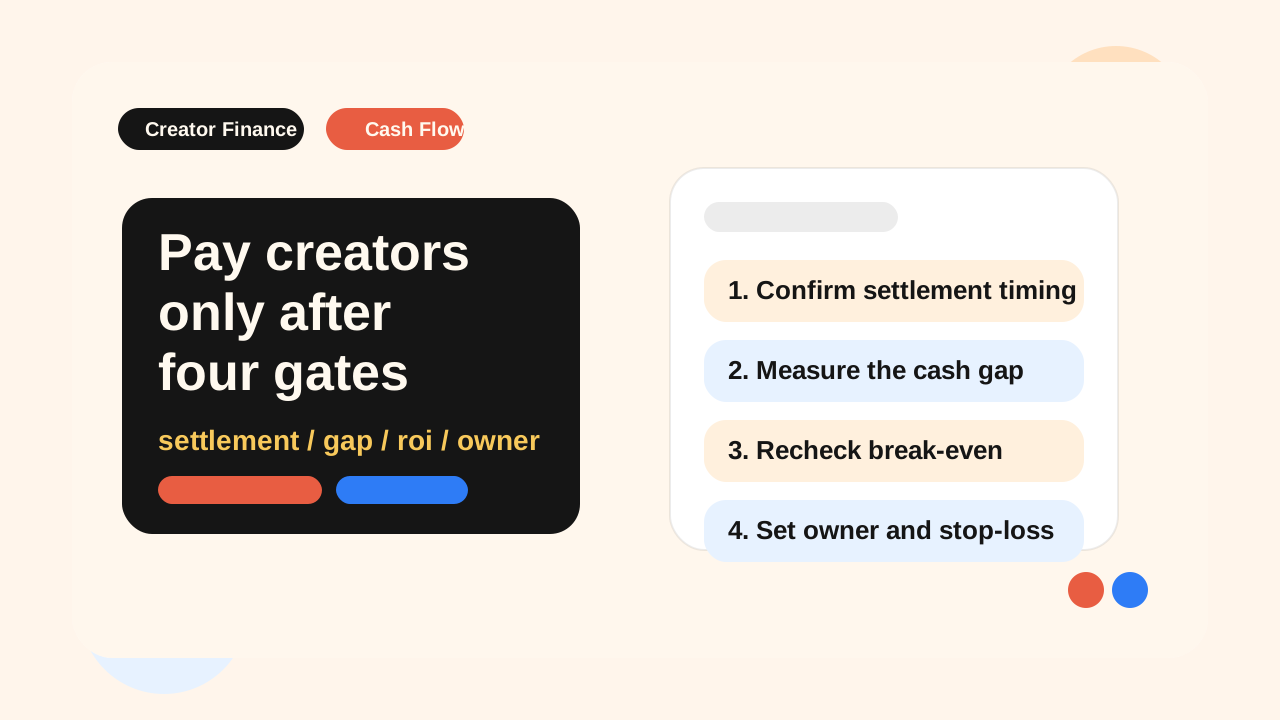
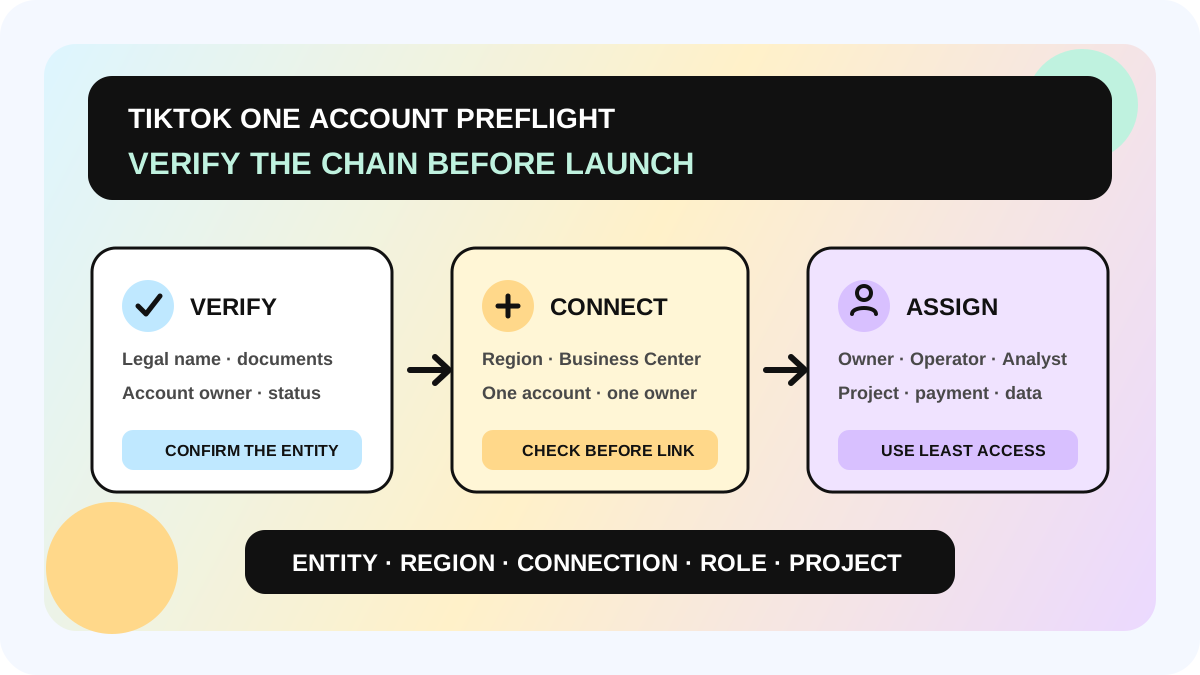
Run a seven-step launch preflight
Step 1: map the accounts and legal entity
Record the TikTok One account ID, Business Center ID, Ads Manager advertiser ID, complete legal entity name, registered country or region, project markets, and owners. If an agency operates the account, separately identify who owns the documents, who has admin access, and who runs the project. One login email is not an account map.
Step 2: check verification inside TikTok One
Open Account settings and Business verification in TikTok One. Record whether the state is verified, pending, rejected, or not started. Do not infer activation from an ad account that can deliver ads. If rejected, compare the legal name, region, document quality, and original verified account before using TikTok support or review. Never submit misleading information to bypass review.
Step 3: choose a traceable verification route
For an owned verified advertiser, record the advertiser ID and admin. For an authorization request, record the recipient, send time, and approval state. For a new review, record the document version, submitter, and review status. Store identity documents in controlled storage rather than chat threads or personal drives.
Step 4: run an irreversible-link check before connecting Business Center
TikTok says a TikTok One account and Business Center must have the same business name and be registered in the same region or market. Each TikTok One account can connect to one Business Center, and the connection cannot be unlinked. After connection, TikTok One member management moves to Business Center, while existing TikTok One members remain Business Center users rather than becoming admins automatically.
Have the account owner and a second admin verify IDs, name, region, ownership, and future member administration before linking. “Try this account first” is not a reversible test.
Step 5: assign least-privilege roles
TikTok One separates Owner, Admin, Operator, and Analyst actions. Its permission table says Owner/Admin can manage verification, members, and payment. Operator can create and manage projects, invite creators, and manage assets, but cannot manage payment methods, verification, or members. Analyst can view projects, creators, assets, and approved reporting, but cannot create projects or send invites.
Giving every operator Admin access does not fix ownership; it expands risk. Use the TikTok One invitation-mode guide to separate shortlist, invite, payment, and review owners, and keep permission handoffs in the creator marketing management system.
Step 6: switch to the correct region before creating the project
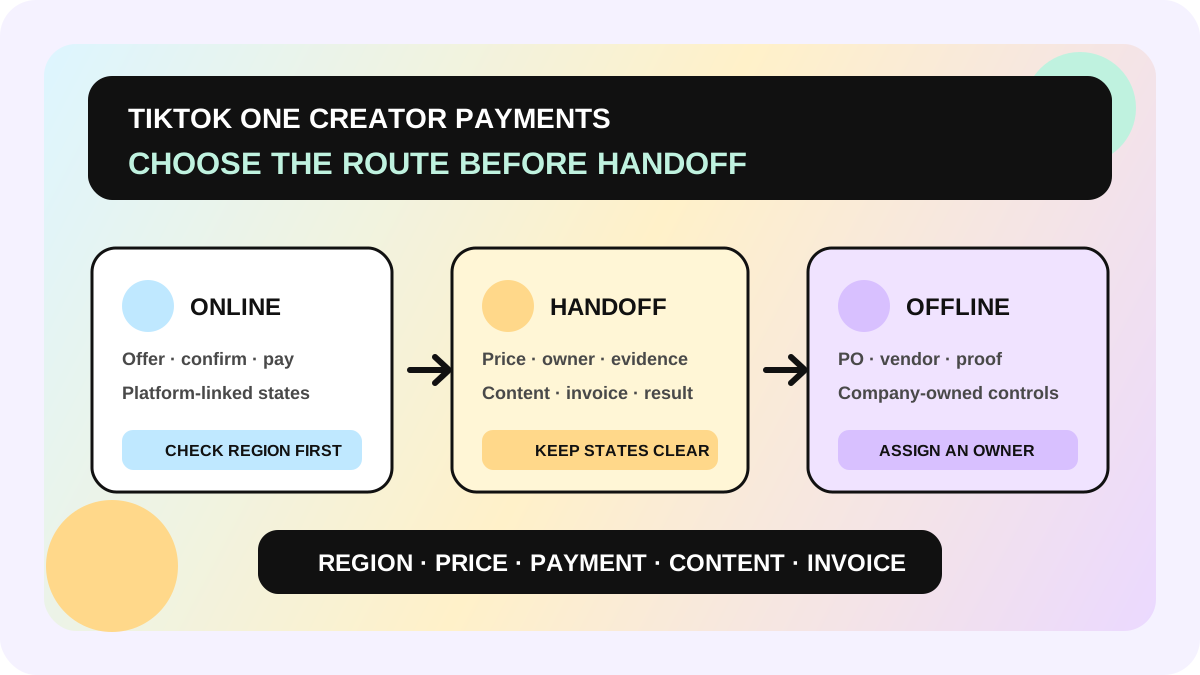
Creator Marketing project creation requires a verified business. TikTok One lets teams view and create projects only within countries or regions included in the current region and limits creator collaboration information to that region. Cross-region campaigns may require project copies. After switching region, confirm the brand profile, project country, creator discovery scope, and payment path. Do not infer global availability from one market.
Step 7: run a minimum real smoke test
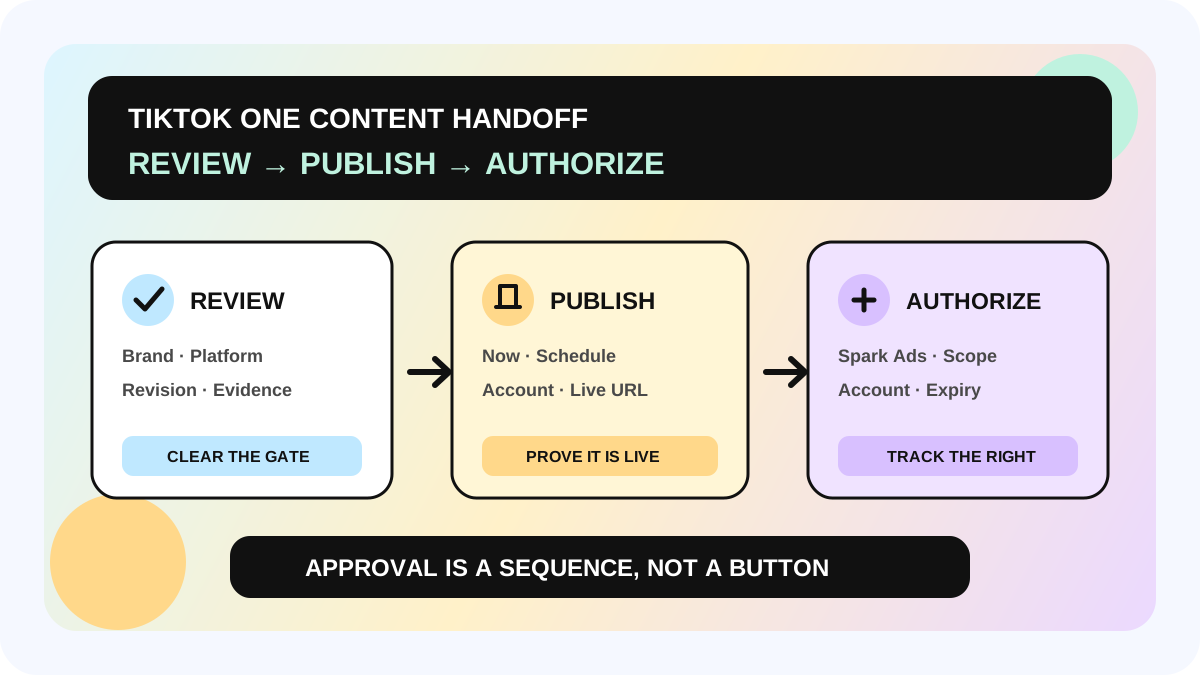
Do not start with bulk creator outreach. Use one region, one test project, one owner, and one clear invitation path. Confirm that creators are visible, the project saves, the inviter has the right role, the payment owner can access their controls, and content plus ad-authorization fields can move through handoff. When it fails, retain the time, screenshot, account IDs, region, and exact error text for platform support.
Role matrix: who should own each action?
| Action | Owner/Admin | Operator | Analyst |
|---|---|---|---|
| Create and manage projects | Yes | Yes | No |
| View creators, projects, and assets | Yes | Yes | Yes |
| Invite creators | Yes | Yes | No |
| Manage payment methods or make payments | Yes | No | No |
| Manage verification and account settings | Yes | No | No |
| Invite or delete members | Yes | No | No |
This is an operating summary of TikTok One permissions, not every Business Center asset permission. Once Business Center is connected, follow the account and asset access actually assigned there.
Where this checklist applies—and where it stops
Use this checklist before a first TikTok One Creator Marketing project, a cross-region rollout, the takeover of an inherited account, or a TikTok One–Business Center connection. It also helps diagnose “can sign in but cannot create,” “can view but cannot invite,” and mismatched project and payment ownership.
Stop and escalate when the issue concerns document authenticity, disputed entity ownership, account enforcement, restricted industries, or local legal requirements. Contact TikTok support and qualified local advisers. An operating checklist cannot guarantee approval, restore a restricted account, or promise feature availability in a market.
Pre-launch checklist
- [ ] TikTok One, Business Center, advertiser IDs, and owners are recorded
- [ ] TikTok One's own business verification state is confirmed
- [ ] Legal name, registered region, and evidence match exactly
- [ ] Verification linkage sender, approver, and evidence are traceable
- [ ] One-to-one and no-unlink boundaries were reviewed before Business Center connection
- [ ] Owner/Admin, Operator, and Analyst follow least privilege
- [ ] Project region, creator region, brand profile, and payment owner are aligned
- [ ] One-region smoke test passes before project and invitation scale
- [ ] Policy, enforcement, and legal uncertainty is held for human review
The allymatic point of view: account readiness is a dependency chain, not one field
Teams often describe a TikTok One blockage as a missing button. The deeper cause is usually that entity, region, connection, and ownership do not share one fact table. Once the dependency chain lives in workflow, the team can see what is pending, who can resolve it, which market needs a separate project, and when creator collaboration is safe to start.
allymatic does not perform platform verification or choose a legal entity. It is better used to connect account IDs, regions, roles, projects, invitations, content, and results in one traceable operating line. To adapt the preflight to your current workflow, talk to allymatic.
FAQ
Does Approved in Business Center mean TikTok One is verified?
Not necessarily. TikTok's troubleshooting guidance distinguishes Business Center account approval from completed business verification. Check the status on TikTok One's Business verification page.
Can one TikTok One account connect to multiple Business Centers?
TikTok says each TikTok One account can connect to one Business Center and the connection cannot be unlinked. Verify the account IDs, business name, region, and ownership before connecting.
Why can an Analyst view a project but not create one?
That is the role boundary. Analyst is primarily a view role. Creating projects, inviting creators, and managing assets requires Owner, Admin, or Operator; payment, verification, and member management require Owner/Admin.
Can a cross-market team use one project for every country?
Do not assume so. TikTok One separates project and creator collaboration information by current region, and cross-region work may require project copies. Follow the live account and current official guidance.
Official Sources
Official Sources
Primary references used for this article.