How Should You Review and Publish TikTok One Creator Content? A Five-Gate Handoff Workflow
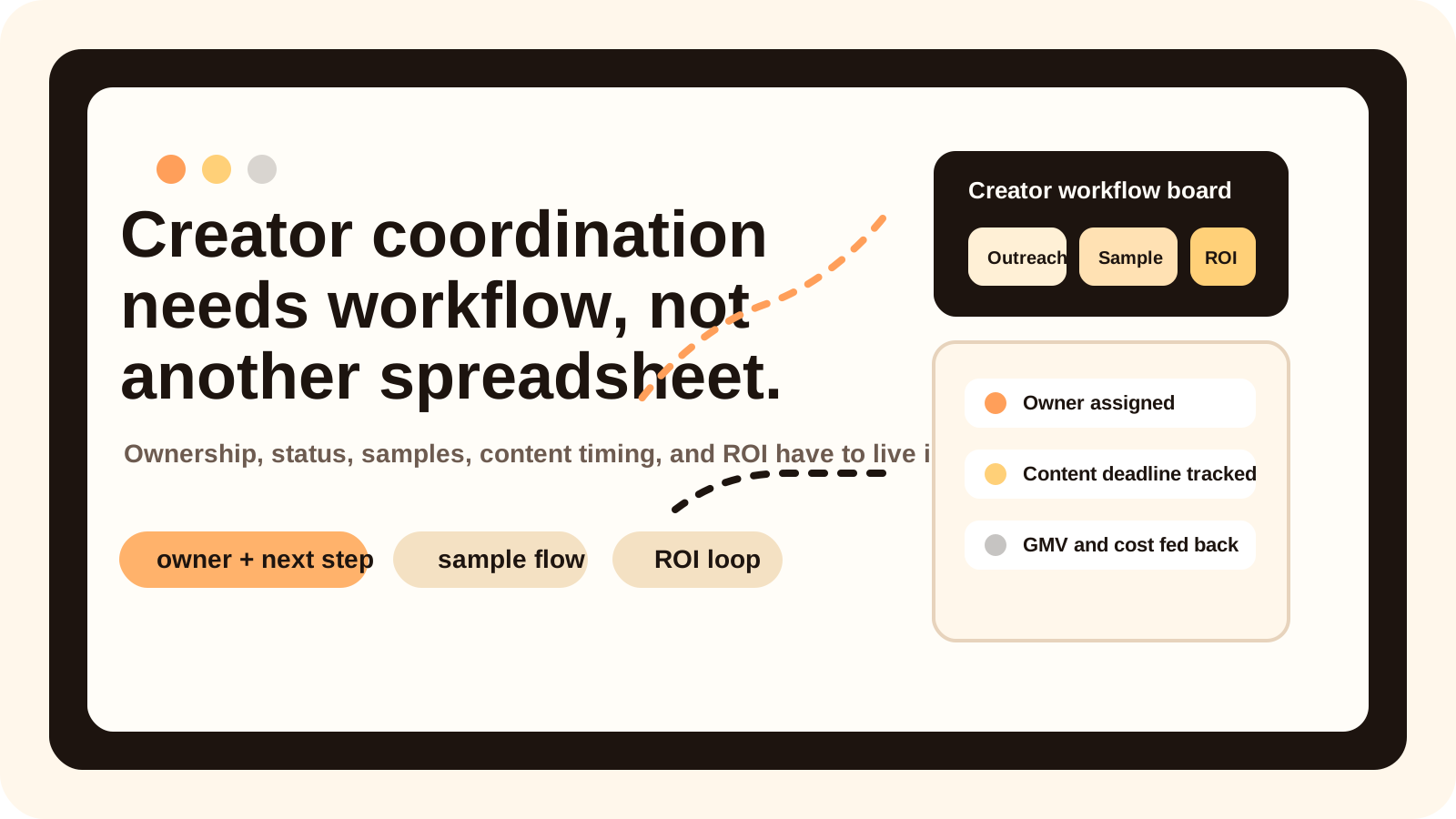
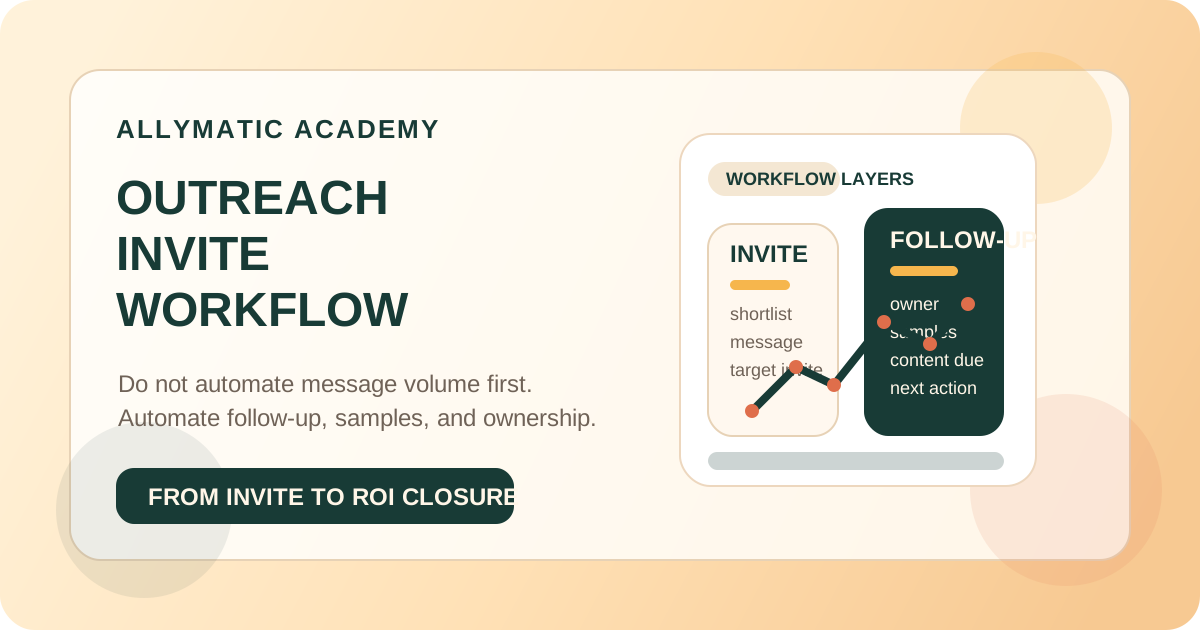
The safest TikTok One content workflow is not “creator uploads, brand approves, video goes live.” A usable operating model separates brief acceptance, advertiser review, platform review, publication, and paid-use authorization. Each gate needs its own status, owner, evidence, and next action. Otherwise a team can mistake “submitted” for “approved,” “ready to publish” for “live,” or “published” for “authorized for Spark Ads.”
This guide is based on TikTok for Business help pages updated in March and May 2026. TikTok One features, labels, payment routes, and collaboration models can vary by region and account. Check the live project and local terms before using any deadline, approval, payment, or authorization step as an operating rule.
Direct answer: what happens after a creator submits a video?
Treat the submission as the start of a controlled review chain:
| Gate | What must be true | Evidence to keep | Owner |
|---|---|---|---|
| Brief gate | Requirements, anchor, expected date, and review boundaries are understood | Accepted brief and current version | Campaign owner |
| Advertiser gate | Brand facts and agreed requirements are correct | Consolidated feedback and approval record | Content reviewer |
| Platform gate | TikTok review has passed, or a revision/appeal is in progress | Platform status and reason | Creator + platform-facing owner |
| Publication gate | The correct account, time, link, disclosure, and final asset are ready | Live URL or scheduled-post proof | Publishing owner |
| Authorization gate | Paid use has an explicit scope and approval | Authorization status, account, and period | Media owner |
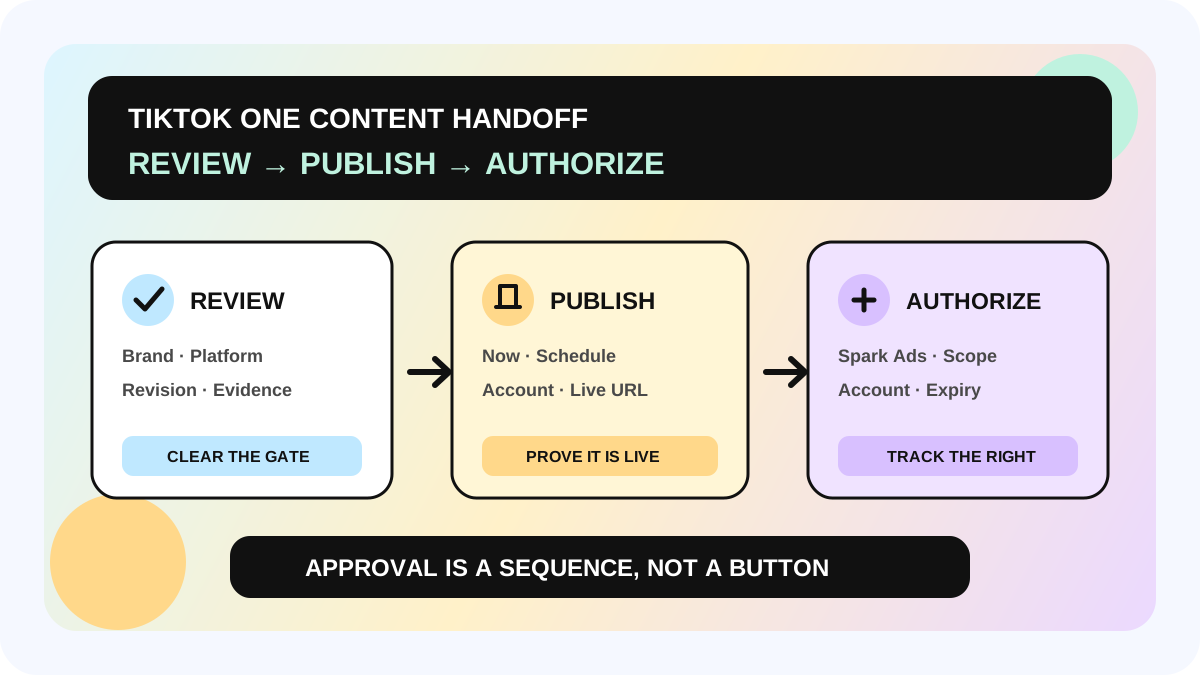
TikTok's Creator Marketing project guide says submitted videos appear in the Collaborations tab as in production, submitted, or in platform compliance review. A video that does not pass platform review moves to Video under revision. After platform review passes, the advertiser may send up to five edit requests based on reasonable requirements. Confirming the video changes its status to Video ready to publish. The advertiser can then publish immediately or schedule the post; Spark Ads use requires a separate creator authorization.
The creator-side guide confirms that an uploaded deliverable goes through advertiser and platform review. A revised upload goes through both reviews again, and creators may appeal a platform rejection. This is why one generic “reviewing” field is not enough.
Who needs this workflow—and where is the boundary?
This workflow fits brands running recurring Creator Marketing projects, teams with separate campaign, legal/compliance, content, finance, and media roles, or agencies that need a traceable handoff. It is especially useful when several videos are moving at different speeds.
It does not replace TikTok's Community Guidelines, Branded Content Policy, local advertising law, claim substantiation, or a contract. It also does not prove that every TikTok One market exposes the same controls. If a claim, disclosure, usage right, payment condition, or platform rejection is unclear, pause and route it to the appropriate human reviewer.
A five-gate review-to-publish workflow
1. Freeze the review baseline before production
Before the creator records, capture the approved brief version, product facts, must-include and must-avoid points, anchor or link requirement, expected post date, publishing account, and intended paid-use plan. TikTok describes the expected post date as optional and says a different actual date does not itself carry a penalty. Treat it as a planning expectation, not a platform guarantee.
Write one owner for every decision. If the content lead can approve creative but cannot approve product claims or usage rights, make that boundary visible before the first upload. Connect the brief to the creator content strategy framework so feedback stays tied to audience, hook, proof, and retention rather than personal taste.
2. Separate advertiser feedback from platform review
Brand review asks whether the video follows the agreed brief and uses accurate, supportable claims. Platform review checks TikTok rules. Both can request changes, but they are not interchangeable. Record separate statuses such as `brand review`, `platform review`, `brand revision requested`, and `platform revision required`.
TikTok's quality standard groups commercial content around user experience, commercial value, and content creativity. It calls for authentic experience, useful product presentation, baseline image/sound/content quality, and attention in the first six seconds. Use these dimensions as review prompts, not as permission to rewrite the creator into a brand script.
3. Consolidate feedback into one revision packet
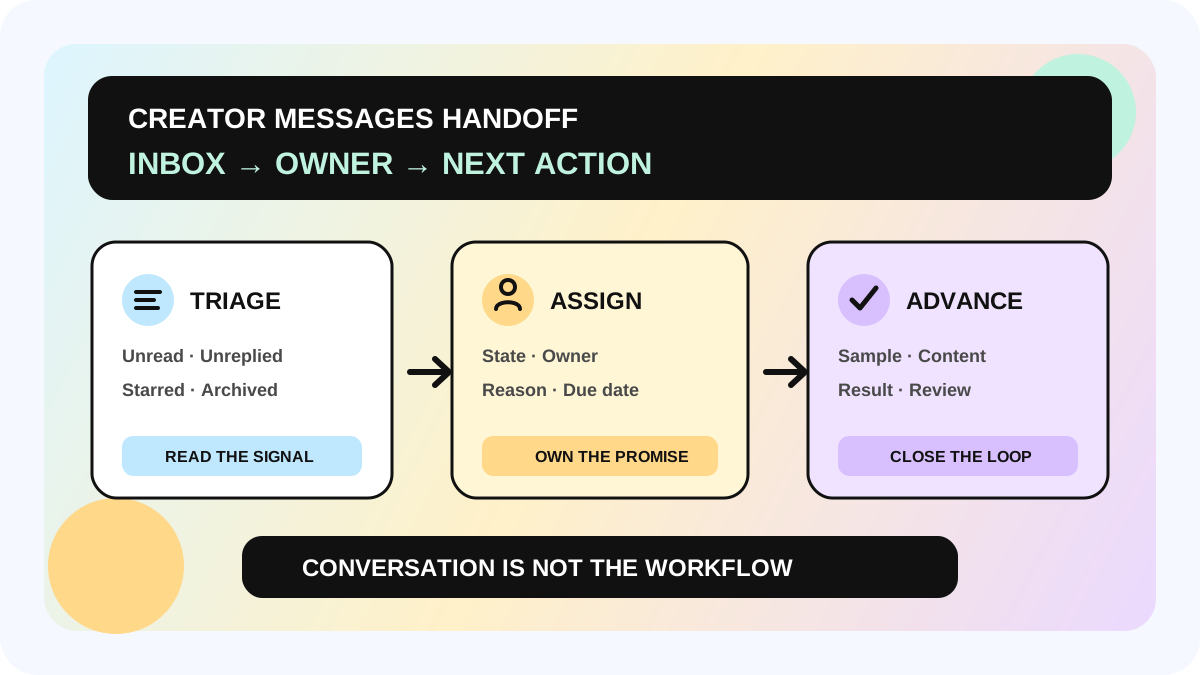
Do not let five people send five separate comments. One review owner should remove duplicates, resolve conflicts, and send a prioritized packet:
- required correction: inaccurate fact, missing agreed disclosure, or platform issue;
- required delivery item: missing anchor, agreed scene, or usable file;
- recommendation: a clearer hook, demonstration, caption, or edit;
- optional preference: a change that is not necessary for approval.
The official workflow allows up to five advertiser edit requests after platform review passes. That is a ceiling, not a creative strategy. Aim to resolve objective gaps in one consolidated round and preserve the creator's natural voice. After a revised upload, verify that brand and platform review have both restarted before updating the status.
4. Confirm publication as a separate handoff
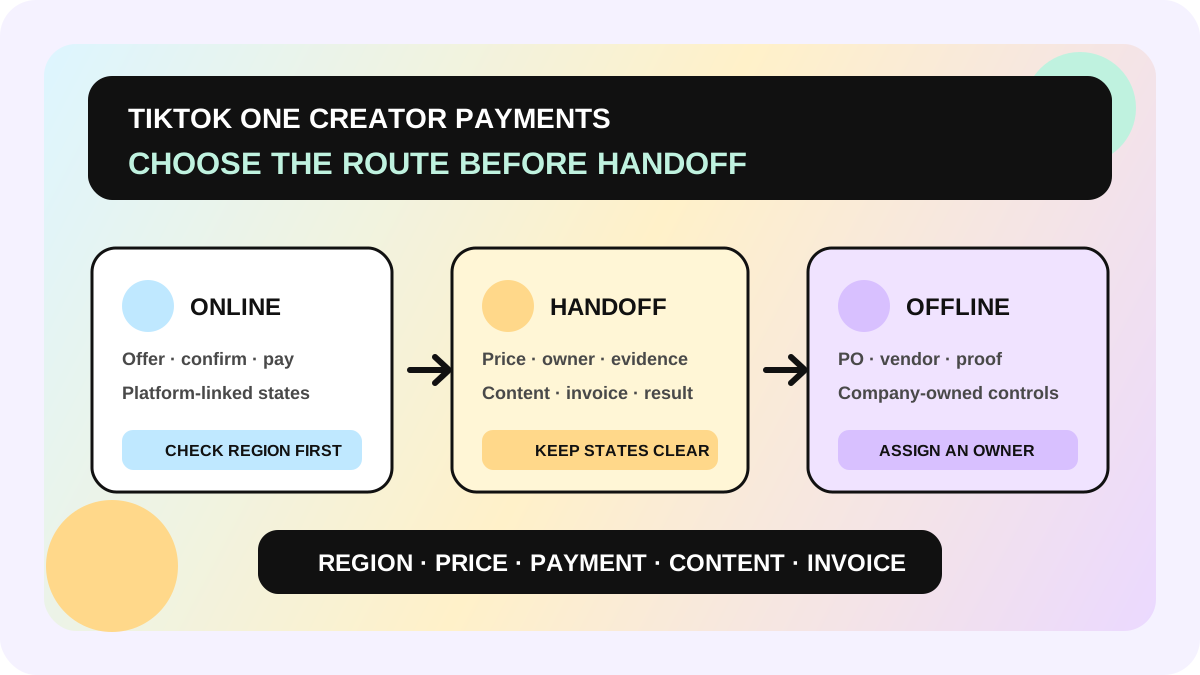
“Ready to publish” is not “published.” Before Publish now or Schedule post, verify the final version, posting account, planned time, required commercial-content disclosure, caption, anchor or link, and the person watching the launch. Store the live URL after publication. If the project uses TikTok One online payment, the official guide says platform-held payment is released after video publication; the online/offline payment workflow should therefore use publication evidence rather than an internal approval message.
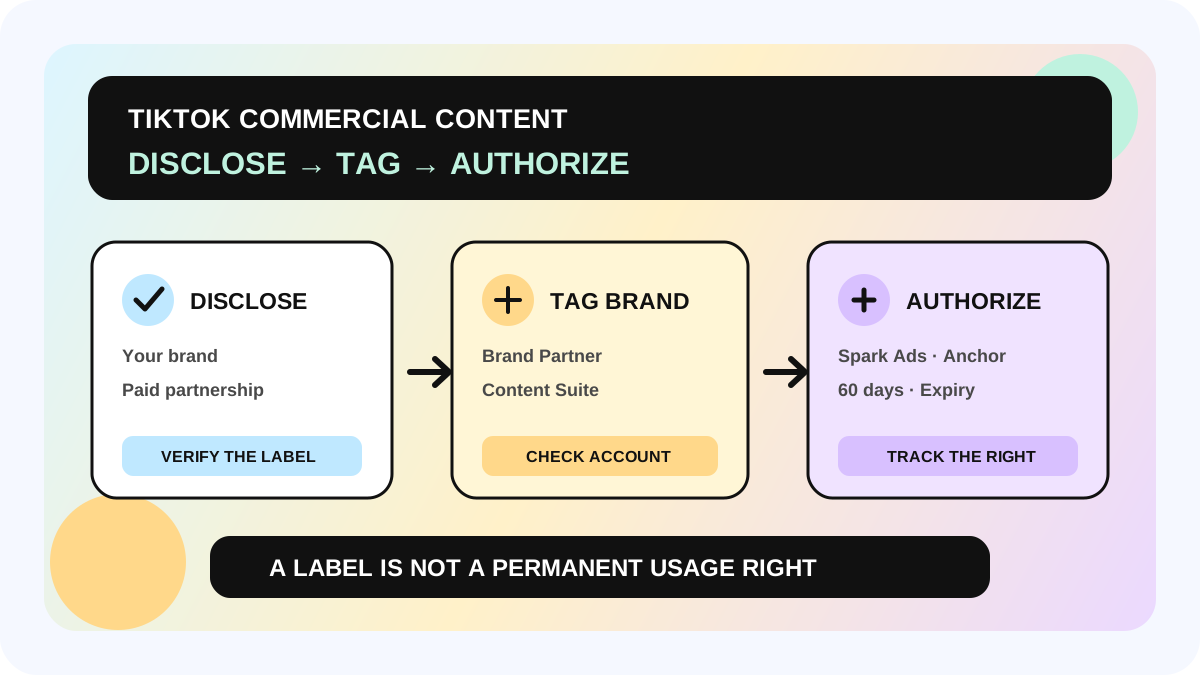
5. Request paid-use authorization independently
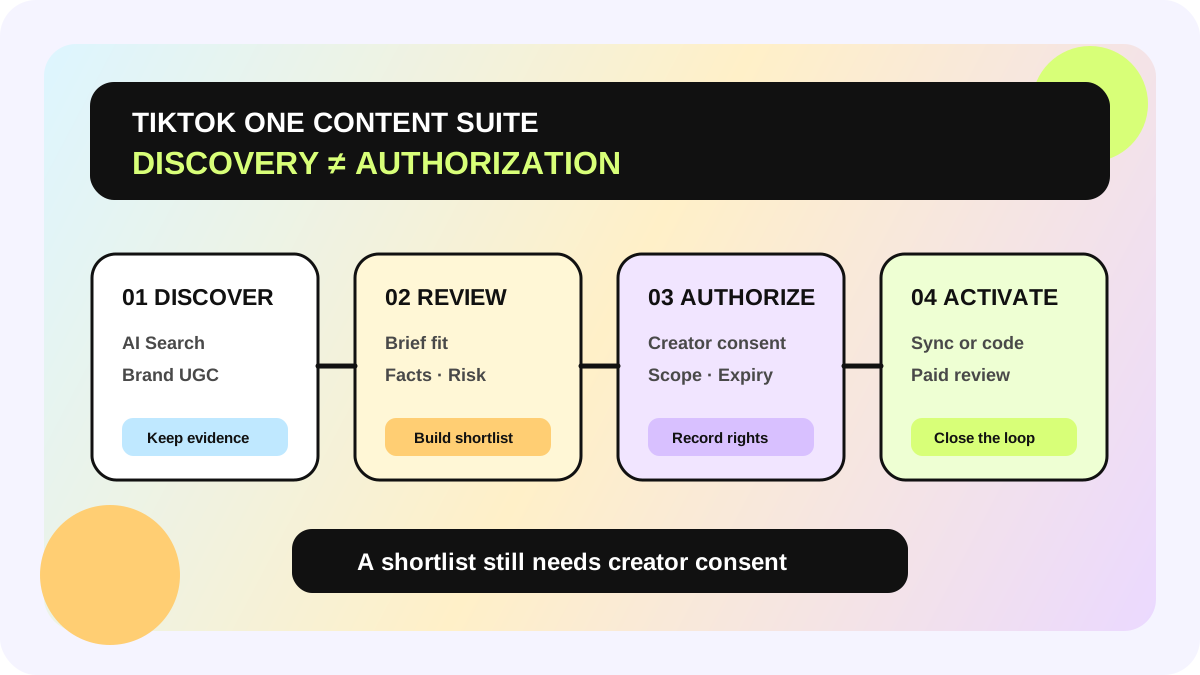
Publishing a creator post does not automatically grant Spark Ads use. TikTok One lets an advertiser request authorization; only after the creator approves can the video be synced to TikTok Ads Manager and delivered as a Spark ad. Record authorization status, advertiser account, permitted period, and expiry. For existing brand-related UGC, use the Content Suite authorization workflow and keep discovery separate from permission.
Four statuses teams often confuse
| Status | It means | It does not mean |
|---|---|---|
| Submitted | A deliverable entered review | Brand and platform approved it |
| Video under revision | A platform-side revision is required | The creator relationship has failed |
| Video ready to publish | The confirmed asset can move to publication | The post is already live |
| Published | The post is live | Spark Ads authorization is active |
Launch checklist
- [ ] One current brief version and one campaign owner are recorded
- [ ] Product facts, disclosure, anchor, expected date, account, and paid-use plan are explicit
- [ ] Advertiser review and platform review use separate statuses
- [ ] Feedback is consolidated, prioritized, and linked to the correct asset version
- [ ] A revised upload re-enters both required reviews
- [ ] Publish now or Schedule post has a named owner and launch check
- [ ] The live URL is stored before payment or reporting handoff is closed
- [ ] Spark Ads authorization scope and expiry are tracked separately
- [ ] Unclear policy, law, claim, payment, or rights issues are paused for human review
The allymatic view: approval is a sequence, not a button
The operational risk in creator content rarely comes from having too few status labels. It comes from one label hiding several decisions. A scalable team can answer four questions for every asset: who owes the next action, which review is pending, what evidence closes the gate, and what the approval permits.
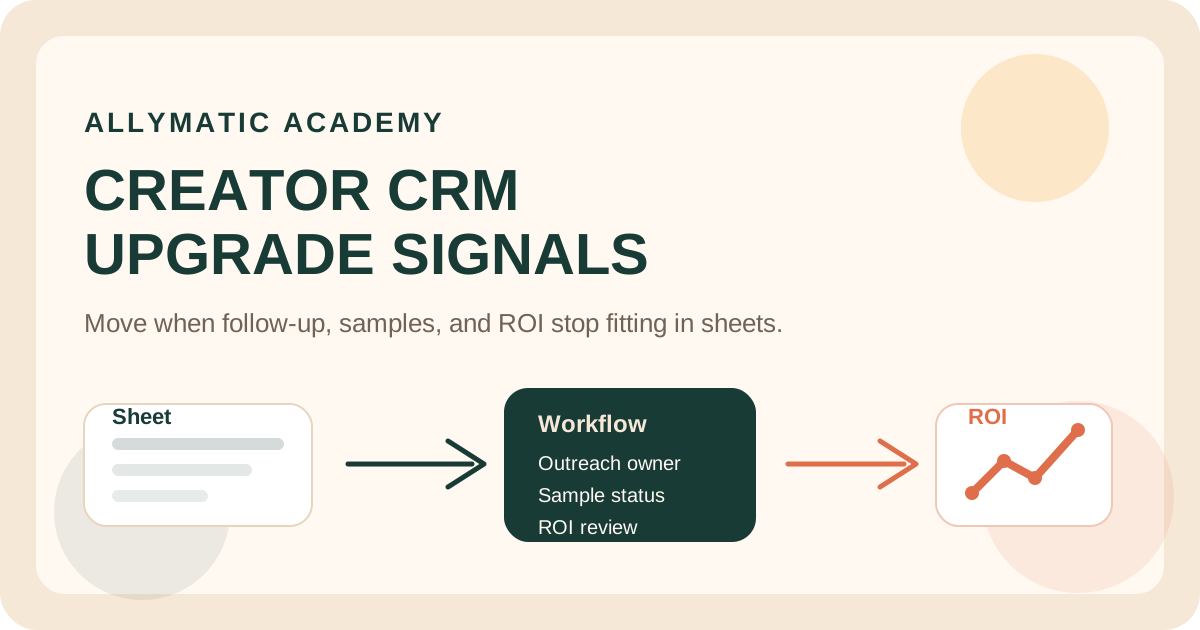
Start with the next ten submitted videos. Map each one through the five gates and flag any asset where submitted, approved, published, and authorized are stored in one field. Then connect the record to a shared creator marketing management system. Automate reminders only after the team can distinguish the gates manually.
FAQ
Does platform review replace advertiser review?
No. TikTok's creator workflow describes both advertiser and platform review. A video can require changes from either side, and a revised upload enters review again.
Can a brand request unlimited edits?
The March 2026 Creator Marketing guide says advertisers may provide up to five edit requests after platform review passes, based on reasonable requirements. Consolidate feedback instead of treating five rounds as a target.
Does Video ready to publish mean the post is live?
No. It means the confirmed video is ready for Publish now or Schedule post. Keep publication evidence as a separate state.
Is a published creator video automatically available for Spark Ads?
No. The advertiser must request authorization, and the creator must approve it before syncing the video to TikTok Ads Manager.
Official Sources
Official Sources
Primary references used for this article.