Why TikTok Shop Affiliate Creative Authorization Expires: Mass Authorization, Video Codes, and Renewal
An affiliate video can be running in Shop Ads or GMV Max and then pause without anyone deliberately ending the campaign. The problem is not always “the authorization expired.” Teams often combine Affiliate Mass Authorization and Video Code Authorization in one status, then miss a change to the affiliate collaboration, organic product link, or creator-level toggle.
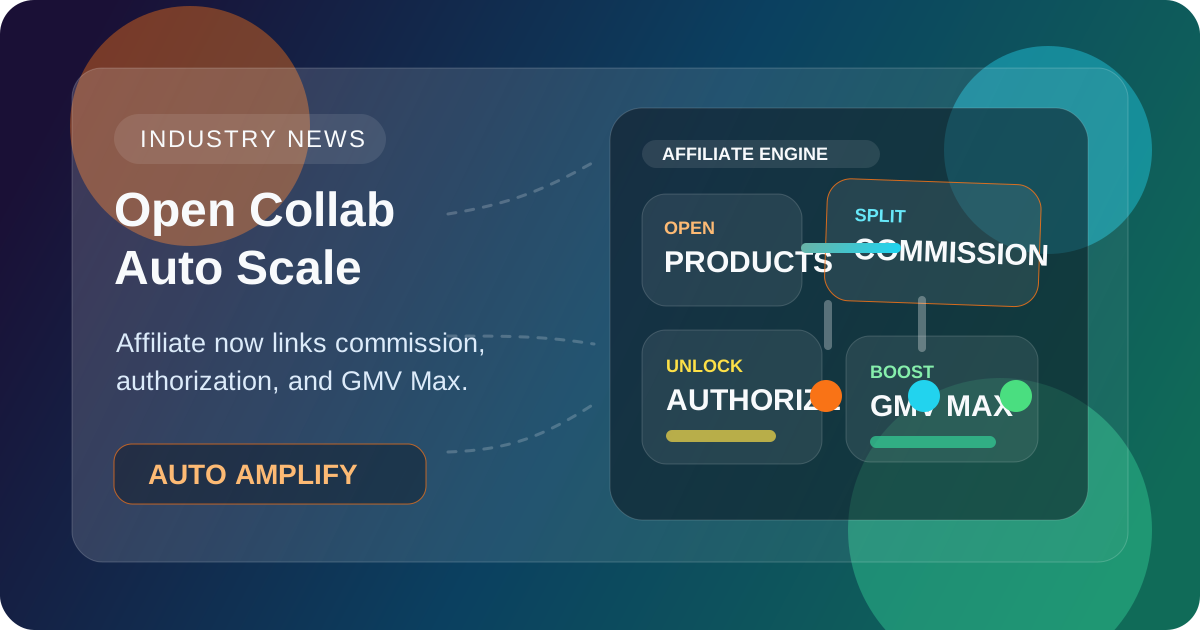
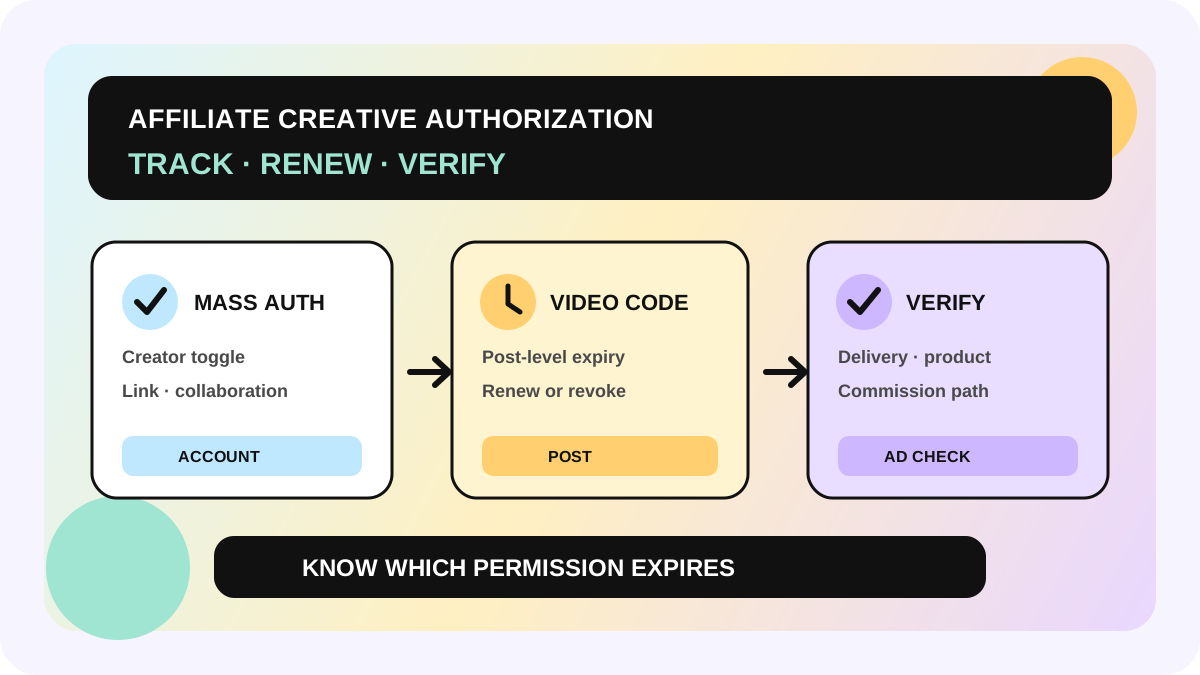
The short answer: mass authorization depends on the creator's account toggle, an active affiliate collaboration, and the original product link. If one of those conditions ends, ads using that route pause automatically. A video code is a separate post-level permission. If the collaboration or organic link ends, a video-code ad may continue until the code expires. This guide is for TikTok Shop sellers, agencies, and creator operations teams. Navigation, available authorization periods, and feature rollout can vary by market and app version, so confirm the live interface before promising a date.
Identify the authorization route first
| Dimension | Affiliate Mass Authorization | Video Code Authorization |
|---|---|---|
| Scope | Eligible affiliate posts under the creator account | One specific post |
| Creator entry point | TikTok Shop Creator Center privacy/authorization settings | Ad settings on the post |
| Seller selects creative from | Affiliate Post video source | TikTok Post / Authorized Posts using a code |
| Product rule | The seller can use the product linked in the affiliate post | A different product may be allowed if the creator enables product change |
| Main interruption points | Toggle off, collaboration expiry, or organic product link loss | Code expiry or revocation |
The settings do not inherit from each other. Turning off mass authorization does not automatically turn off individual video codes, and changing a code does not change the account-level toggle. TikTok also says that posts without product links, or with links outside a valid affiliate collaboration, may still need video codes even when mass authorization is on.
Four states explain most pauses
Creator authorization answers whether the creator still permits sellers to use affiliate posts. When the mass-authorization toggle is off, ads relying on it pause.
Affiliate collaboration answers whether the Open, Target, or other affiliate relationship remains valid. Its end date can break mass-authorized delivery, but it is not the same date as a video code expiry.
Organic product link answers whether the original post still has an available link to the seller's product. Mass authorization depends on that relationship. With the video-code route, delivery can continue until code expiry, but commission eligibility still depends on the product, affiliate plan, rate, and attribution.
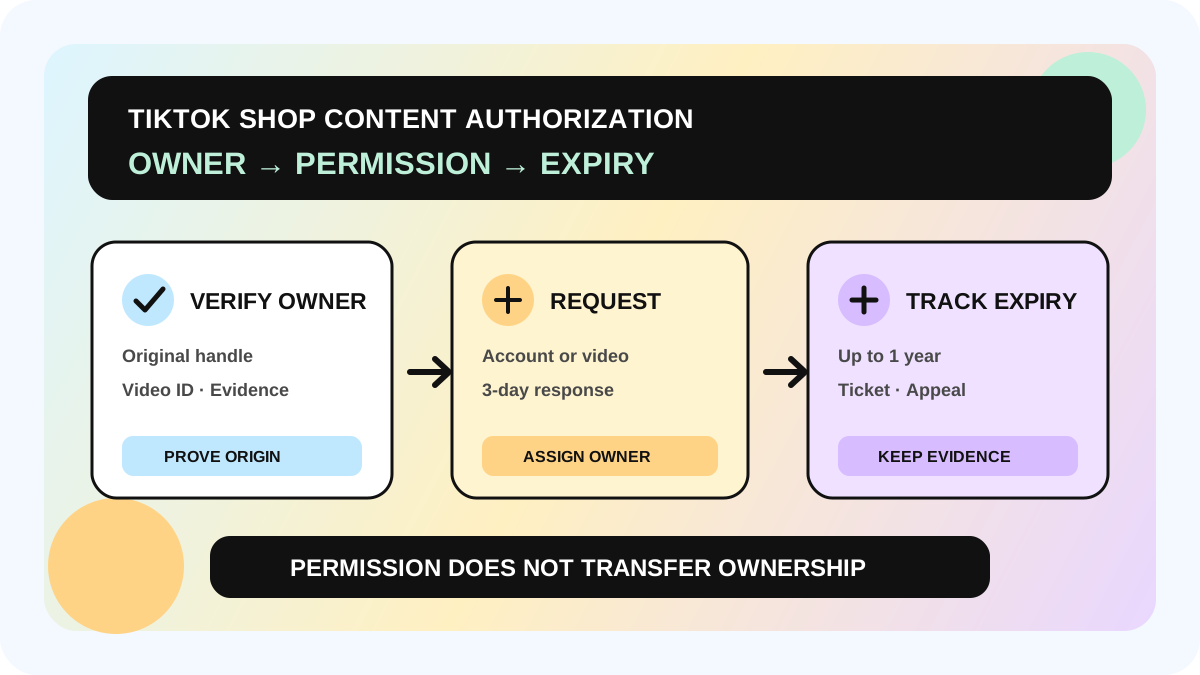
Code expiry or revocation belongs to the individual post permission. A creator can revoke it, and the selected duration can end. Extending an authorization is not the same as replacing the creative: check whether the current authorization can be extended before rebuilding the ad.
A five-step authorization renewal workflow
1. Record the actual route for every post
Your creative ledger should include creator, post ID, product, campaign, authorization route, start/end time, affiliate collaboration end date, and owner. “Authorized: yes” is not enough to diagnose a pause. Connect these fields to the creator affiliate workflow so outreach, creative, ads, and commission share the same creator and post IDs.
2. Scan the next 14 days every week
Create separate views for expiring video codes, ending collaborations, missing product links, and disabled mass authorization. Prioritize creatives that are actively spending or contributing GMV. Do not renew a post mechanically if it is not in use, performs poorly, or promotes an unavailable product.
3. Make the creator request unambiguous
Include the post link or ID, current expiry date, intended ad use, shop/ad account, product, and contact owner. “Please renew authorization” gives the creator too little context. If the advertiser needs product-change permission, request it separately; it should never be assumed from the video code alone.
4. Verify in the ad surface after renewal
Confirm that the post remains selectable in Ads Manager or GMV Max, delivery is restored, the product is correct, and the source route did not change. For mass authorization, verify the collaboration and organic link. For a video code, verify the live expiry and product-change permission. If delivery already paused, renewed permission may still require an ad-side action.
5. Recheck commission separately
Permission to use content is not a promise that every attributed order pays creator commission. TikTok says an ad using an affiliate post may generate affiliate creative commission. Re-uploading, reposting, or using another authorization route may not follow the same commission path. When the advertised product changes, recheck the active affiliate plan, Shop Ads commission rate, and attribution conditions.
When mass authorization or video codes fit better
Mass authorization fits an ongoing creator relationship with stable product links and a need for a continuously refreshed creative pool. It removes repeated code requests, but depends on the creator toggle, collaboration, and original link staying valid.
Video codes fit selected high-performing posts, posts without valid affiliate product links, tighter time control, or advertiser use of another product where the creator has explicitly allowed it. Codes do not inherit account settings, so the team must manage expiry and revocation.
If both routes exist for the same post, record the source the ad actually uses. Otherwise an operator may ask the wrong creator to change the wrong control while finance evaluates the wrong commission path.
Use the Affiliate Analytics finalized-data workflow to decide whether a creative deserves renewal, the Affiliate GMV by creator guide to prioritize creators, and the commission discrepancy workflow to investigate payment boundaries.
Renewal checklist
- [ ] Confirm whether the ad uses Mass Authorization or a Video Code.
- [ ] Record post ID, product, shop, ad account, and owner.
- [ ] Check the creator toggle, collaboration end date, and organic product link.
- [ ] Confirm the real code expiry and extension options in the current app.
- [ ] Obtain separate creator consent for product changes.
- [ ] Renew only active, qualified creatives for available products.
- [ ] Verify creative, delivery status, and product in Ads Manager or GMV Max.
- [ ] Check affiliate commission eligibility separately from content permission.
The allymatic view: authorization is a changing operating state
A creative does not become permanently usable when a file reaches a shared folder. Authorization route, collaboration, product link, and ad status change across different systems. We recommend using creator ID + post ID as the key and keeping authorization expiry, collaboration end, product status, spend, and GMV in one workflow, with alerts at 14, 7, and 2 days.
The goal is not to renew everything. It is to answer three questions before budget stops unexpectedly: Is the creative still worth running? Which permission needs action? Who owns the next step across creator, operations, and media buying?
FAQ
Does turning off mass authorization invalidate an individual video code?
Not automatically. TikTok states that the two settings are independent. The video code still follows its own expiry and revocation state.
Does an ad stop immediately when the affiliate collaboration expires?
An ad using an affiliate post through mass authorization pauses automatically. An ad using a video code may continue until that code expires, while product and commission eligibility still need separate review.
Can an expired video-code authorization be extended?
TikTok's authorization tools support extensions, but the entry point and durations should be confirmed in the creator's current app. Verify the result in the ad surface instead of relying on a chat screenshot.
Does video authorization guarantee creator commission?
No. Commission depends on how the affiliate post is used, whether the product has an active affiliate plan, rate settings, and attribution. Authorization grants content usage; it is not a payment guarantee.
Official Sources
Official Sources
Primary references used for this article.