How Does TikTok Shop Exclusive Collaboration Auto-Approval Work? A Sample-Quota and Manual-Fallback Workflow
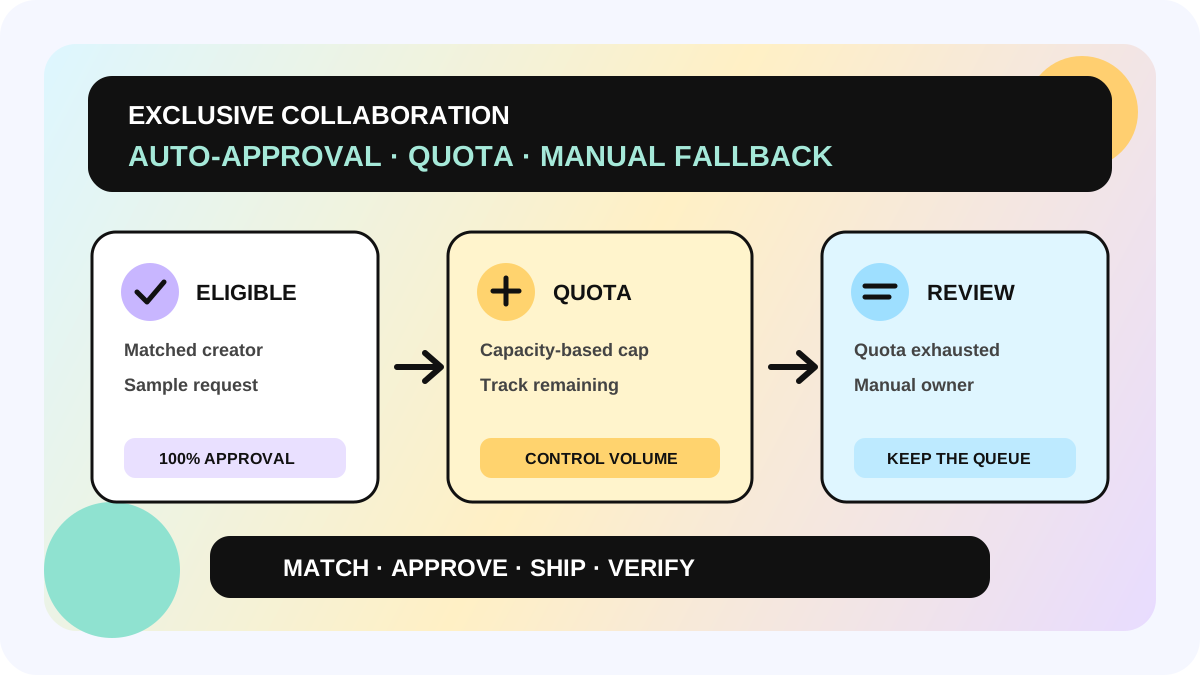
TikTok Shop's US Exclusive Collaboration is an invite-only, limited-time Target Collaboration opportunity. TikTok Shop preselects products and high-performing creators, while the seller confirms participating products, commission, and the free-sample strategy. The improved Auto-Approval flow can show eligible creators a 100% sample-approval indicator and approve their requests while quota remains. When the quota is exhausted, requests do not disappear; they fall back to manual review.
This guide is for seller teams that can see the Exclusive collaborations entry and need to choose between automatic and manual sample approval. The goal is not to make sampling “fully automatic.” It is to connect the automated quota, manual fallback, inventory, and ownership in one operating workflow. The official page is in the US Seller Academy. Eligibility, fields, and availability must be verified in the live account.
Direct answer: what Auto-Approval changes
| State | Creator experience | Seller action |
|---|---|---|
| Auto-Approval selected and quota available | An eligible creator may see 100% approval and receive immediate sample approval | Set the quota in advance; monitor Ready to Ship and inventory |
| Auto-approval quota exhausted | The 100% indicator is no longer shown, but the creator can still request a sample | The request moves to manual review for a seller decision |
| Manual Approval selected | The creator submits through the standard request flow | Review every request manually |
The quota is therefore a ceiling for automatic approvals, not an on/off switch for the entire sampling plan. When the automatic quota reaches zero, the collaboration does not automatically stop and creators are not automatically rejected. A team still needs an owner and decision rules for the manual queue.
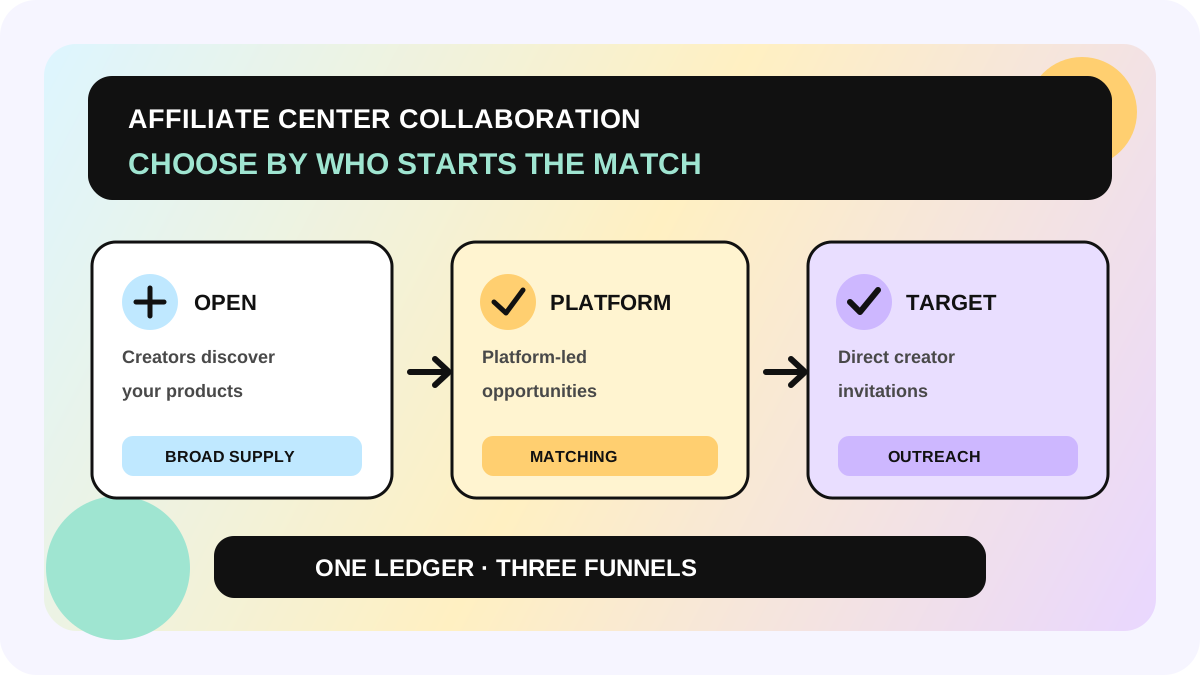
If your team has not separated Open, Platform Campaigns, and Target, start with the Affiliate Collaboration entry workflow. Exclusive Collaboration is a platform-matched, invitation-only Target scenario—not a default capability of every Target Collaboration.
First decide whether this model fits
Exclusive Collaboration fits sellers that can see the entry in Seller Center, can provide required free samples to platform-matched creators, and can ship and follow up quickly. TikTok Shop selects the creators; the seller cannot replace them. TikTok Shop also preselects products, which the seller confirms during signup.
The official page says a seller may add up to three qualifying products during registration. Listed conditions include minimum product health, inventory above 100, and last-30-day GMV above $250. Products cannot be added or removed after registration, and invitations are sent to creators immediately. Treat the live registration page as the source of truth for eligible products, commission minimums, and account-specific availability.
If you need to choose each creator and define individualized deliverables, standard Target Collaboration may be a better fit. If you need broad creator discovery and self-selection, evaluate Open Collaboration. Use the Target Collaboration campaign framework to compare control with scale before registering.
A six-step quota and manual-fallback workflow
1. Capture eligibility and the registration window
Enter Exclusive collaborations from the Affiliate Center home or Target Collaboration. Record the shop, market, opportunity name, deadline, and available products. Seeing a banner is not the same as completing registration. If the account has no entry, do not infer eligibility from another shop or market.
2. Review products individually
Check inventory, sample cost, content fit, and shipping capacity for each product. The official flow allows qualifying products to be confirmed, removed, or added during registration, but the set is locked after registration. A high-cost or constrained SKU should still pass an internal budget review even when the page allows it. The sample ROI workflow can support that internal decision without turning a score into a platform endorsement or sales promise.
3. Reconcile commission priority
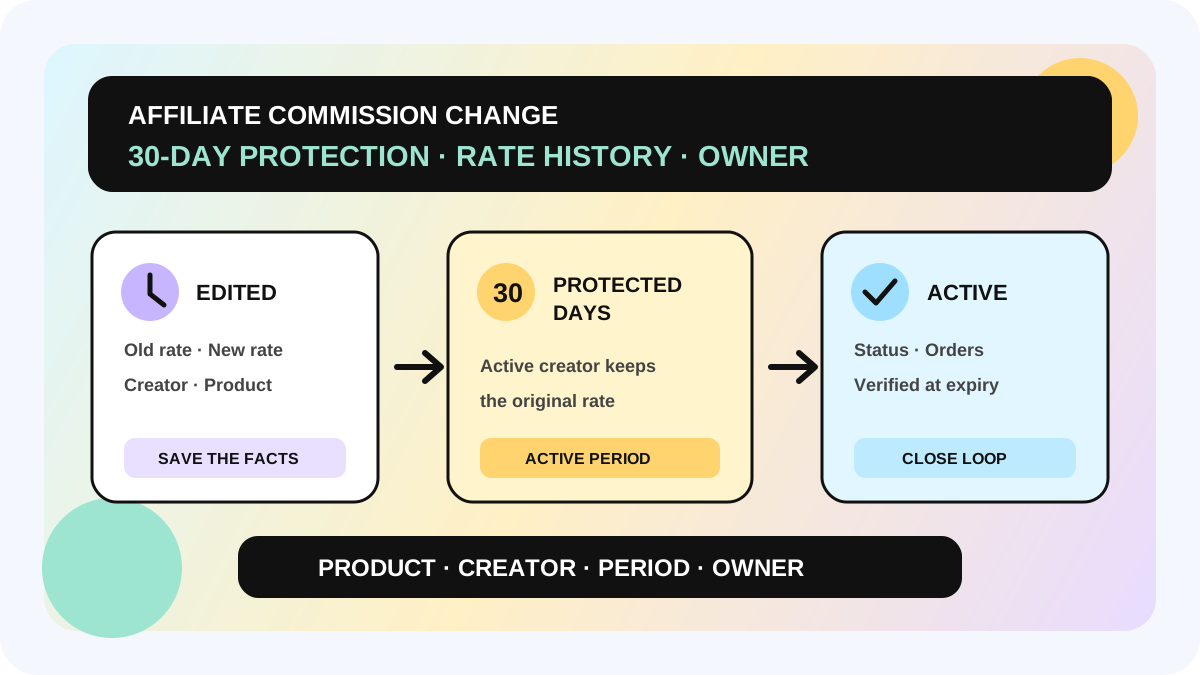
The Exclusive Collaboration rate for each product must be at least its current Open Collaboration rate. If a product is not in an Open plan, the official page sets a minimum of 10%. When the same creator already has a Target plan, a higher existing Target rate overrides the Exclusive invitation rate; if the existing rate is lower, the new invitation rate applies. Record the expected rate by product and creator before submission instead of reconciling by plan name later.
4. Derive quota from fulfillment capacity
Do not set the quota to the maximum number of units you are willing to give away. Set it to the number the team can stock, pack, ship, and track reliably in the operating window. Subtract safety stock, inbound units not yet available, and inventory already committed to other plans. The quota is not a GMV target, and it is not a promise from TikTok Shop about how much content will be published.
5. Build the manual queue at the same time
When selecting Auto-Approval, assign the manual queue owner, response time, and decision fields immediately. New requests move to manual review after quota is used. Without an owner, “fallback” becomes a backlog. At minimum, manual review should consider available stock, creator fit, prior fulfillment signals, repeat-sample context, and the incremental value of another piece of content.
6. Review approval, shipping, and performance separately
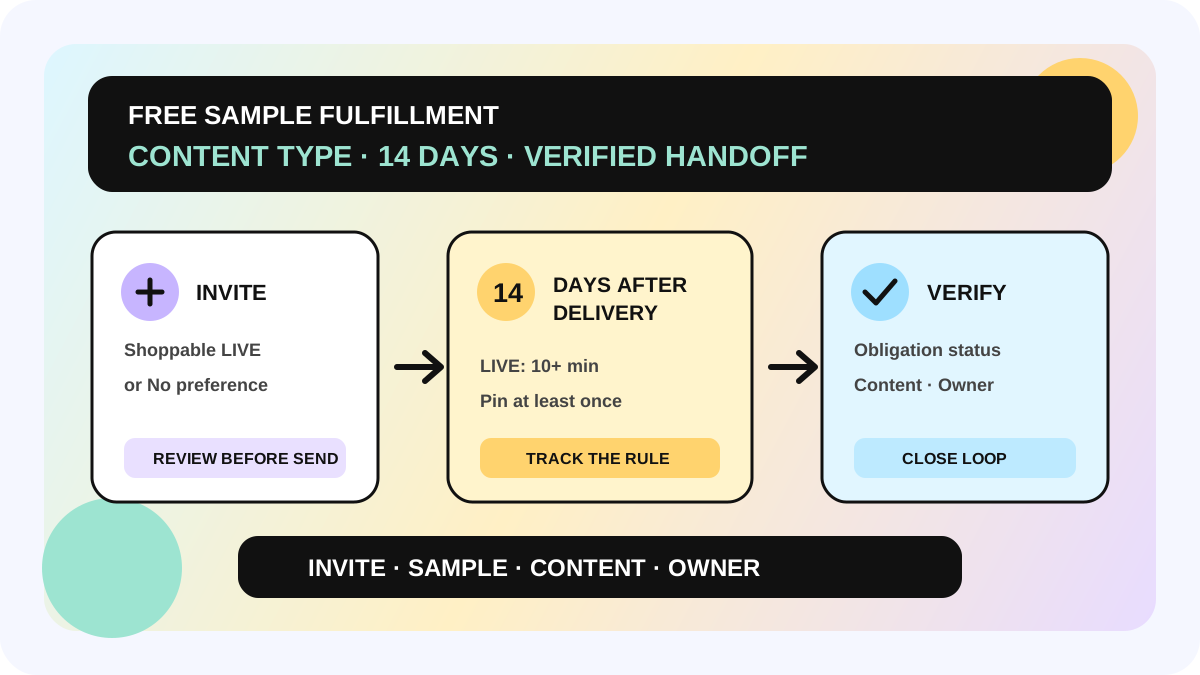
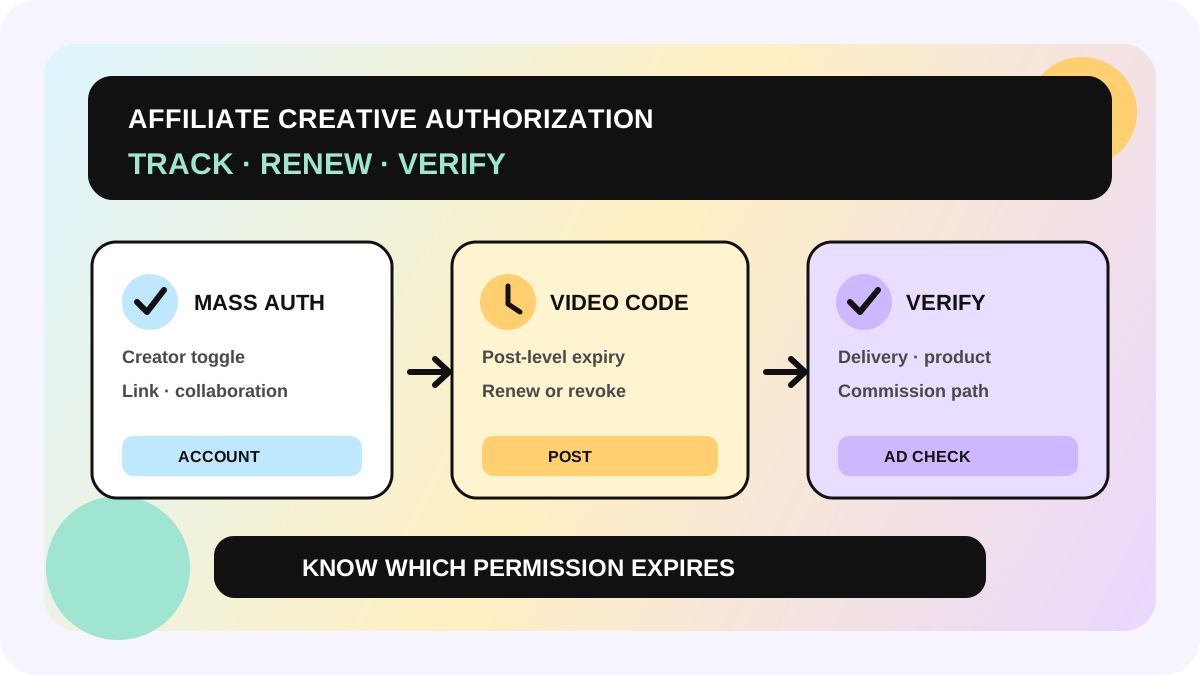
Use Target Invitation Management under Ongoing → Action → View to monitor creator status, GMV, and views. Keep requested, auto-approved, manually approved, shipped, and content posted as separate states. Never rewrite “100% approval” as “100% shipped” or “100% content delivered.” The invitation's Content type still determines the free-sample fulfillment path, so use the sample Content type workflow for that check.
Minimum Exclusive Collaboration ledger
- shop, market, plan ID, registration window, and owner;
- product ID, SKU, available stock, sample cost, and final inclusion decision;
- Open Collaboration rate, Exclusive rate, existing Target rate, and expected effective rate;
- approval mode, auto-approval quota, quota used, and quota remaining;
- creator ID, request at, approval source, approved at, ship by, and shipped at;
- manual-fallback reason, reviewer, and decision;
- content status, GMV, views, verification time, and data source.
The ledger separates platform matching, sample approval, shipment, and content or sales. It does not replace Seller Center or predict which creators TikTok Shop will select.
Pre-launch checklist
- [ ] The current account shows the Exclusive collaborations entry and registration window.
- [ ] Eligibility, inventory, and sample cost are checked for each product.
- [ ] A second person has confirmed that the product set is locked after registration.
- [ ] Commission meets the page requirement and existing Target-rate priority is reconciled.
- [ ] Auto-Approval quota is derived from real shipping capacity.
- [ ] The owner and response time for manual fallback are assigned.
- [ ] Free sample, shipment, content fulfillment, and GMV are tracked separately.
- [ ] No one treats 100% approval as a content or performance guarantee.
Fit and non-fit boundaries
This workflow applies to the invitation-only Exclusive Collaboration described by the US Seller Academy. It does not mean every shop is eligible or that other markets have the same rollout. Free samples are required for this program. Auto-Approval and Manual Approval are sample-decision modes; they do not change TikTok Shop's final creator matching, content status, or commission settlement.
TikTok Shop describes the program as a limited-time opportunity. If the registration page shows different product conditions, commission minimums, or availability, stop using the figures in this guide and follow the live page plus the applicable market's support guidance. Joining the program, raising quota, or using automatic approval does not guarantee GMV.
The allymatic view: design automation with its queue
Auto-Approval reduces waiting for qualifying requests; it does not remove sample-management ownership. allymatic recommends treating quota as a capacity line: requests inside the line move quickly, requests outside it have a named owner, and inventory, shipment, and content fulfillment retain separate states. That keeps context intact when quota runs out and prevents creator requests from quietly aging in a queue.
Before submitting the next Exclusive Collaboration plan, answer three questions: Which products genuinely fit? How many samples can the team ship reliably in this window? Who reviews requests after the automatic quota is used? Submit only when all three have clear answers.
FAQ
Can every seller create an Exclusive Collaboration?
No. TikTok Shop describes it as an invite-only, limited-time opportunity for select sellers. Eligible accounts see the entry in Affiliate Center or Target Collaboration.
Are creators automatically rejected when quota runs out?
No. They can still submit through the standard request path. The request falls back to manual review, where the seller decides whether to approve it.
Does 100% approval mean the creator will publish content?
No. It means an eligible creator's sample request can be approved while quota is available. Shipment, content fulfillment, GMV, and settlement are later, separate states.
Can products be changed after registration?
The official page says products cannot be added or removed after registration. Review product, inventory, and cost before submitting, and follow the live page if the rules have changed.
Official Sources
Official Sources
Primary references used for this article.