When Does a TikTok Shop Affiliate Commission Decrease Take Effect? A 30-Day Protection and Rate-History Handoff
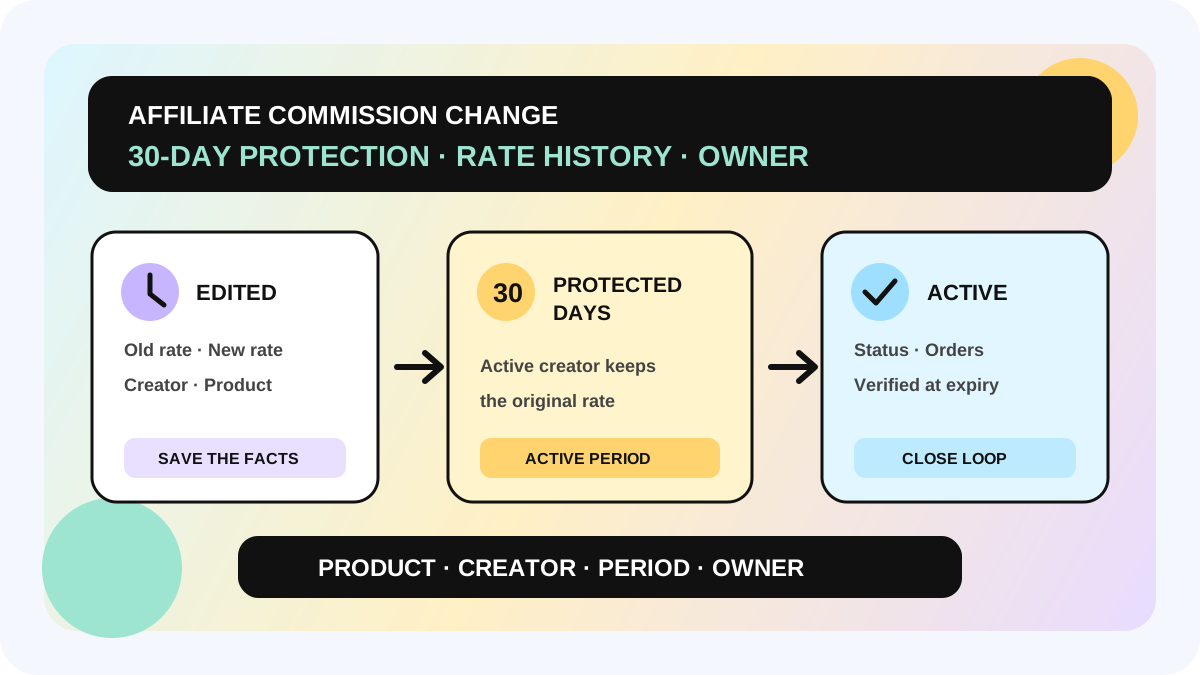
When a TikTok Shop seller lowers an Open Collaboration commission, creators already promoting the product do not necessarily move to the new rate immediately. Under TikTok Shop's US guidance, those creators keep their original rate for 30 days. Creators who start promoting after the decrease receive the new lower rate and begin their own protected period. A rate increase, by contrast, applies immediately to active and new creators.
This guide is for sellers and creator BD, ads, and finance teams changing Standard or Shop Ads Commission. It does not answer how high a commission should be. It answers which creator, time window, and order should use which rate after an edit. The official sources apply to the United States. Availability, labels, and rules can differ by market and account, so the live `Status` and `Active period` remain the operational source of truth.
Direct answer: the four states created by one decrease
| Object | What happens after the decrease | What the team must preserve |
|---|---|---|
| Creator already promoting the product | Original rate remains protected for 30 days | Creator, product, old rate, protection end |
| Creator who starts after the decrease | New rate applies and begins its own protected period | New rate, promotion start, active period |
| Active creator when the rate increases | Higher rate applies immediately | Effective time and reason for the change |
| Product never promoted by a creator | Lower rate can take effect immediately | Evidence that no creator was active |
Do not keep only one “current commission” field on the product. During a protection window, the same product can have different valid rates for different creators and active periods. Reconcile against creator-level commission history, not today's product default.
What the 30-day protection does—and does not—cover
The protection stabilizes the commission rate for an existing creator-product relationship. When a seller lowers either Standard Commission or Shop Ads Commission, an active creator does not switch to the lower rate on the edit date. For Standard Commission, TikTok says the creator receives a notice two days before the protected rate expires. Shop Ads Commission does not have that two-day notice, although protection messaging appears when creators manage the product in Showcase or add it to Shoppable Video or LIVE.
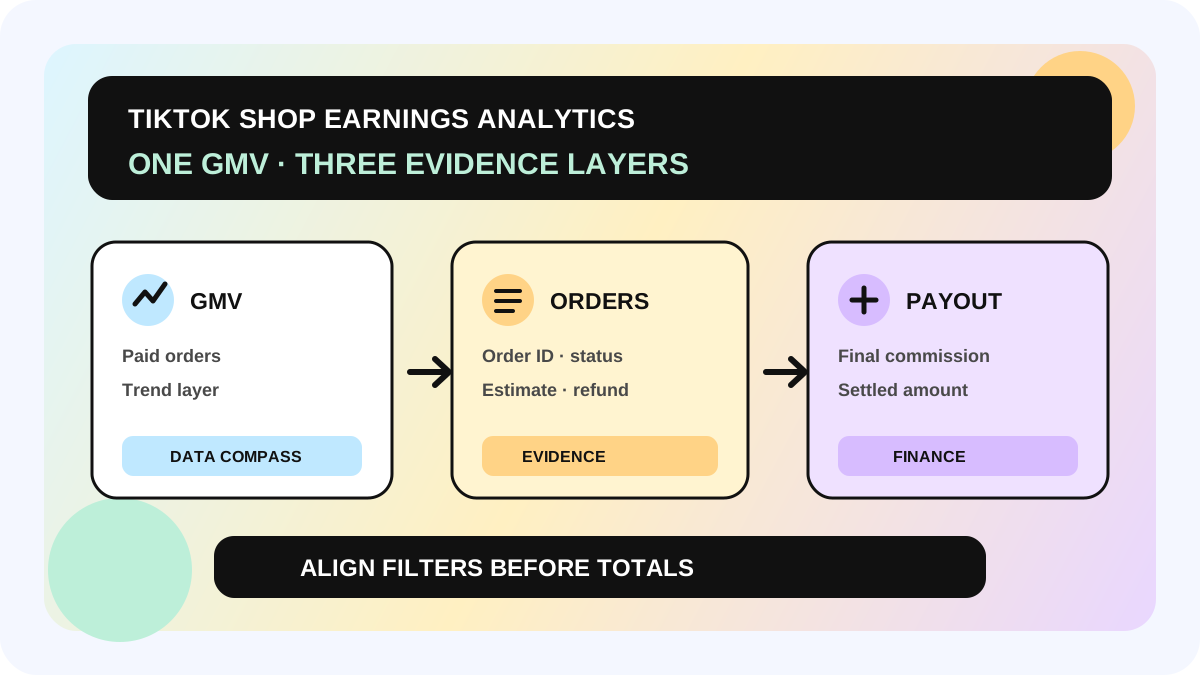
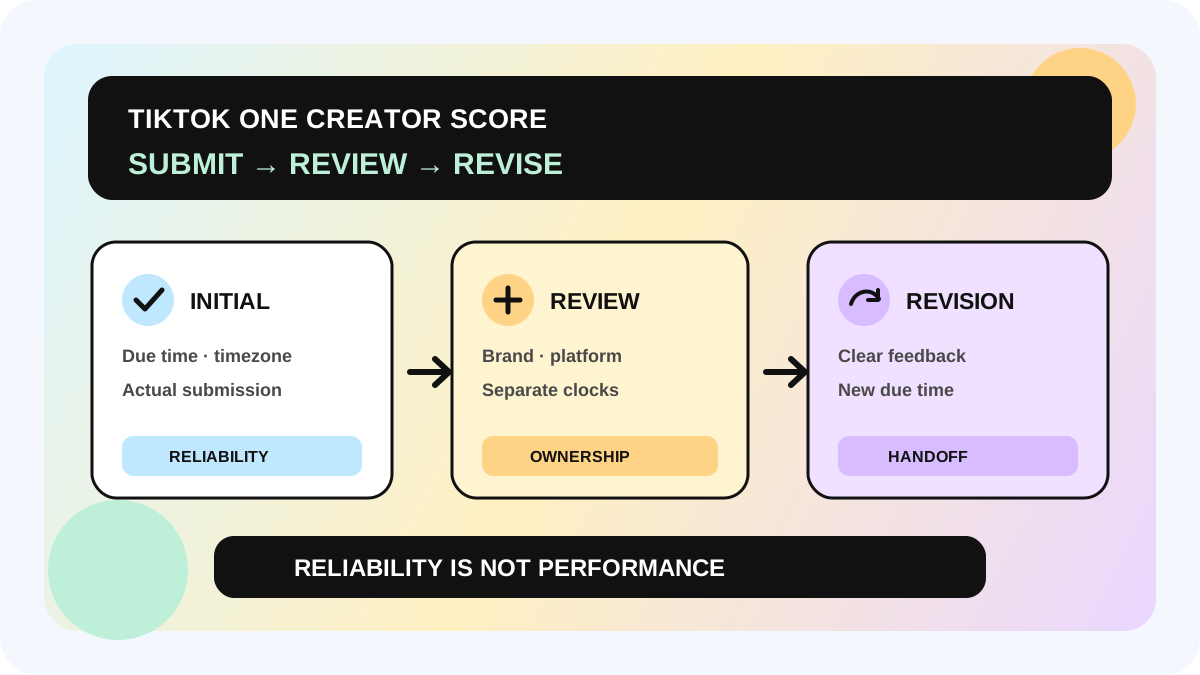
This is not a permanent promise, and it is not a payout date. Final commission can still depend on actual revenue, refunds, disputes, and settlement. Keep three timelines separate: when the rate becomes active, when an order is attributed, and when commission is finalized. A note that says only “rate changed from A to B in September” cannot explain a creator-level difference later.
A creator also loses the locked rate after removing the product from Showcase or deleting associated content. If the creator promotes it again, the current product rate applies. If a seller deletes and relists a product, the rate history resets and product links are removed from associated creator videos. Those actions are not an acceptable workaround for rate protection.
Standard versus Shop Ads Commission
| Check | Standard Commission | Shop Ads Commission |
|---|---|---|
| Protection after a decrease for active creators | 30 days | 30 days |
| Increase | Immediate | Immediate |
| Notice two days before protection ends | Yes | No equivalent two-day notice |
| Seller-side signal | Impacted creators shown during editing | Clock icon and grace-period detail in Open Collaboration |
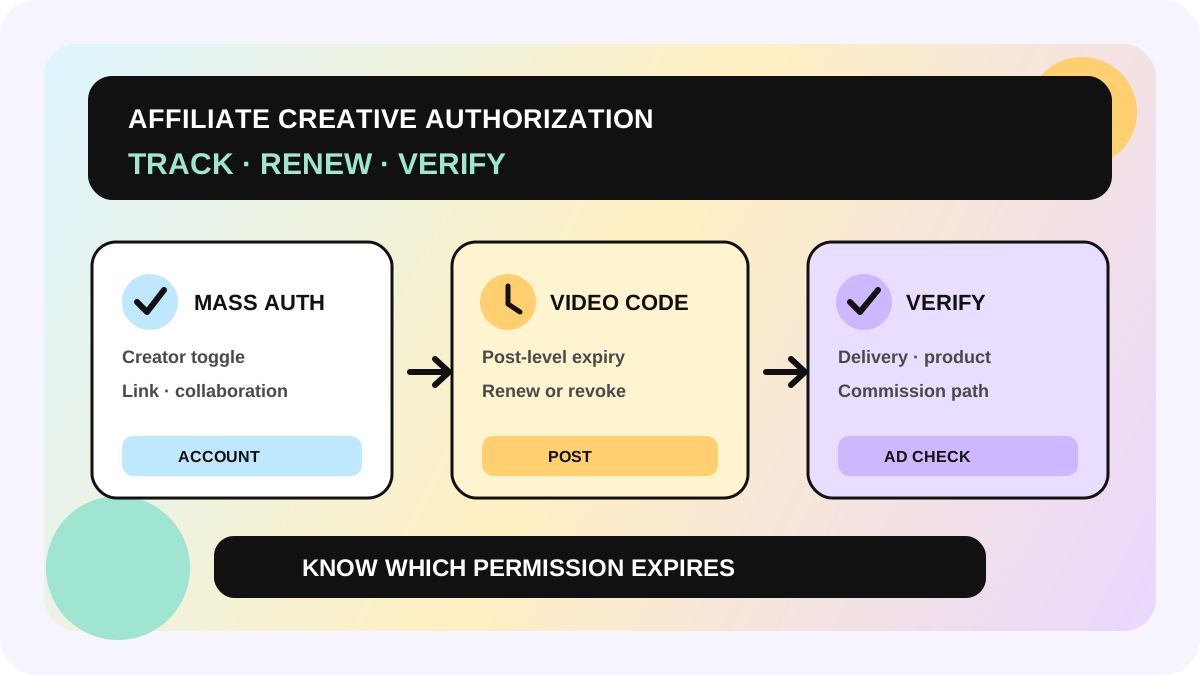
Both rate types appear in commission history. Do not assume that a Standard edit also updated Shop Ads Commission, and do not use the ads rate to explain organic orders. If the team has not separated organic sales from authorized ads, review the creative authorization renewal workflow before assigning Shop Ads ownership.
A six-step commission-change handoff
1. Capture the pre-change facts
Record the shop, market, product ID, editor, edit time, old Standard rate, old Shop Ads rate, and number of creators currently promoting the product. For a batch edit, preserve the exact product list rather than a note that says “lowered in bulk.”
2. State the reason and boundary
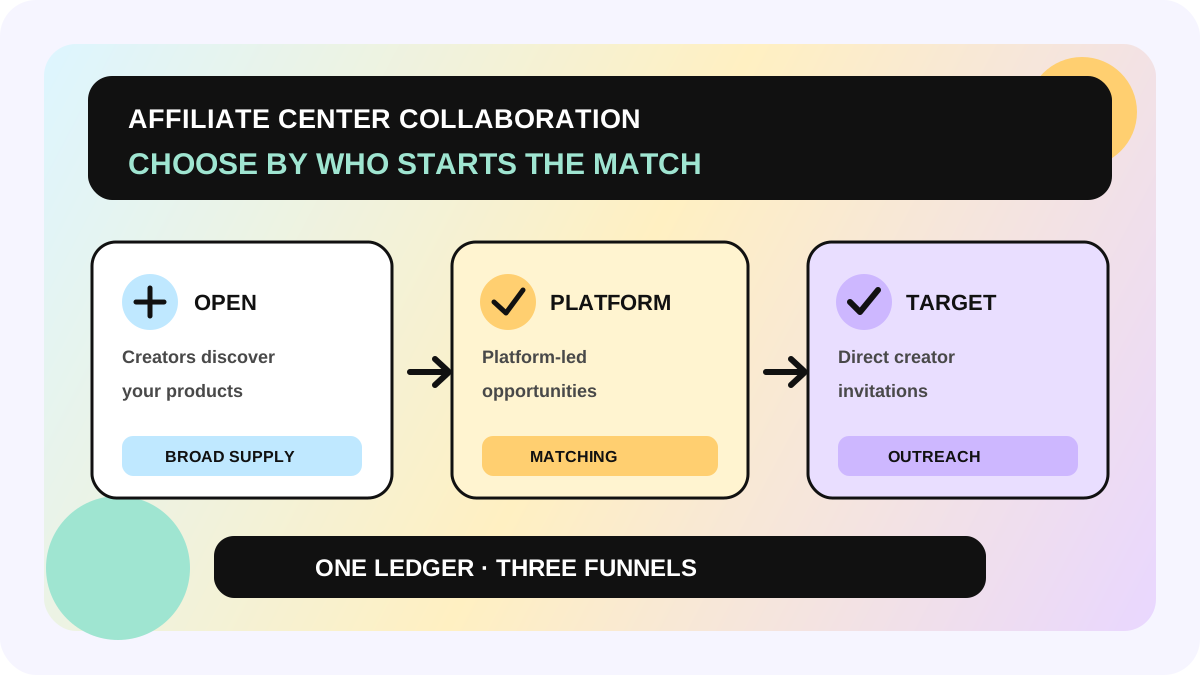
Use a reviewable reason such as a margin change, campaign end, or ads-cost adjustment. “Management request” is not enough for a later reconciliation. A rate edit does not end a collaboration. If the collaboration path itself needs to change, use the Collaboration entry guide to separate Open and Target responsibilities.
3. Verify the affected population after submission
Confirm the impacted creator count, old rate, new rate, and expected effective window shown by the platform. If nobody has promoted the product, the decrease can take effect immediately. If active creators exist, preserve their creator-level protection. A success toast proves that TikTok accepted the edit; it does not prove every creator is already on the new rate.
4. Read active status in commission history
From Open Collaboration, search the creator handle or ID and inspect `Updated`, `Status`, `Active period`, and `Commission`. `Status` identifies the currently active record; `Active period` explains why one product has more than one valid time segment. Archive evidence with both product ID and creator ID, not a cropped screenshot of a percentage.
5. Assign an expiry review
Set an owner and review time for the end of protection. The two-day Standard Commission notice is a supporting signal, not the team's control. Shop Ads Commission does not provide the same two-day notice. After the date arrives, check active status again instead of closing the task automatically from a calendar.
6. Hand the order evidence to finance
For a disputed order, preserve order ID, creator, product, content source, order time, applicable rate, refund state, and settlement state. Start with active period, then use the commission discrepancy workflow. If a refund is involved, continue with the refund commission reconciliation guide.
Minimum commission-change ledger
- shop, market, product ID, and creator ID;
- Standard or Shop Ads rate type;
- old rate, new rate, and direction of change;
- edited at, effective at, and active period;
- current status and verified at;
- whether the creator is still promoting and the product remains in Showcase;
- owner, next review, and order-level evidence link.
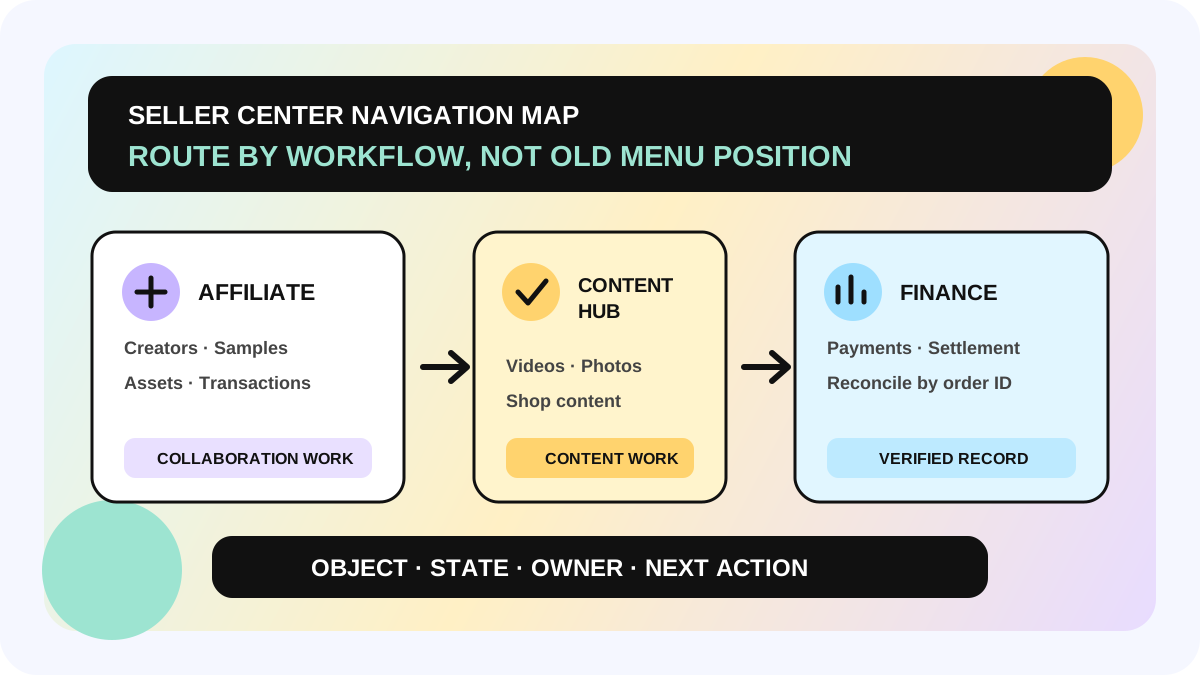
The ledger is not another place to copy one percentage. It makes “which rate applies to whom, and when” handoff-ready. Product defaults control configuration, creator history explains the transition, and order records close the reconciliation.
Fit and non-fit boundaries
This workflow fits teams that change Open Collaboration rates regularly, manage Standard and Shop Ads rates together, or hand work across BD, ads, and finance. A small team should still preserve product, creator, active period, and owner.
It does not replace TikTok's final settlement, refund decision, Target Collaboration terms, or rules for other markets. These facts come from US guidance. They do not prove that Thailand, the Philippines, Indonesia, Vietnam, Brazil, or Mexico follows the same timing. If page history conflicts with order settlement, preserve the evidence and use the applicable market's Seller Center support route. Do not keep changing rates to probe the system.
The allymatic view: commission is a versioned relationship, not one field
Many commission disputes are not arithmetic failures. They happen because a team saves the product's current rate but not the version that applied to the creator relationship. allymatic recommends treating every edit as a record with an object, start, end, reason, and owner. Operations owns the reason, BD owns creator communication, ads owns Shop Ads interpretation, and finance closes the order-level result.
Before the next edit, export the active creators. After submission, save the history. At protection expiry, verify active status. The change is complete only when all three actions are done.
FAQ
Does every creator wait 30 days after a decrease?
No. Creators already promoting keep the original rate for 30 days. Creators who begin after the decrease receive the new rate and begin their own protected period. If no creator has promoted the product, the decrease can take effect immediately.
Does an increase also wait 30 days?
No. TikTok's guidance says a higher Standard or Shop Ads rate applies immediately to creators already promoting the product.
Why can two creators have different commission rates for one product?
Check when each creator started promoting, the edit history, and the active period. Protection can make old and new rates valid at the same time for different creator relationships.
Where do I confirm the rate that is active now?
In Open Collaboration, search by creator handle or ID and review commission history. Check `Status`, `Active period`, Standard Commission, and Shop Ads Commission instead of relying only on the product-list default.
Official Sources
Official Sources
Primary references used for this article.