Where Did TikTok Shop Affiliate Tools Move? A Seller Center Navigation Map for Creator Teams
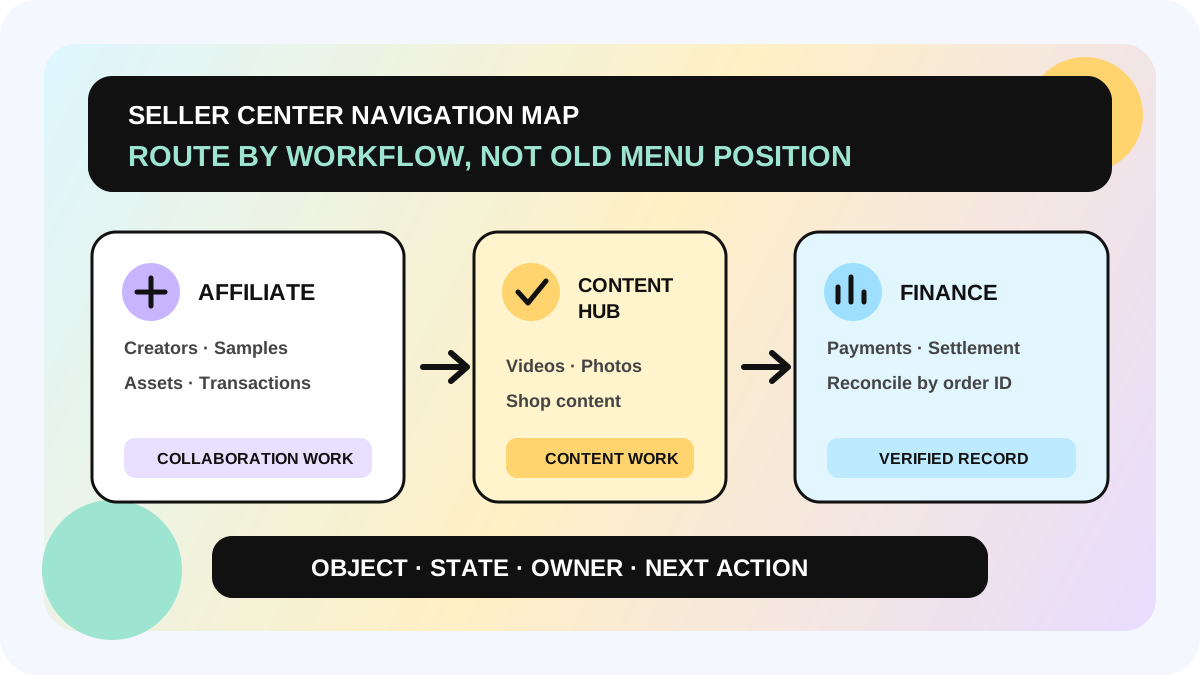
If the TikTok Shop Seller Center menu suddenly looks different, do not assume a feature was removed. The US navigation update regroups tools around business workflows. Creator discovery and collaboration, samples, creator assets, and affiliate transactions sit under Affiliate. Videos, photos, and other shop-owned content sit under Content hub. TikTok says the update changes menu locations and grouping, not the account's existing feature access or permissions.
This map is for TikTok Shop sellers and creator BD, sample, content, and finance teams. The official page applies to eligible US-local sellers and describes a phased rollout. Market availability, account eligibility, member roles, labels, and interface versions can differ. When the menu does not match a screenshot, the live account is the source of truth.
Direct answer: where common creator tasks belong
| Job to complete | New top-level entry | What still needs verification |
|---|---|---|
| Find creators, send invites, manage collaborations | Affiliate | The live Find Creators, Collaboration, or Manage Creators workspace |
| Approve or track samples | Affiliate | Product, creator, sample status, and next owner |
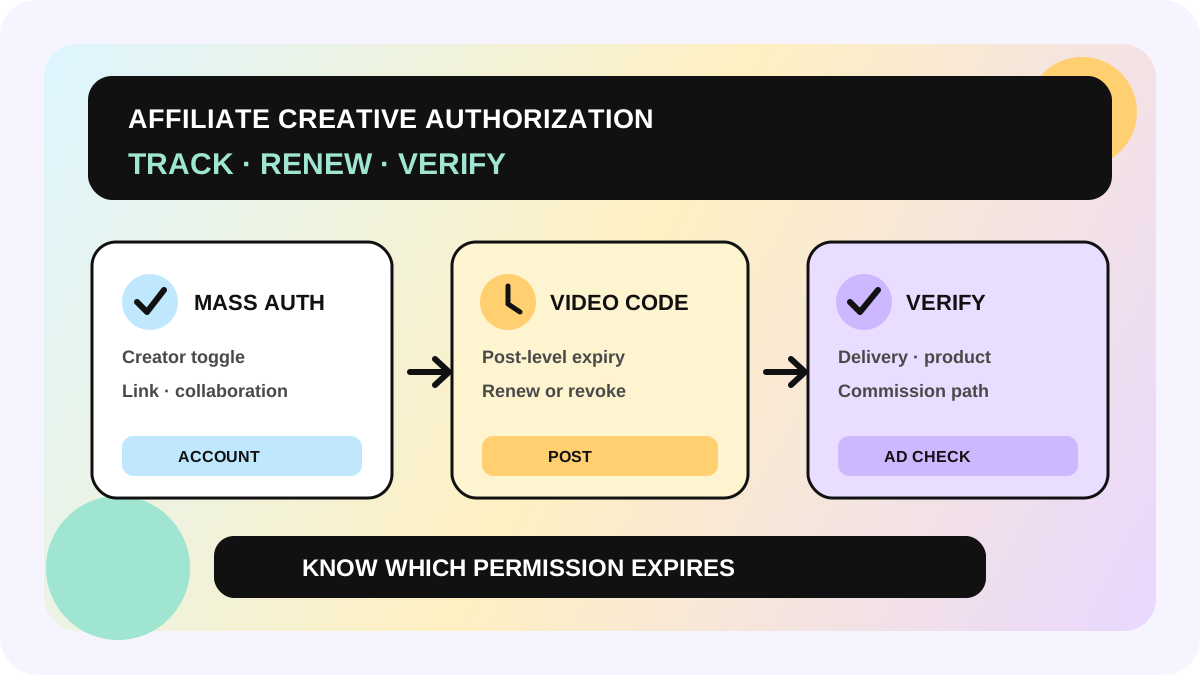
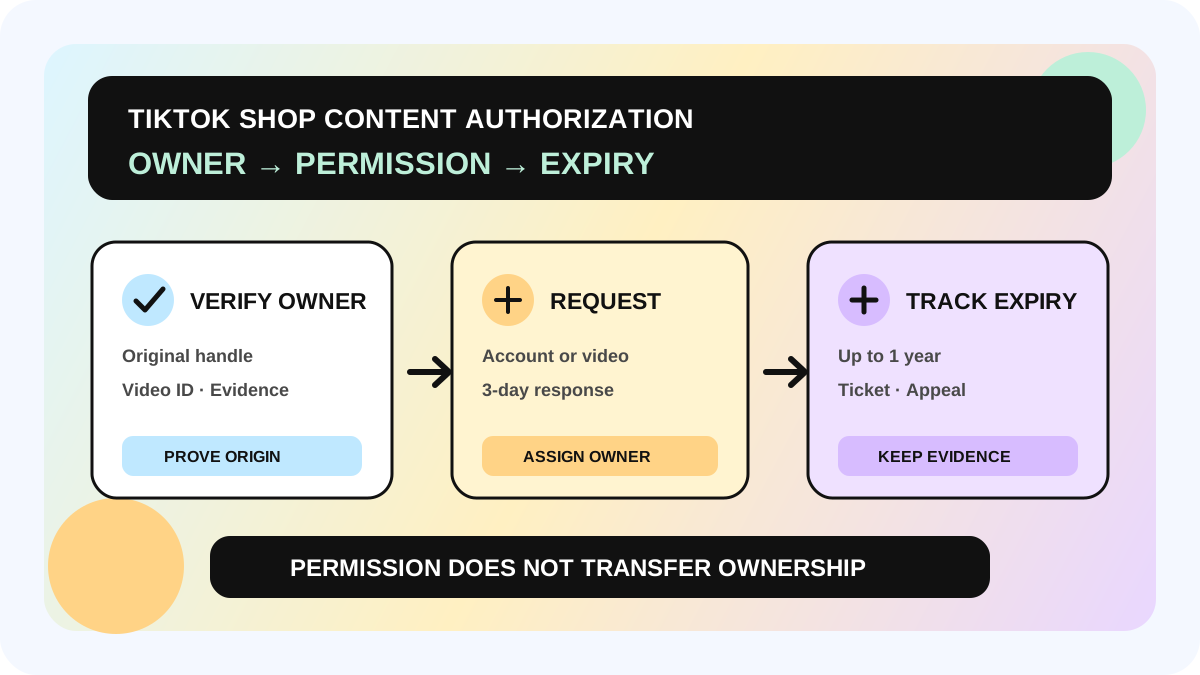
| Review creator-made assets | Affiliate | Source, linked product, authorization, and expiry |
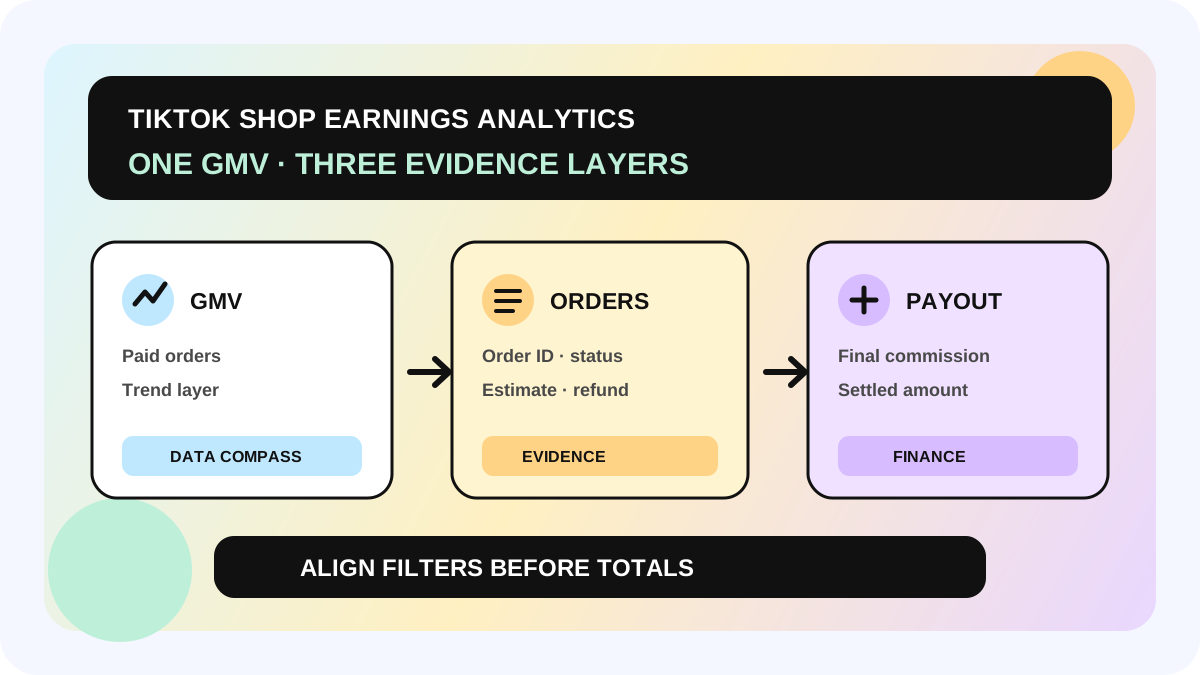
| Reconcile affiliate orders or transactions | Affiliate | Order, commission, refund, and settlement basis |
| Manage shop videos, photos, and other content | Content hub | Publication, product link, and ads eligibility |
| Review shop-wide performance | Analytics | Do not substitute a shop total for creator- or order-level evidence |
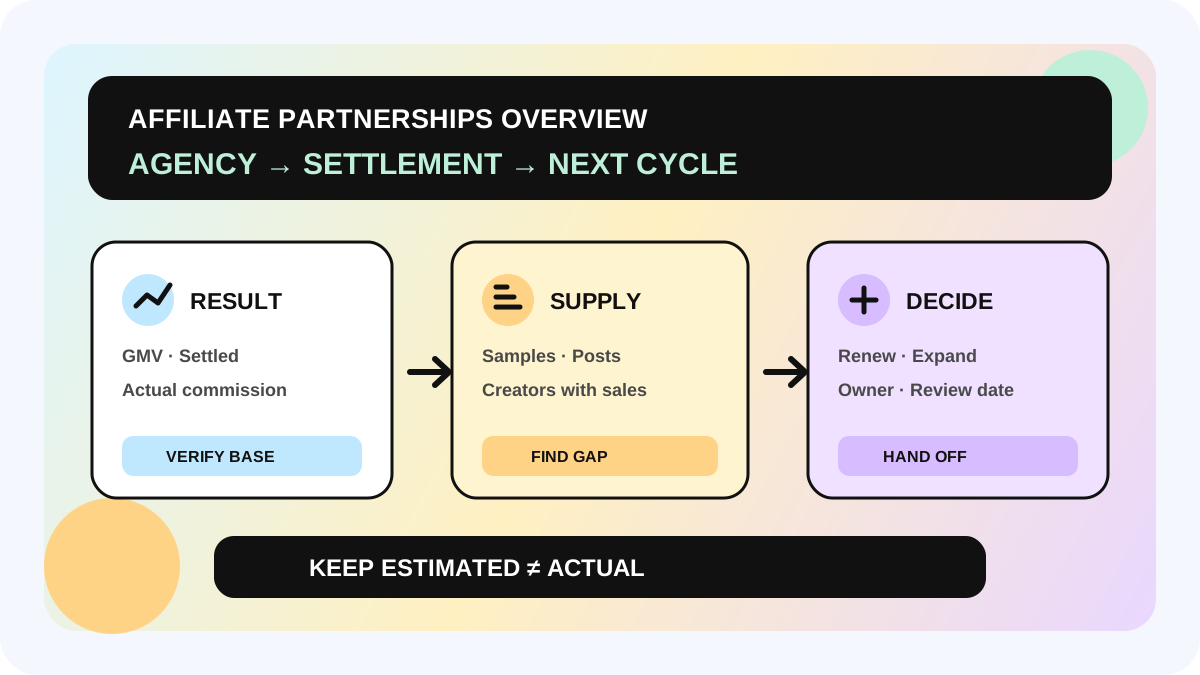
| Review payments, settlements, and finance records | Finance | Reconcile to affiliate detail with the order ID |
Affiliate and Content hub are the easiest entries to confuse. Affiliate answers how the seller works with creators and how those collaborations produce transactions. Content hub answers how shop content is created and managed. One creator video can touch both workflows, but collaboration status, content status, ads authorization, and settlement status remain separate facts.
What changed—and what did not
TikTok Shop's September 18, 2026 notice says the new navigation began rolling out on September 10 to eligible US-local sellers and was expected to be broadly available by late September. Top-level menus now open landing pages: Affiliate opens Affiliate overview, while Content hub opens Content hub overview. Selecting a top-level menu also expands its submenu.
Existing access and permissions are not supposed to change because of the reorganization. Some old bookmarks may keep working; others may no longer open the expected page. TikTok recommends locating the tool through the new left navigation and saving a fresh bookmark. Permission errors, broken pages, or missing tools should be reported through Seller Center Help Center with account details, a screenshot, and the former feature name.
An internal SOP therefore should not say only “click the third item in the left menu.” A durable SOP records the business intent, current entry, object ID, state, owner, evidence, and next action. Menu order can change without destroying the handoff.
A five-step migration workflow
1. Confirm account, market, and permission first
Record the shop, market, current member role, check date, and visible menus. A shop owner, Affiliate Manager, and general team member may not see the same editable areas. A missing entry is not proof that TikTok removed the feature. Have an authorized member verify the account before classifying the issue as rollout, eligibility, or permission.
2. Route by business intent, not the old menu label
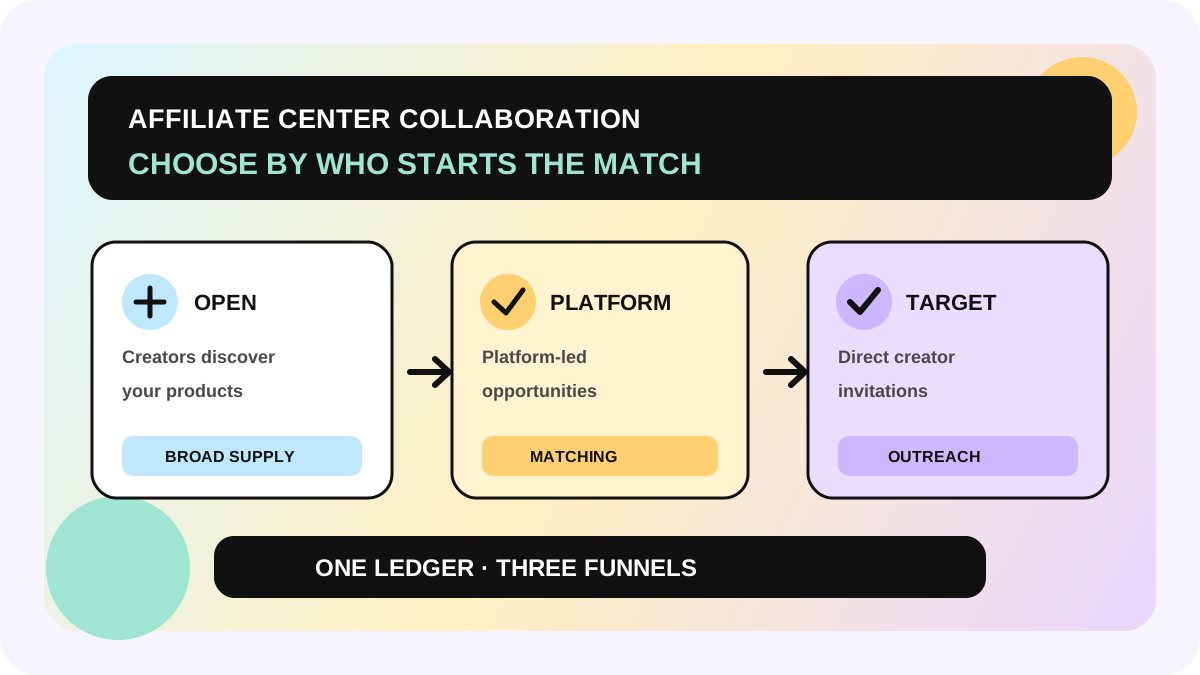
Start in Affiliate for creators, samples, creator assets, or affiliate transactions. Start in Content hub for shop-owned videos and photos. Start in Analytics for shop-wide reporting, and Finance for payments and settlements. For the choice between Open, Platform Campaigns, and Target, continue with the Collaboration entry guide.
3. Move past the landing page into the working view
Affiliate overview is a module entry, not a completed task. Continue to the live Find Creators, Collaboration, Manage Creators, Samples, Creator Assets, or transaction view and verify the object and state. TikTok's Manage Creators guide says that view can hold 90-day performance, tags, and collaboration context. Removing a creator there removes them from that page; it does not end an active collaboration.
4. Preserve context in one migration ledger
For every old SOP, record the old entry, new entry, business object, old bookmark, current working URL, required role, last verified time, owner, and failure route. Samples need request, approval, shipping, and content states. Assets need source, product, authorization, and expiry. Transactions need order ID, commission, refund, and settlement.
Send creator-level performance to the affiliate GMV review guide. Use the creator inbox handoff workflow for message ownership. A summary card on an overview page is not final business evidence.
5. Replay a real low-risk task
For every high-frequency SOP, run one low-risk existing object from the new entry to a verified state: locate a known creator, open an existing collaboration, inspect a sample record, review an existing creator asset, and reconcile one affiliate transaction by order ID. Seeing a page or button is not a pass. The object, state, evidence, and next action must match the process.
Minimum migration checklist
- shop, market, user role, and UI checked at;
- business intent and new top-level entry;
- exact workspace and object ID;
- whether the old bookmark still works;
- current state, evidence, and next action;
- owner, backup owner, and review date;
- feedback record for a permission error or missing entry.
Prioritize daily SOPs, external actions, and paths that affect commission or settlement. Low-frequency documentation can follow. High-risk paths should be replayed against the current account before the old instructions are retired.
Fit and non-fit boundaries
This approach fits teams where several roles share creator collaboration, samples, assets, and transaction work. It also helps teams that rely heavily on browser bookmarks, training screenshots, or automation instructions. A one-person shop can reduce the ledger to four columns: entry, object, state, and next action.
It does not replace platform eligibility, member permissions, order detail, or settlement records. It also does not prove that every market uses the same navigation. The official notice covers US-local sellers. Where market data is missing, record the gap instead of predicting a rollout date. For access, commission, or settlement disputes, rely on the live account and the applicable official guidance.
The allymatic view: navigation is an entry; cross-role state is the asset
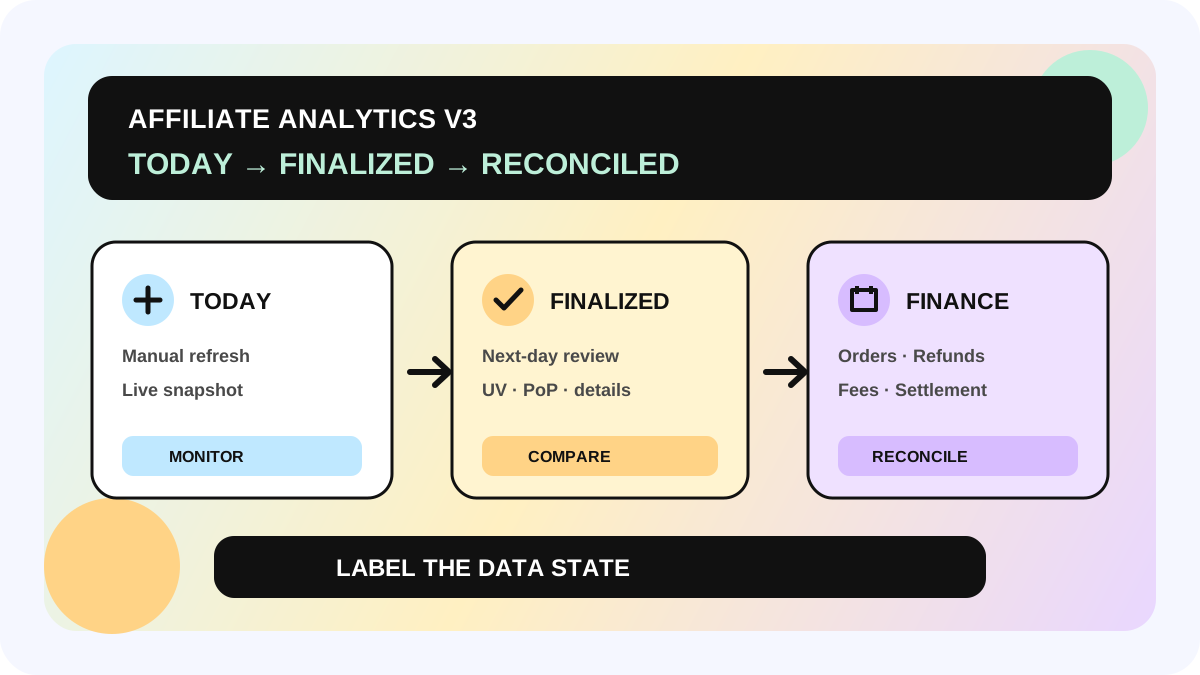
A navigation update often reveals that operating knowledge lives in personal memory, old screenshots, and bookmarks. allymatic recommends making creator ID, product ID, sample or order ID, and owner the workflow spine. Whether a task starts in Affiliate, Content hub, or Finance, the team should see the previous evidence and the next accountable action on the same object.
Use one day to do three things: list the ten most-used old SOPs, map each to the new top-level entry and exact workspace, and replay three of them end to end. If the feature exists but the handoff breaks, fix the state and owner before adding more training screenshots.
FAQ
Was Affiliate Center removed?
No. TikTok's navigation notice keeps Affiliate as a top-level Seller Center entry that opens Affiliate overview. The collaboration structure is also designed to carry into Seller Center. Regrouping the entry is not the same as removing the capability.
Why can my colleague see an entry that I cannot?
Check market, account eligibility, rollout, and member permission. TikTok describes a phased rollout, and member roles affect what a user can view or edit.
Should Creator Assets be under Affiliate or Content hub?
TikTok's navigation table places “view creator assets” under Affiliate. Creating or managing videos, photos, and other shop content belongs in Content hub. Before using an asset, separately verify its source, product link, authorization scope, and expiry.
Will old bookmarks still work?
Some may. Others may fail or land in the wrong place. Relocate the feature through the new left navigation, complete one real verification, and then save the new bookmark.
Official Sources
Official Sources
Primary references used for this article.