How to Combine TikTok Shop Sample Orders: the 5-Minute Window, Warehouse Check, and Failure Handoff
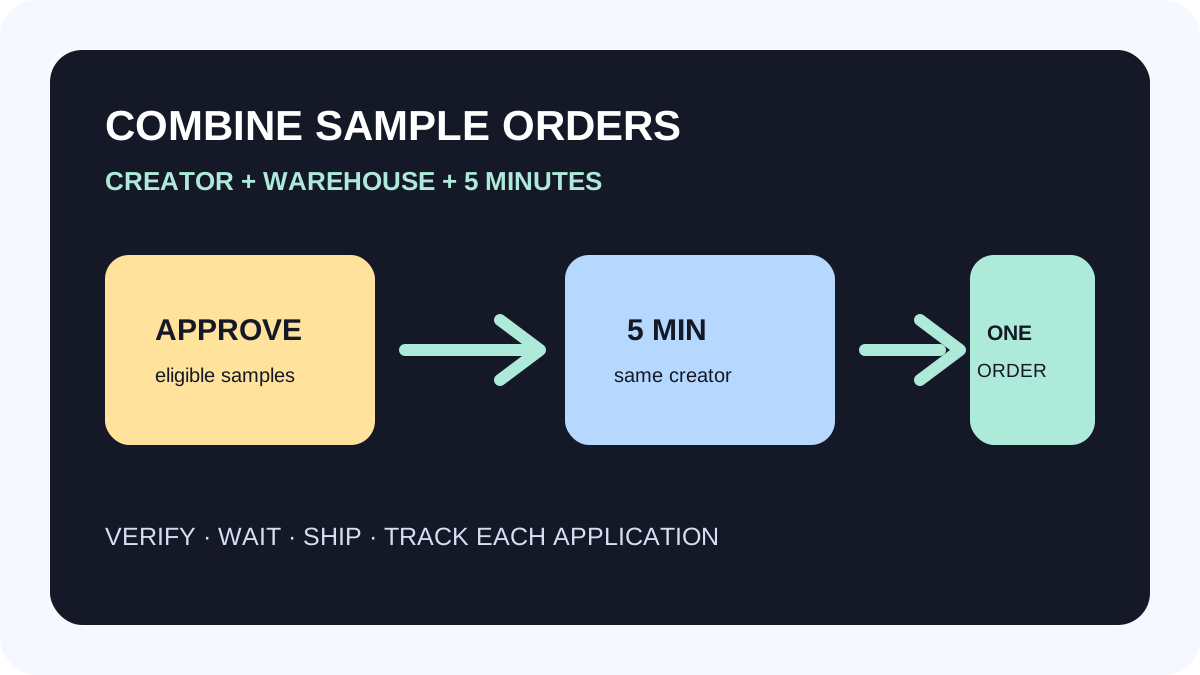
TikTok Shop can combine manual free-sample requests into one order ID when they come from the same creator and warehouse. This is a shipping-execution feature, not a promise of more creator content or GMV. It helps teams that process several sample requests for one creator; it does not turn refundable samples or mixed requests into one shipment.
Direct answer: when can requests be combined?
| Condition | Result |
|---|---|
| Same creator, same warehouse, manual free samples | Eligible for automatic combination |
| Another eligible request approved within 5 minutes of the first | Added to the same order ID |
| Refundable samples or mixed purchase-and-sample requests | Not supported |
| Out of stock or a new creator violation causes generation to fail | Returns to To review with an alert |
The Combine sample orders toggle is on by default in Sample Requests. Approve by creator or by individual sample. After combining, each application remains a separate row, so one order ID should never erase SKU-level evidence.
Treat the five minutes as an operating checkpoint
Approving the first sample starts a five-minute hold for other eligible requests from that creator. When the window ends—or there is nothing else to combine—the system creates one order ID. Ship in Seller Center is disabled while a pending order is being generated. Do not bypass that state with an off-platform shipment.
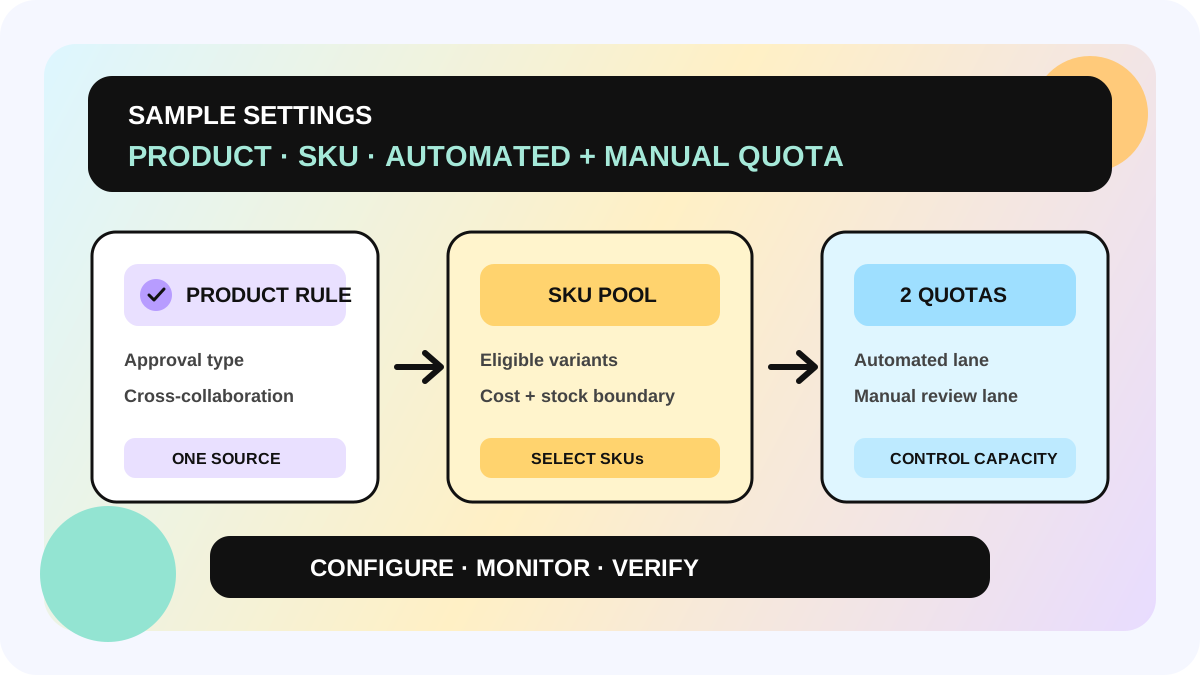
Use a creator-level review: check the candidate SKUs, warehouse, stock, and cost before the first approval; then approve only the items the team truly intends to ship together. The window is not a reason to include premium or low-stock variants. Keep product and SKU boundaries in the Sample Settings workflow.
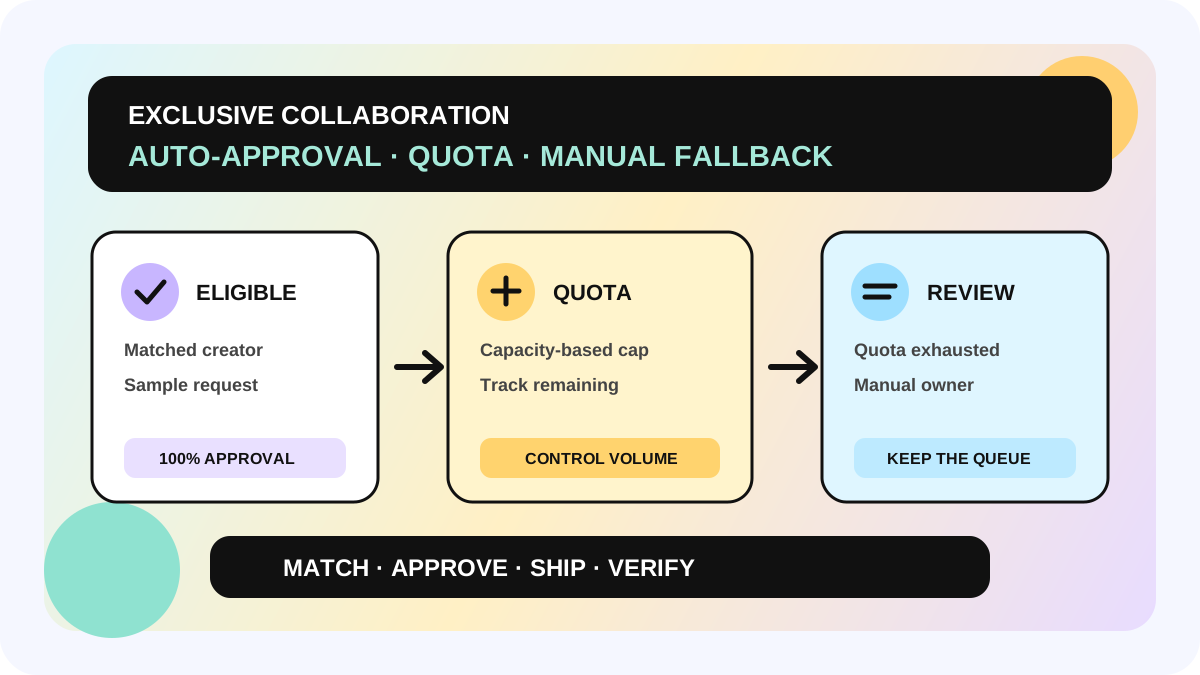
For invite-only work, keep quota and manual fallback decisions in the Exclusive Collaboration workflow; combining does not replace that eligibility judgment.
Six steps for sellers
1. Confirm the request type and warehouse
Verify creator, manual free-sample status, and fulfillment warehouse in Sample Requests. Same creator alone is insufficient; different warehouses, refundable samples, and mixed requests are not eligible under the feature.
2. Decide SKU eligibility before approval
Exclude costly bundles, unavailable variants, or items requiring a separate package. Combining changes order organization, not stock ownership, product health, or sample budget. Use the eligible SKU boundary already set in product-level Sample Settings.
3. Approve only the items intended for one shipment
After the first approval, complete reviews for the creator’s other eligible requests within five minutes. Do not approve an item merely to fill a parcel: each remains an independent sample application and a future fulfillment record.
4. Wait for the generated order ID
During the pending state, log the creator, approved SKUs, warehouse, start time, and owner. After generation, ship one package with one tracking ID, while retaining each application and SKU cost in the internal ledger.
5. Return failures to an owned queue
If generation fails, TikTok Shop returns the request to To review and shows an alert. The official guide gives out-of-stock products and new creator violations as examples. Read the live alert, then resolve stock, cancel, review again, or seek support; do not treat it as approved or shipped.
6. Track content separately after shipping
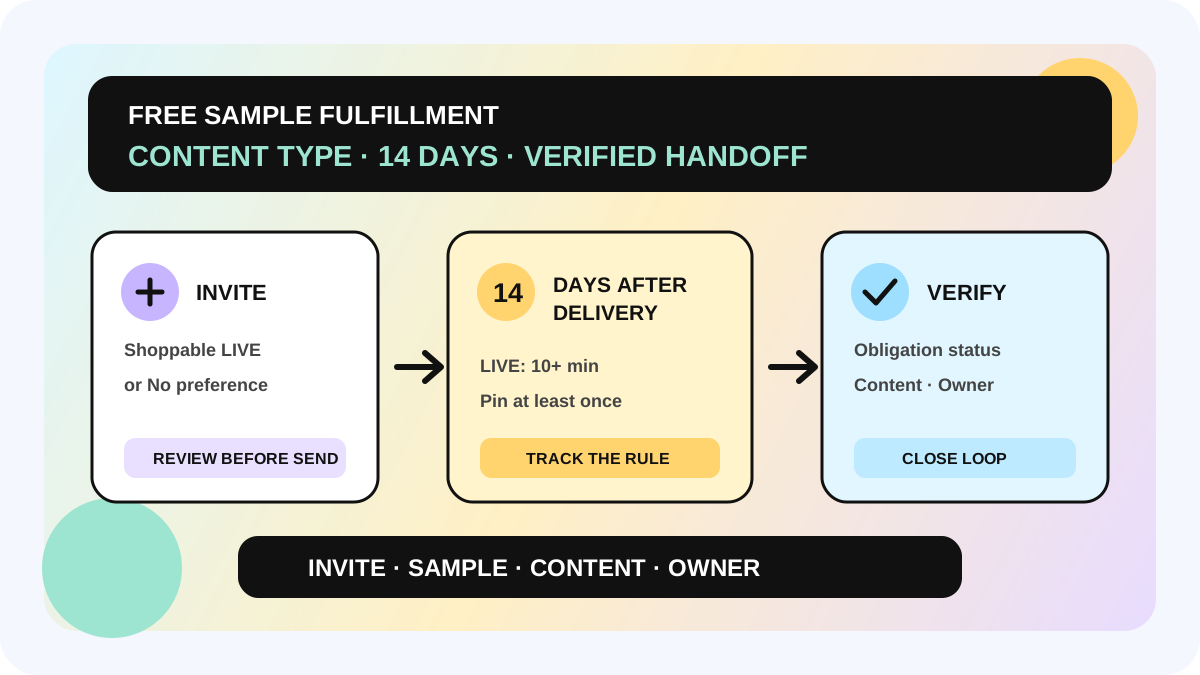
One order ID does not combine multiple sample-content obligations into one deliverable. Link the order ID, application rows, shipment, content URL, and status separately, then verify obligations through the free-sample fulfillment workflow. allymatic’s view: combine orders to reduce logistics friction, not to hide SKU cost or creator-fit decisions.
Minimum ledger and checklist
- creator, application ID, SKU, sample type, and same-warehouse check;
- first-approval time, five-minute window, owner, and toggle state;
- combined order ID, parcel, and tracking ID;
- stock, cost, and exclusion decision per SKU;
- pending, generated, and failed/To review timestamps plus platform alert;
- shipment, receipt, and fulfillment status for every application.
Boundaries and FAQ
Can the feature be turned off? Yes. Turn off the page toggle when each application needs its own order ID; that choice depends on warehouse controls, not on a performance claim.
Does combining improve posting probability? The official feature describes order and shipping handling only. It does not guarantee content, conversion, or GMV.
Does a failed order continue automatically? Do not assume so. Once it returns to To review, act on the alert and decide whether to correct and approve again.
Next: replay one real creator’s eligible same-warehouse requests in the ledger before standardizing the queue. Availability and labels follow the live Seller Center in each market.
fact-table: TikTok Shop Seller Academy, “How to combine sample orders,” updated 2025-12-31; default on; same creator + warehouse + manual free samples; 5-minute approval window; refundable and mixed requests excluded; generation failures including stock or new creator violations return to To review with an alert; applications remain separate rows.
Official Sources
Official Sources
Primary references used for this article.