How to Use TikTok Shop Sample Settings: Product-Level Approval, SKU, and Quota Workflow
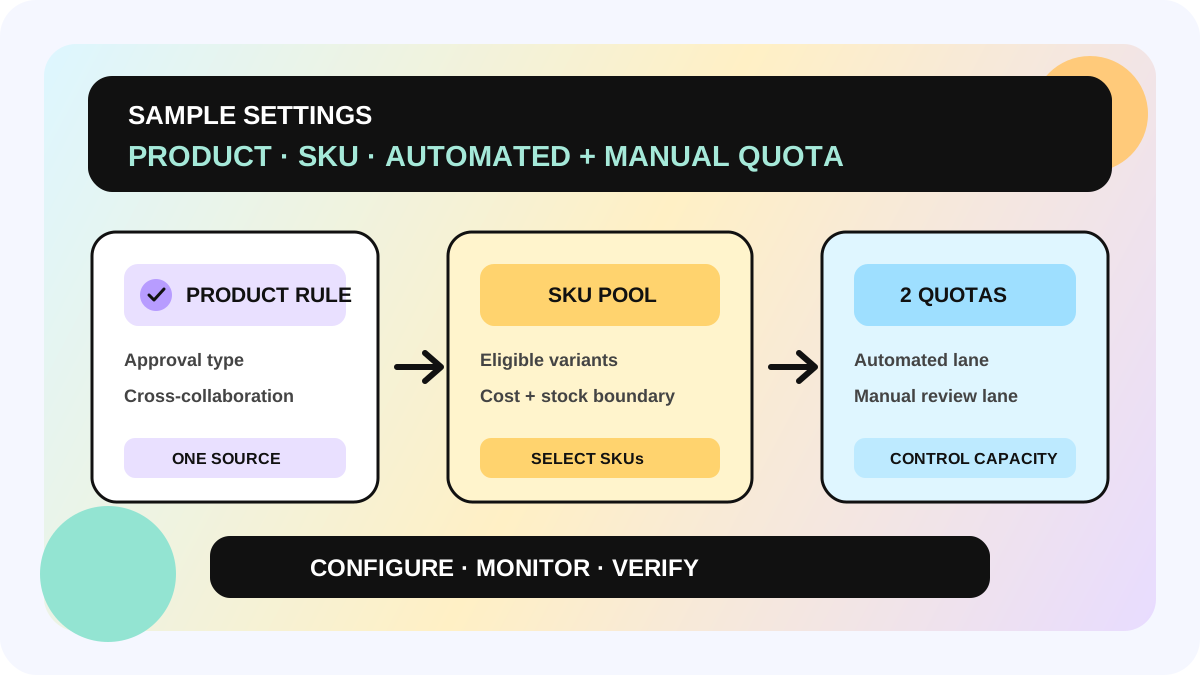
TikTok Shop's Sample Settings Page brings sample rules that used to sit across Open Collaboration, Target Collaboration, and campaigns into one product-level control surface. Sellers can review available inventory, sample status, SKU preference, approval method, and separate automated and manual quotas. The product rule then applies across collaboration entries instead of being recreated plan by plan.
This guide is for teams running more than one creator-collaboration model, especially when SKU costs differ or sample quotas no longer reconcile. It addresses where rules live, which quota controls what, and who owns inventory exceptions. It does not mean TikTok Shop decides the value of every sample for the seller, and it does not guarantee more content or GMV. TikTok Shop says the page launches globally, while approval models vary by market; the live market and account remain the operating source of truth.
Direct answer: what changes with Sample Settings?
| Control | Common problem before centralization | Product-level approach |
|---|---|---|
| Approval method | Open, Target, and campaign rules are interpreted separately | Choose Rule Based Auto-Approval, a market-available ROI/GROI model, or Manual per product |
| Sample quota | Automatic and manually reviewed capacity blur into one number | Set automated and manual quotas separately; each can be customized or unlimited |
| SKU scope | Premium or low-stock variants enter the sample pool | Use SKU preference to include only eligible colors, sizes, flavors, or bundles |
| Product status | Teams learn about inventory or rule problems after a request fails | Read Live, Disabled, or Paused with stock, GNE/RCS, or quota signals in the table |
| Portfolio changes | Teams edit every product inside every plan | Batch-edit products, including selections across pages |
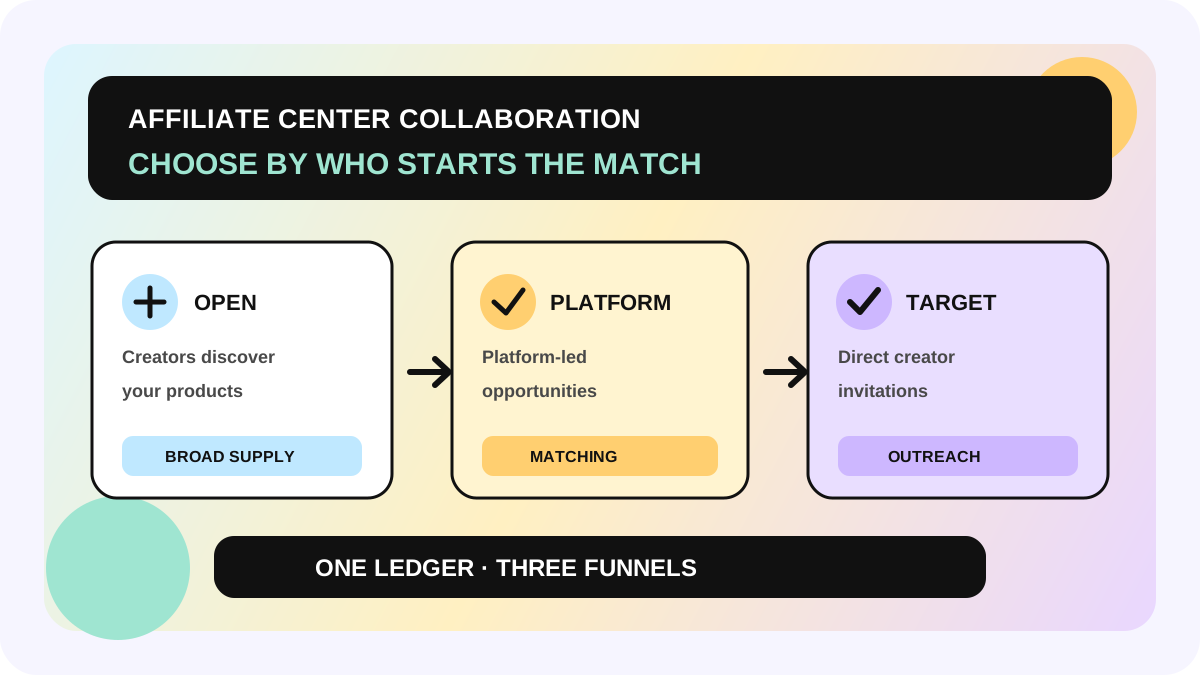
The practical change is simple: define the sampling boundary at product level, then let collaboration types reuse it. If the team still mixes up Open, Platform Campaigns, and Target, begin with the Affiliate Collaboration entry-selection workflow before changing global sample settings.
Separate three layers: product, SKU, and request
Product layer: choose approval logic and capacity
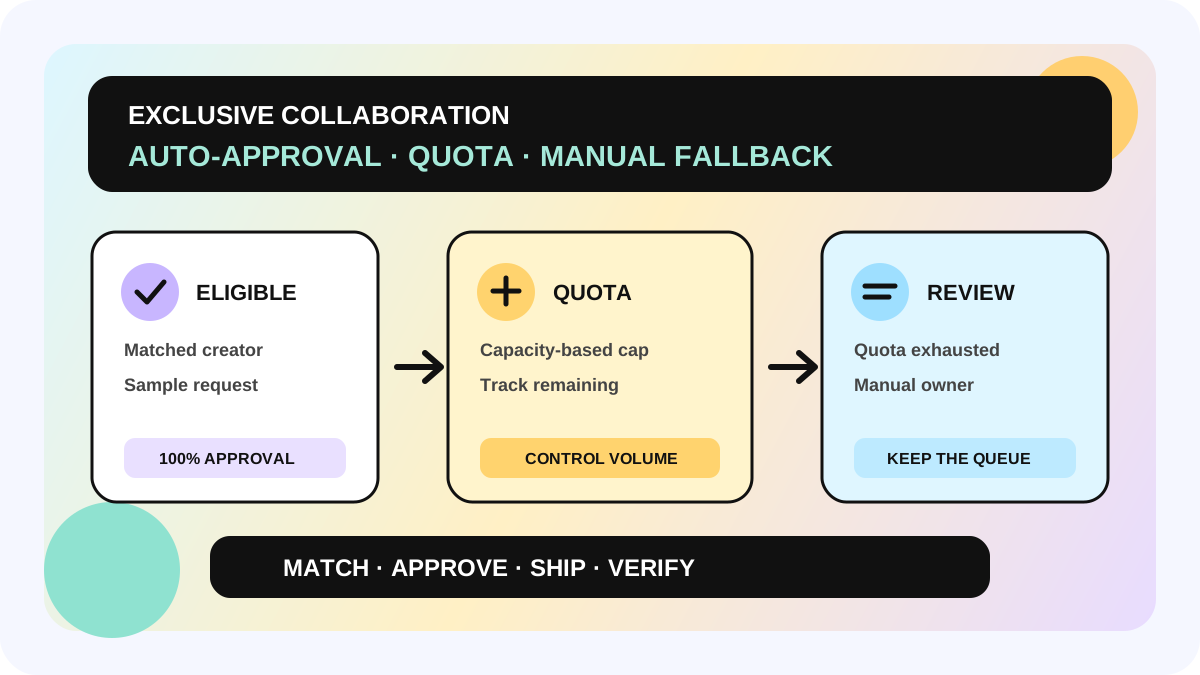
Each product gets an approval method plus separate automated and manual quotas. The automated quota limits requests that can pass without case-by-case review. When it is exhausted, later requests move to manual review rather than being automatically rejected. The manual quota controls how many requests the team can approve itself. “Unlimited” does not create unlimited stock or fulfillment capacity; the seller still needs an internal shipping limit.
TikTok Shop recommends keeping the product-level quota at or above the Open Collaboration quota because the product rule protects inventory and budget across collaborations. If the lower-level Open quota exceeds the product capacity, the team has created rules it cannot execute consistently. Derive quota from sample-safe inventory, warehouse throughput, and follow-up capacity—not from desired impressions.
SKU layer: decide which variants can be sampled
SKU preference can exclude premium bundles, scarce sizes, out-of-stock colors, or flavors that do not need more content. It is the seller's eligible-sample list, not a creator-interest label. Existing Open Collaboration SKU settings migrate to the consolidated page, but migration is not validation. Recheck cost, stock, and content priority before relying on inherited settings.
To decide which variants deserve continued sampling, connect the platform configuration to an internal sample ROI workflow. Keep the boundary clear: an internal ROI score is not a TikTok Shop approval decision.
Request layer: preserve the split between automation and judgment
Automatic approval handles requests that meet the active rule while automated quota remains. Once a request enters manual review, the team still evaluates creator fit, repeat sampling, recent fulfillment, SKU choice, and ship-ready stock. Special programs such as Exclusive Collaboration also retain their own eligibility and invitation logic; use the auto-approval quota and manual-fallback workflow for that operating layer.
A six-step unified sample-settings workflow
1. Capture the current product baseline
Open Sample Settings from Affiliate Center and record product ID, product name, available inventory, current status, SKU preference, approval type, automated quota, and manual quota. Mark products used in Open, Target, or campaigns so a global product change is not mistaken for an edit to only one entry.
2. Review migrated SKU settings
TikTok Shop says existing Open Collaboration SKU preferences migrate automatically. Confirm that each eligible SKU is still active, affordable to sample, and available to ship. Premium multipacks, limited colors, or high-return sizes should not remain open merely because they were migrated.
3. Select only the approval model available in the market
The page may show Rule Based Auto-Approval, Manual, and market-dependent GROI or ROI-based models. TikTok Shop identifies GROI for the US and ROI-based models for JP, SEA, LATAM, EU, and the UK. Labels, eligibility, and fields can change. Use only the option visible in the live account and understood by the team; do not infer a missing option from another market's screenshot.
4. Set automated and manual quotas independently
Automated quota is the capacity that can pass without individual review. Manual quota is the capacity reserved for exceptions and higher-judgment requests. Assign an owner to both: inventory and shipping monitor the automated lane, while creator operations works the manual queue. Define a response time for manual fallback so quota exhaustion does not turn into an unowned backlog.
5. Sample-check every batch edit
Batch edit is useful for applying a base rule to similar products, but it is not a substitute for verification. Check at least one premium product, one multi-SKU product, one low-stock product, and one product in an active Target invitation. Confirm that approval type, quota, and SKU eligibility were not overwritten incorrectly.
6. Work the Paused queue daily
A Paused status can signal out-of-stock, GNE/RCS, quota, or another product-level problem. Route each cause to an owner: supply chain for stock, shop operations for product health or restrictions, and the sample owner for quota. After the fix, verify that the live status recovers; a note or submitted change is not proof that requests can proceed.
Minimum product-level ledger
- market, shop, product ID, product name, and owner;
- approval type, rule updated at, and changed by;
- automated quota, used, and remaining;
- manual quota, used, remaining, and review SLA;
- eligible SKUs, excluded SKUs, and exclusion reason;
- available inventory, sample-safe inventory, and warehouse;
- status: Live, Disabled, or Paused;
- pause reason, detected at, owner, and recovery verified at;
- use in Open, Target, and campaigns;
- separate request, approval, shipment, and content-fulfillment states.
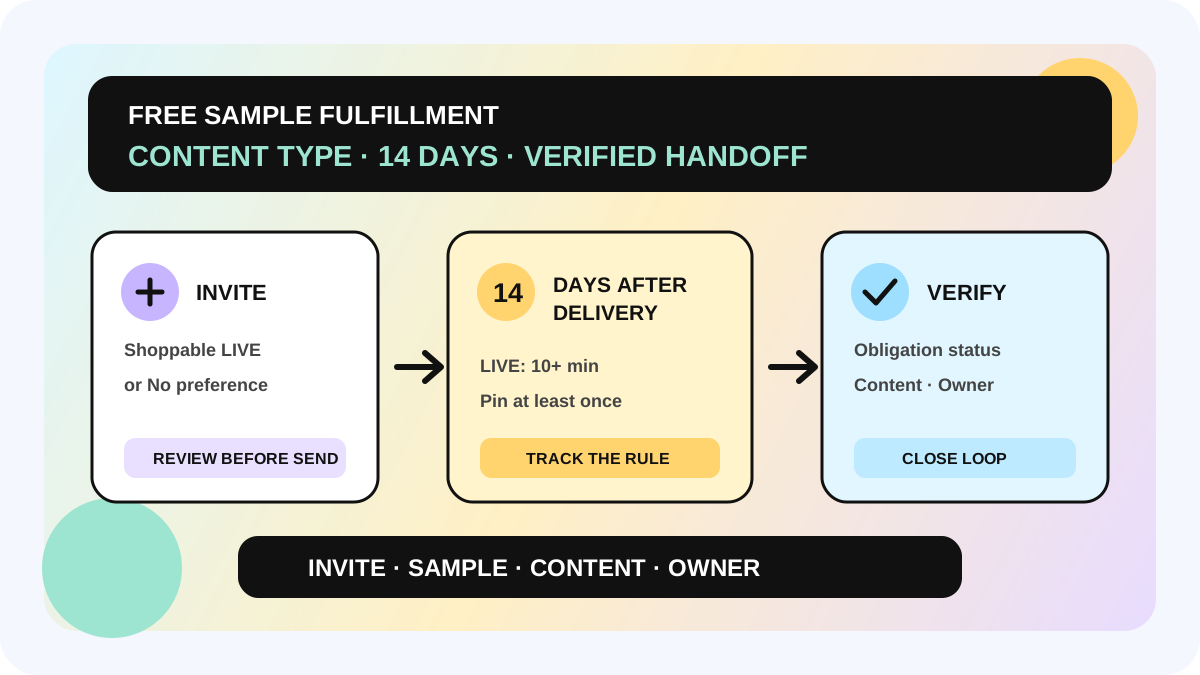
That last line prevents a costly reporting shortcut. Sample Settings defines approval and capacity; it does not collapse “requestable,” “approved,” “shipped,” and “fulfilled” into one state. After shipment, verify the content obligation with the free-sample content-type fulfillment workflow.
Launch checklist
- [ ] The live account shows Sample Settings, and current fields have been captured.
- [ ] Each approval type matches an option available in the current market.
- [ ] Automated and manual quotas are separate and each has an owner.
- [ ] Product-level quota is not below the existing Open Collaboration quota.
- [ ] Premium, out-of-stock, or content-irrelevant SKUs are excluded.
- [ ] Migrated Open SKU preferences have been manually reviewed.
- [ ] Batch edits were sampled across premium, multi-SKU, low-stock, and Target products.
- [ ] Every Paused reason has an owner and recovery check.
- [ ] Unlimited quota is not presented as unlimited inventory or a performance promise.
Fit and non-fit boundaries
This workflow fits sellers already using TikTok Shop sample programs who need one rule source across multiple collaboration entries. TikTok Shop says Sample Settings launches globally, but approval types differ by market: the US may show GROI, while JP, SEA, LATAM, EU, and the UK use their respective ROI-based models. Actual eligibility, labels, pause reasons, and rollout follow the local Seller Center.
Refundable samples stay in Open Collaboration because they do not apply to other collaboration types. The consolidated page does not replace platform eligibility, accurate stock, warehouse execution, creator fulfillment, or content-performance review. If the live page differs from this guide, pause batch changes and reconcile the current account with the relevant market guidance.
The allymatic view: centralization is not permission to loosen every rule
When one page manages every product, the tempting shortcut is to apply one generous setting to everything. allymatic recommends treating Sample Settings as a governance layer instead: product controls capacity, SKU controls cost and supply, the request layer keeps automation and human judgment separate, and post-shipment work moves into fulfillment tracking. The source of rules is unified; the threshold for every product does not have to be.
On the next visit, do three things first: find Paused products, reconcile automated and manual quotas, and inspect premium SKUs. Expand batch configuration only when all three can be explained.
FAQ
Which collaboration types use Sample Settings rules?
TikTok Shop says product-level rules apply across Open Collaboration, Target Collaboration, and other collaboration types. Refundable samples remain managed in Open Collaboration.
Are requests rejected when automated quota runs out?
Not solely because the automated quota is exhausted. Later requests move to manual review, where the seller decides based on its manual quota and operating criteria.
Can a seller offer only selected SKUs from one product?
Yes. SKU preference can exclude premium or unsuitable variants and keep only the SKUs the team is prepared to sample.
Must old Open Collaboration SKU settings be rebuilt?
TikTok Shop says they migrate automatically. A manual review is still necessary because inventory, cost, and content priorities may have changed.
Official Sources
Official Sources
Primary references used for this article.