TikTok Shop Automate Invitations: a Controlled Workflow for Continuous Creator Recruitment
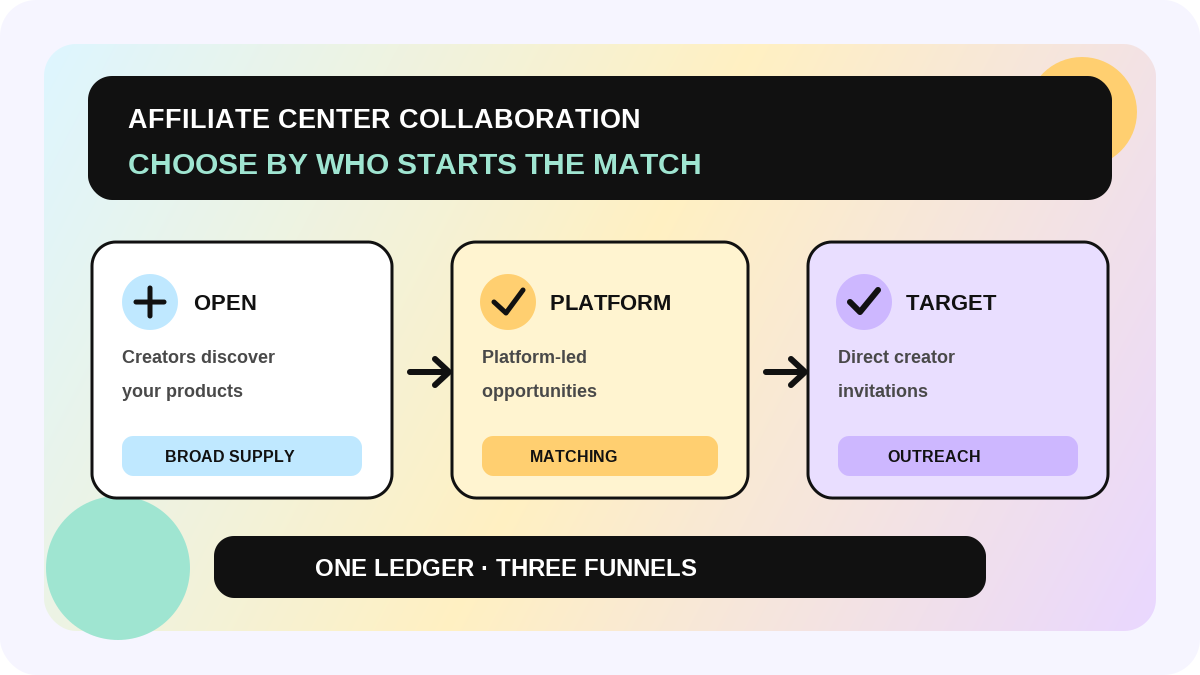
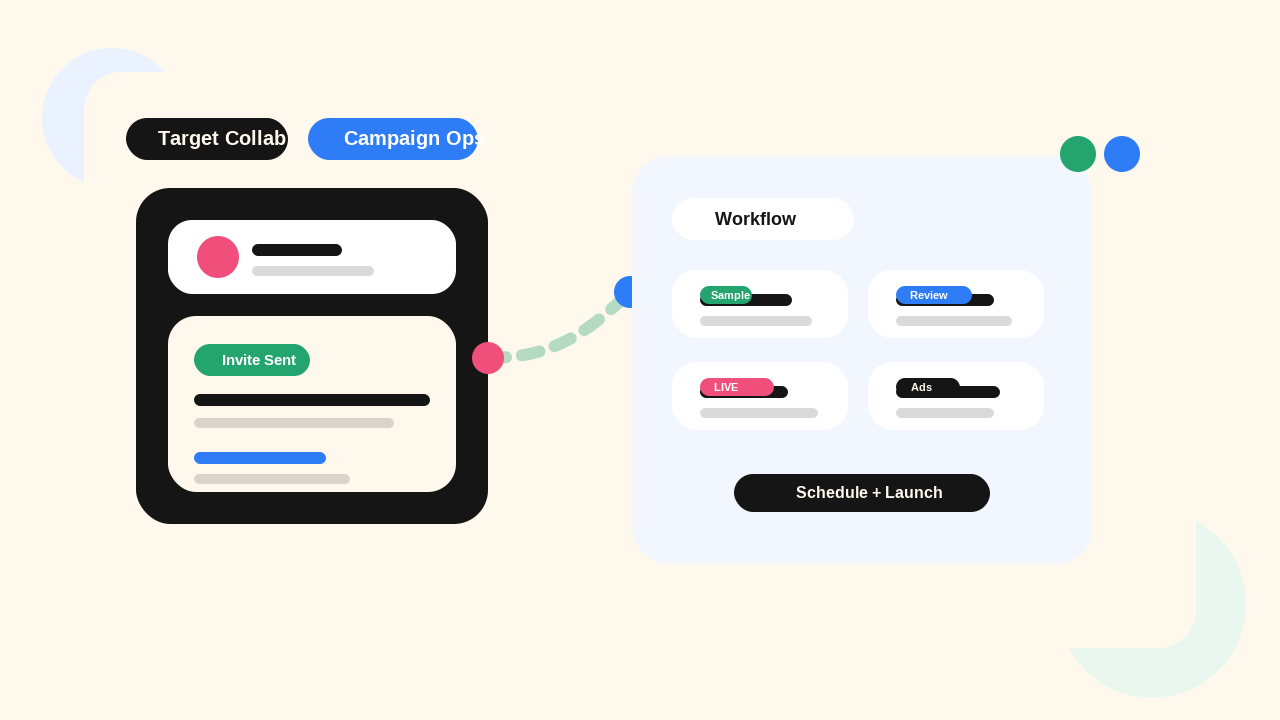
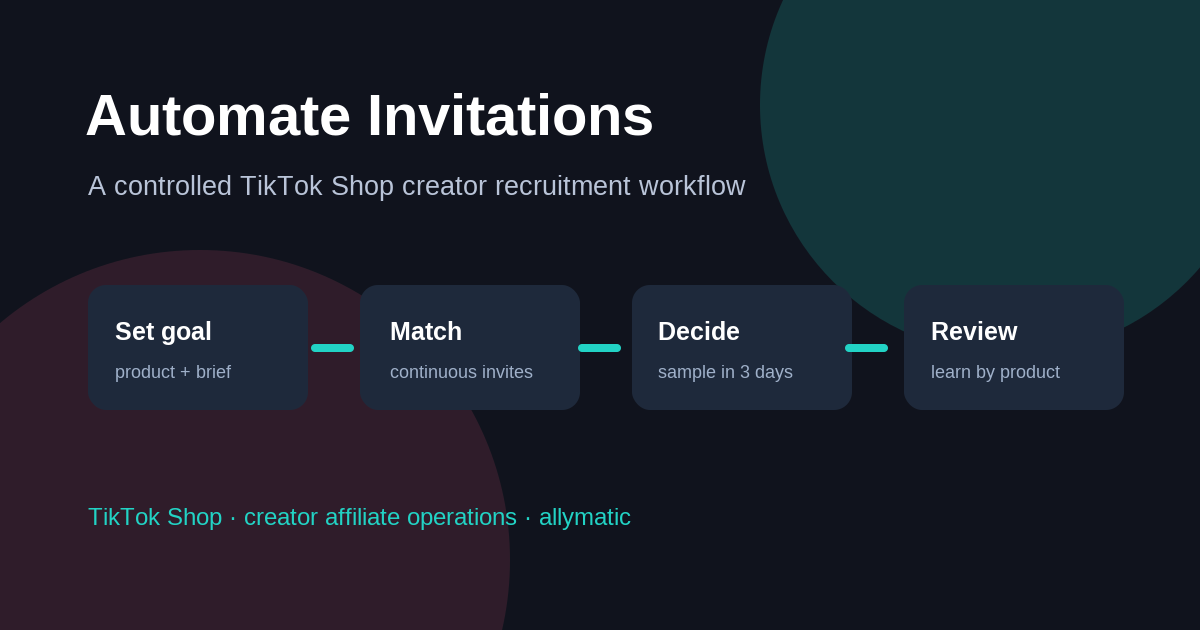
Automate Invitations is a Target Collaboration recruitment option in TikTok Shop. A seller sets a goal, products, and the kind of creators it wants; TikTok Shop keeps matching and inviting creators during the recruitment period. Unaccepted invitations are withdrawn and sent to other matches. It suits teams that want ongoing reach without picking every creator one by one. It is not the right tool for a named creator, LIVE, or flat-fee work.
Direct answer: separate the two workflows
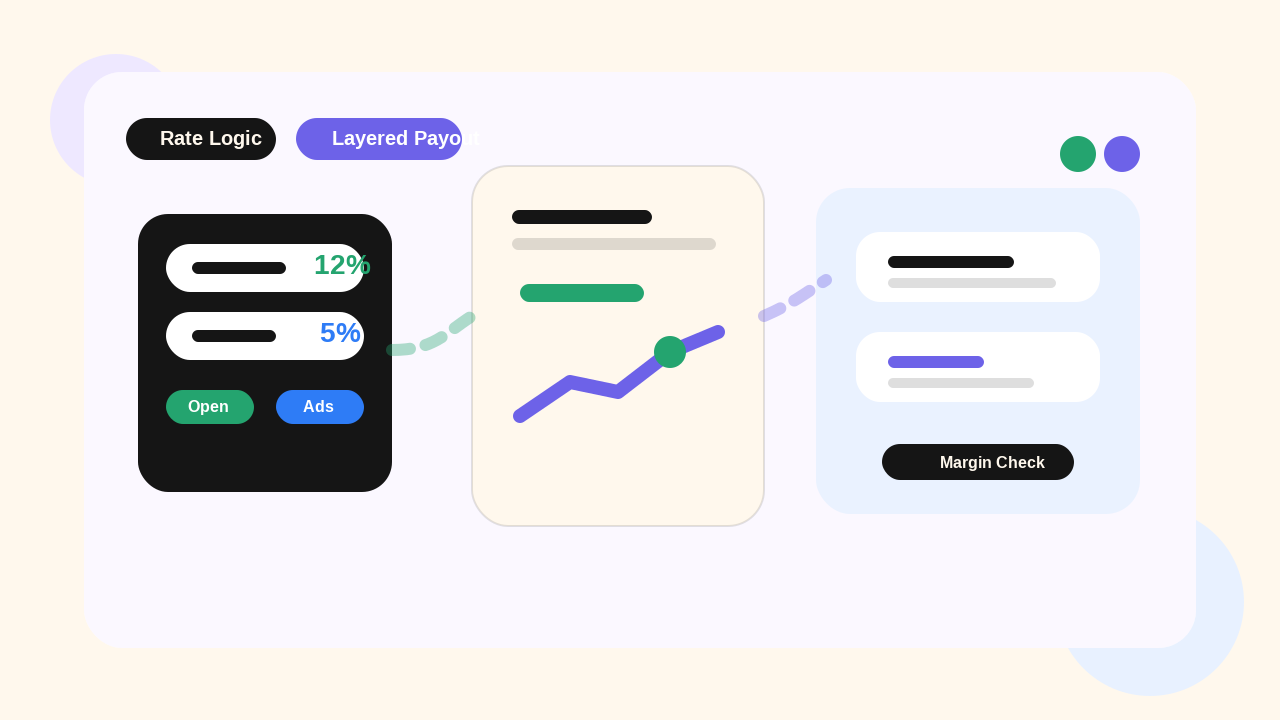
| Item | Automate Invitations | Target Collaboration |
|---|---|---|
| Creator selection | TikTok Shop continuously matches | Seller chooses a specific creator |
| Content | Shoppable video only | Confirm the available collaboration type |
| Samples | Suggested decision; 3-day seller window | Managed under the active collaboration |
| Outreach usage | Shared with Target Collaboration | Shared with automation |
This feature does not promise content, conversion, or GMV. It describes matching, invitations, and sample handling. Availability is rolling out; if the entry is not visible in Seller Center, keep using the collaboration options available to the account.
Decide three things before launch
Choose one operational goal—Boost sales, More views and engagement, or Get high quality content—and align the product and brief to it. Do not use an attractive goal label as a substitute for a usable creator brief.
Check stock, margin, and sample capacity first. Automation keeps reaching matched creators. Sample quantity can be increased but not reduced, and cannot be changed in the final seven days of recruitment; start from a quantity the team can actually fulfill.
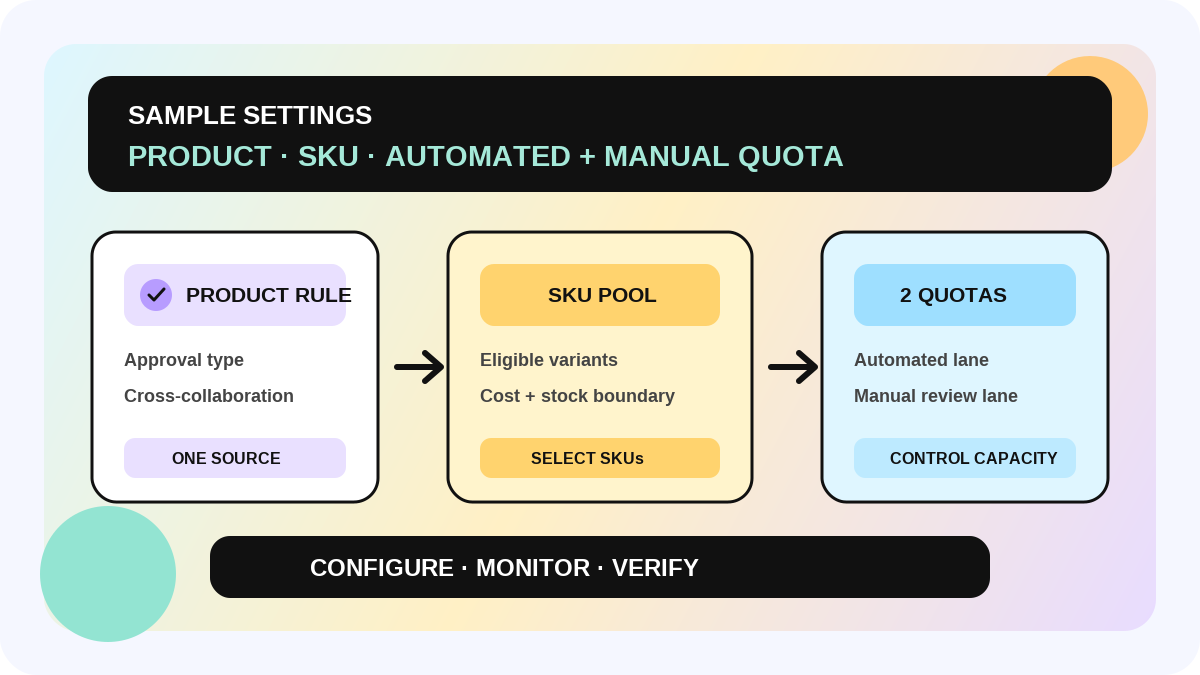
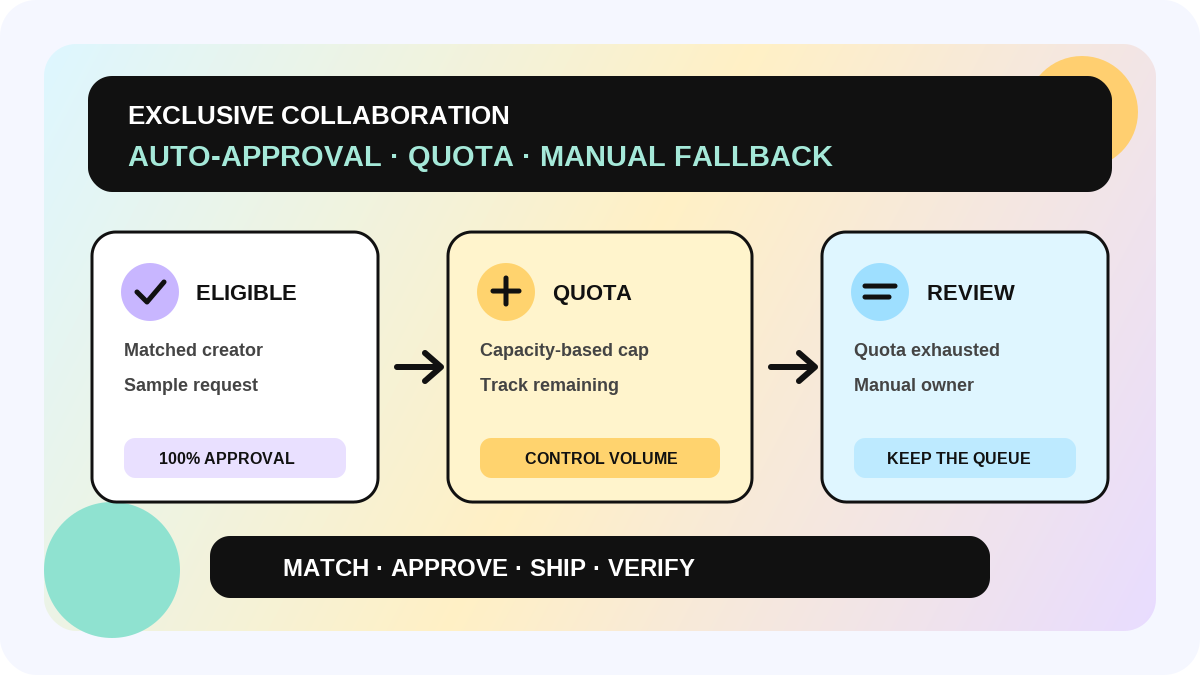
Finally, separate a suggested sample decision from no management. Sellers have three days to approve or reject a request themselves. If nobody acts, TikTok Shop applies its suggestion. Assign an owner to the Sample page each day and set product boundaries first in Sample Settings.
Six operating steps
1. Confirm availability and shared outreach usage
On Collaborations, verify that the account has the feature and note Remaining outreach usage. Automated recruitment and Target Collaborations use the same balance, so preserve room for priority creators already in discussion; use the collaboration entry guide when the team has a named shortlist.
2. Make each recruitment a reviewable unit
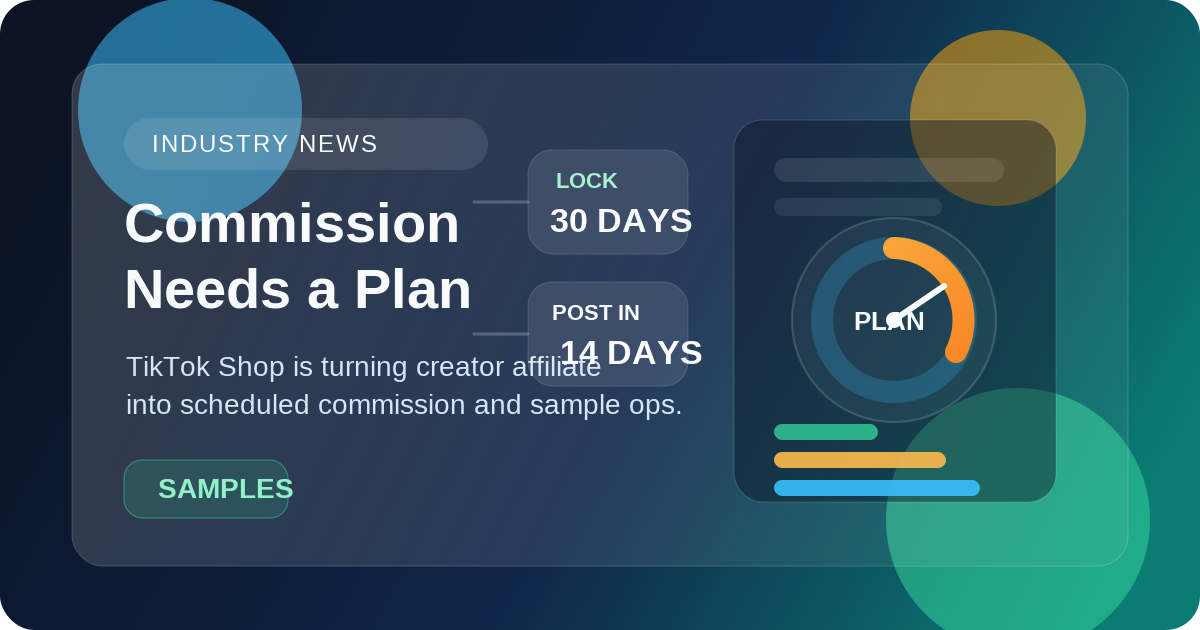
Use an internal-facing invitation name that identifies the product group, goal, and period. The recruitment end date must be at least seven days away. Set collaboration validity at least 30 days after recruitment ends, so creators invited late still have time to complete work.
3. Write an invitation, not keyword stuffing
Invitation text is limited to 500 characters. State who the brand is, why the creator fits, what product value matters, and the next step. Do not invent commission, sample, or exposure promises; TikTok Shop sends this text on the seller’s behalf.
4. Keep the shoppable-video boundary visible
Automate Invitations supports shoppable video only. Use Target Collaboration for livestream, flat-fee, or LIVE Countdown Bidding needs. Do not publish one brief that quietly promises several delivery types.
5. Own samples and the overview daily
Review matched creators, match rate, sample requests and approvals, and Video published in Overview. Matches continue changing because unaccepted invitations are withdrawn and resent. Act within the three-day sample window. When a product reaches its sample quantity, suggestions stop for that product.
6. Close with an evidence-based review
For large recruitments, TikTok Shop strongly recommends an overall sample approval rate of at least 30% at close; this is an operating recommendation, not a performance guarantee. Review invitation clarity, matching, approvals, and published content by product. allymatic’s view: automation should remove repetitive sending, not replace product screening, sample accountability, or a human review.
Checklist and FAQ
- goal, product, stock, sample quantity, owner, and shared outreach balance;
- end date at least seven days out and valid-until at least 30 days later;
- a 500-character invitation and a shoppable-video-only boundary;
- daily suggested decisions, three-day deadline, approval rate, and live notices;
- close-out record for matching, samples, and published videos.
Can I choose named creators? Treat Target Collaboration as the route for creators you have already selected.
What happens to an unaccepted invite? TikTok Shop withdraws it and sends it to another matching creator, so matching measures can move during the recruitment.
Does no sample action mean approval? After three days, the platform applies its suggestion. Handle cost- or brand-sensitive items during the window.
Next: run the smallest viable recruitment for a stable, shoppable-video product over at least seven days. Log usage, sample decisions, and matching every day before scaling. Labels and availability follow the live Seller Center in each market.
fact-table: TikTok Shop Seller Academy, “How to Automate Invitations,” updated 2026-11-16; gradual rollout; shoppable video only; shared outreach usage with Target Collaborations; recruitment end date at least 7 days away and collaboration validity at least 30 days after it; invitation text up to 500 characters; 3-day seller sample window; sample quantity can rise but not fall and cannot change in the last 7 days; large recruitments are strongly recommended to maintain at least 30% overall sample approval at close.
Official Sources
Official Sources
Primary references used for this article.